2048 Puzzle Game with Smooth Animations & Score Tracking Template
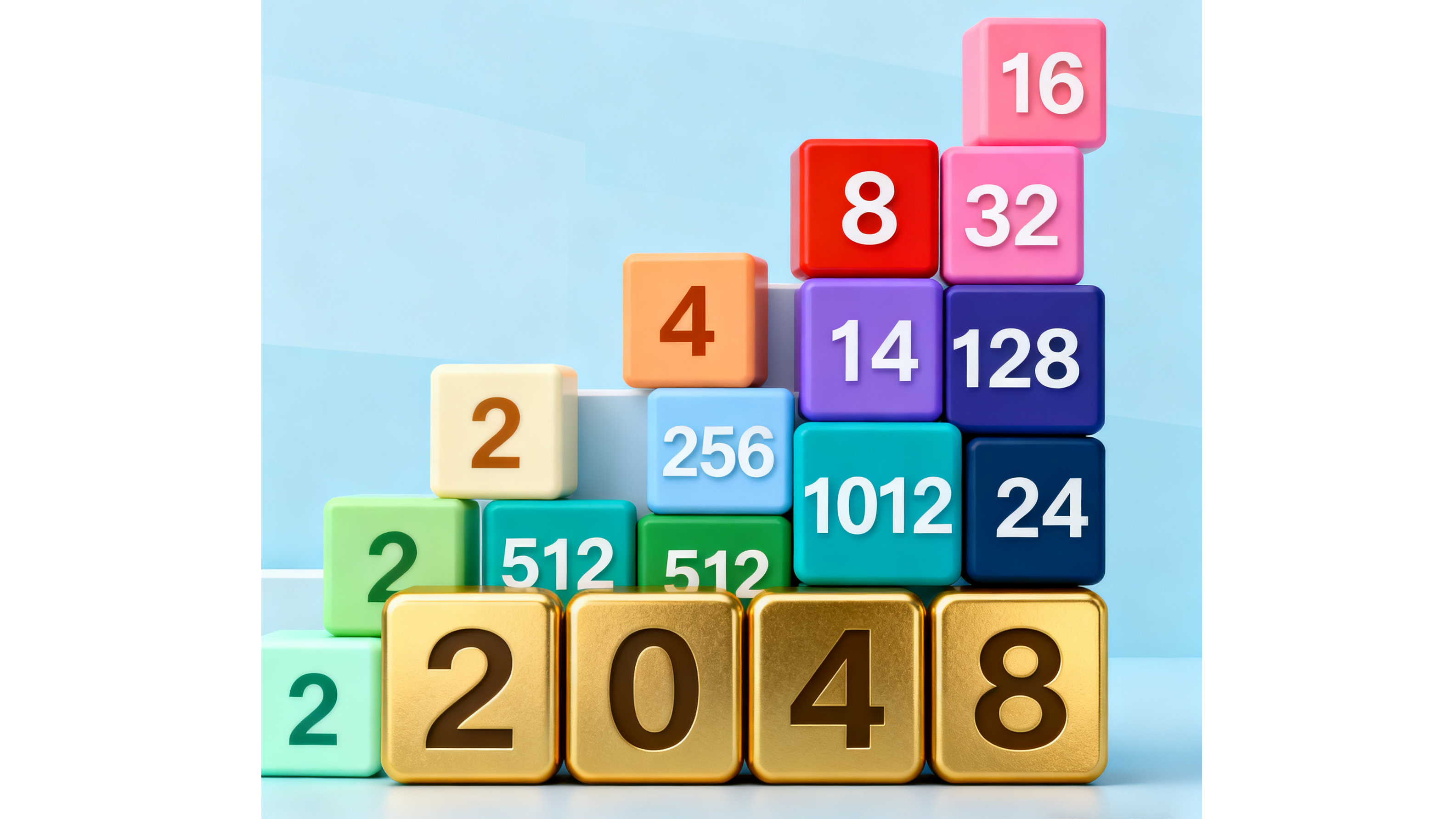
Merge Tiles, Chase the High Score
Smooth animations, persistent score tracking, and undo moves — build a 2048 puzzle experience that keeps players coming back to beat their best.
Tile Merging
Classic 2048 merge mechanics with satisfying tile combination logic. Swipe in any direction to slide and combine matching tiles, building toward the 2048 goal and beyond.
Score Tracking
Display a live score that updates with every merge. The larger the tiles combined, the higher the points — giving players a constant incentive to keep playing and improving.
Best Score Memory
Save and display each player's personal best score across sessions. Players always know their record and are motivated to beat it in the next game.
Smooth Animations
Fluid tile slide and merge animations make every move feel satisfying. Polished transitions keep the game feeling responsive on both desktop and mobile.
Undo Moves
Let players reverse their last slide to recover from a bad move. Undo keeps sessions alive longer and reduces frustration, especially for less experienced puzzle solvers.
Game Over Detection
Accurately detect when no valid moves remain and trigger a clear game over state. Display final score, best score comparison, and a one-tap new game option to start again.
Built for Every Player
From quick brain-training sessions to serious puzzle competitions.
Puzzle Fans
Enjoy the purest form of the 2048 challenge with smooth mechanics, persistent high scores, and the satisfaction of watching large tiles emerge from careful planning.
Casual Gamers
Pick up and play any time with no tutorial needed. 2048 is instantly understandable but takes real skill to master — perfect for filling a spare five minutes.
Math Enthusiasts
Appreciate the elegant powers-of-two progression at the heart of 2048. Explore the mathematical strategy behind optimal tile management and highest possible scores.
Mobile Users
Smooth swipe controls and touch-optimized layout make this the perfect mobile puzzle. Play one-handed during a commute or focus both hands for a high-score run.
Kids & Teens
A safe, screen-friendly game that develops logical thinking and number sense. Simple rules, clear visuals, and satisfying merge animations make it accessible for all ages.
Brain Training Seekers
Use 2048 as a daily mental workout. Planning ahead, managing tile space, and adapting strategy under pressure exercises forward-thinking and spatial reasoning skills.
Start in 3 Steps
From concept to playable puzzle game in minutes.
Open MeDo and Start Building
Click the button below. MeDo's AI loads the 2048 puzzle template and sets up your game in minutes. No programming or sign-up required to start.
Customize Your Game
Describe your visual theme, tile colors, and any rule variations. The AI builds smooth merge animations, score tracking, best score memory, and undo mechanics around your design.
Publish and Share
Launch your 2048 game with one click. MeDo handles hosting — share a link and players anywhere can start merging tiles immediately.
Ready to Build Your 2048 Puzzle Game?
No programming needed. Describe your game, and MeDo's AI builds it for you.
Create this with MeDo — It's FreeRelated Templates
Built with MeDo
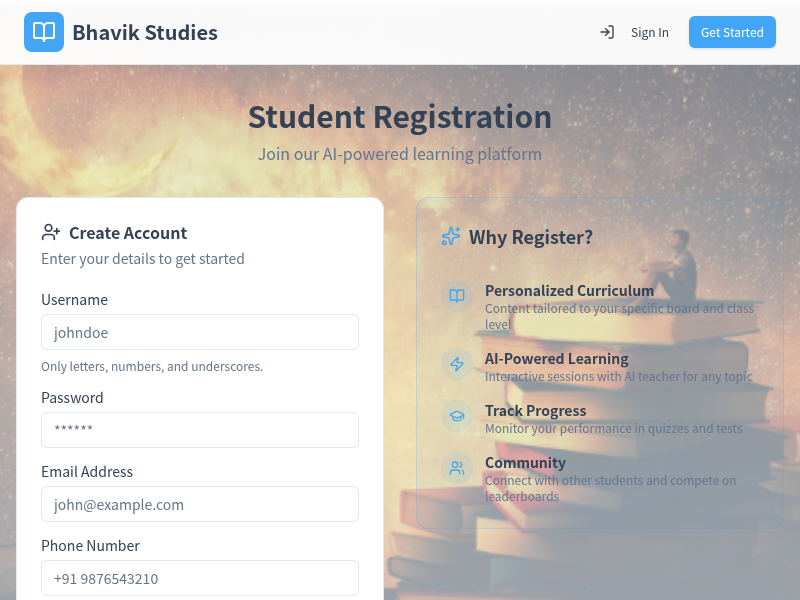
Real games created by MeDo users — see what's possible.