3D Cartoon Character Maker with Scene Builder & Animation Template
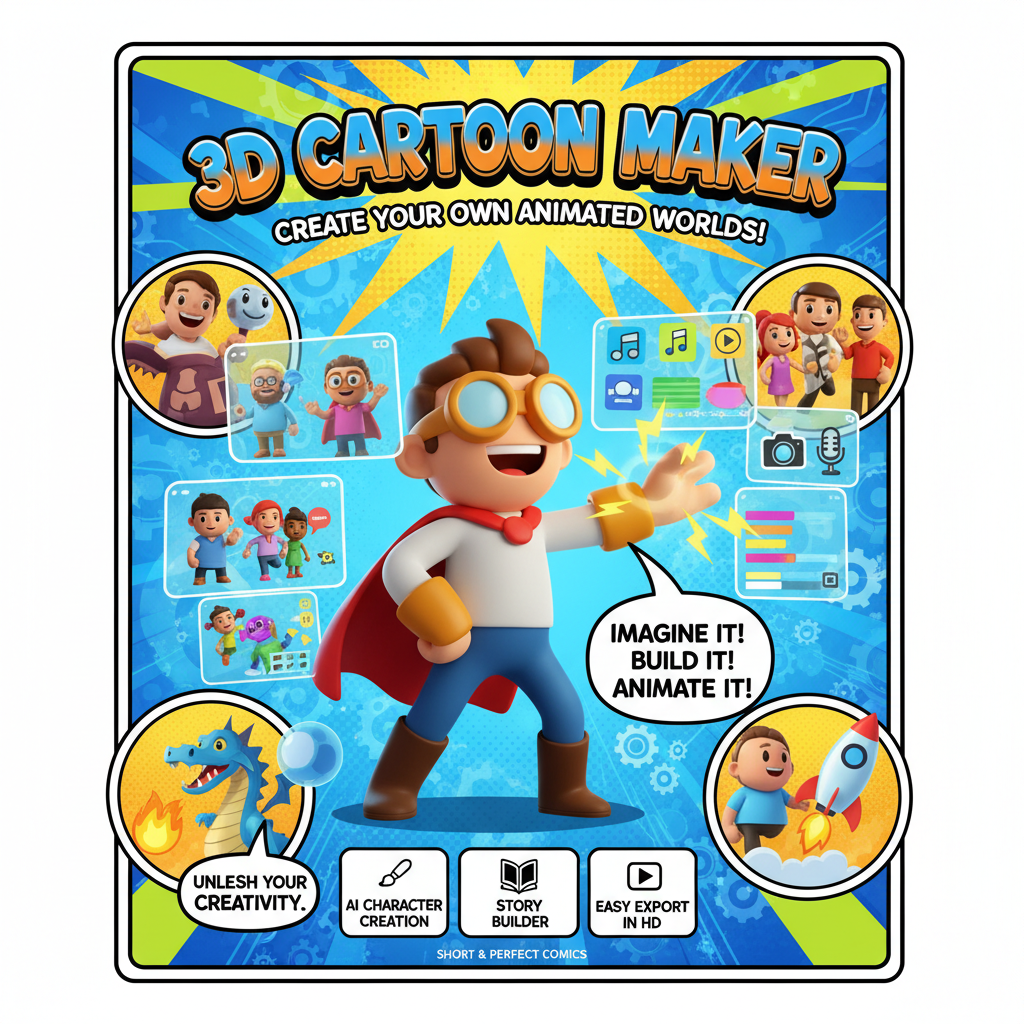
Design Characters, Build Scenes & Animate Stories
From character creation to full animation export — build your own 3D cartoon universe without touching a single line of code.
Character Designer
Build expressive 3D cartoon characters with a visual editor. Mix and match body parts, facial features, outfits, and accessories to create a cast that is uniquely yours.
Scene Builder
Place characters inside richly detailed backgrounds. Arrange props, set camera angles, and compose each shot with drag-and-drop ease using the built-in scene editor.
Voice Recording
Record character dialogue directly in the app and sync audio to lip movements on the animation timeline. Bring your characters to life with your own voice — no external tools needed.
Animation Timeline
Sequence actions, expressions, and camera moves on a multi-track timeline. Set keyframes, adjust timing, and preview your animation in real time before exporting.
Export Options
Export finished animations as shareable video files ready for YouTube, social media, or classroom use. One-click sharing gives your audience instant access.
Asset Library
Browse hundreds of built-in characters, props, and backgrounds. Upload your own assets to extend the library and maintain a consistent visual style across all your projects.
Made for Every Creator
Whether you are telling stories or building worlds, this tool fits your workflow.
Content Creators
Produce eye-catching animated videos for social media without expensive 3D software. Stand out in a crowded feed with original cartoon content that reflects your brand.
Animators
Prototype animated sequences quickly and experiment with character rigs and timing before committing to a full production pipeline. Great for solo animators and small studios.
Teachers
Create animated explainer stories and educational shorts that keep students engaged. Use custom characters to illustrate concepts in science, history, and language arts.
YouTubers
Produce animated intros, explainers, and skits that complement your channel style. Build recurring cartoon characters that your audience can recognize and love.
Game Devs
Concept character designs and animate cutscenes for your game projects. Use the scene builder to storyboard game levels and visualize narrative moments early in development.
Kids & Teens
A fun, safe creative space for young storytellers to design their own cartoon worlds. Intuitive tools mean kids can start animating in minutes, no experience required.
Animate in 3 Steps
From blank canvas to finished cartoon in minutes.
Open MeDo and Load the Template
Click the button below. MeDo's AI loads the 3D Cartoon Maker template and sets up your character studio instantly. No account needed to explore.
Design Your Characters and Scenes
Use the character designer to build your cast, then arrange them in scenes using the drag-and-drop scene builder. Record voiceovers and set up your animation timeline.
Export and Share Your Animation
Preview your finished cartoon, then export or share it via link. MeDo handles hosting — your animation is accessible from any device, anywhere in the world.
Ready to Bring Your Cartoon to Life?
No 3D software or coding required. Describe your vision and MeDo builds it.
Create this with MeDo — It's FreeRelated Templates


Built with MeDo
Real websites created by MeDo users — see what's possible.

Production Landing Page
A polished product landing page with conversion-focused layout and modern design, built entirely with MeDo
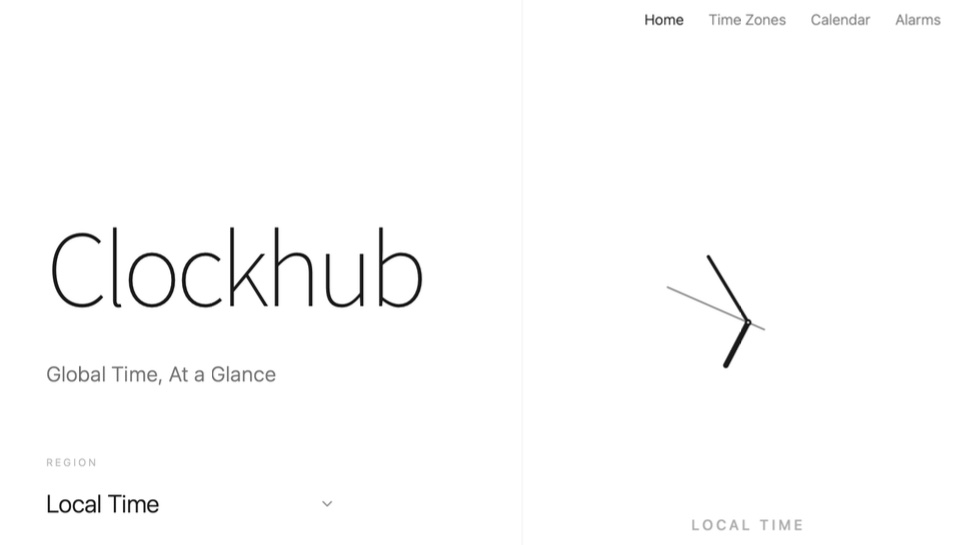
Clockhub
A beautiful world clock dashboard with analog displays, multi-timezone support, and a clean minimal design

TYF — Type Your Film
A film review and community platform where movie lovers write reviews, build watchlists, and discuss cinema