6 Best Full-Stack App Builder Tools in 2026
When you're building a complete application, you need to choose a development tool based on the product you're aiming to build. In this guide, we've listed the best tools for building full-stack applications in 2026.
There are countless app builder tools available today. But when you're building a complete application, you need to consider several factors before settling on one. That's because modern app development requires:
- Full-stack capabilities (frontend + backend + database)
- Production-ready code that's deployable
- Seamless integration between all components
- Rapid iteration without managing multiple tools
- Cost-effective infrastructure
In this guide, we'll look at the best app builder tools for developers and founders in 2026.
Best App Builder Tools: a Guide
There are many tools that can help you build different parts of your application. Before you pick a tool for your project, you need to define what you're actually trying to build.Overall, app building follows a multi-stage workflow: Design → Frontend → API → Database → Deployment.
- Traditional approach requires you to use separate tools for each stage and manually integrate them
- Complete builders generate full-stack applications with all stages integrated from day one
In this list, we've included tools for every stage of your app building journey.
1. MeDo
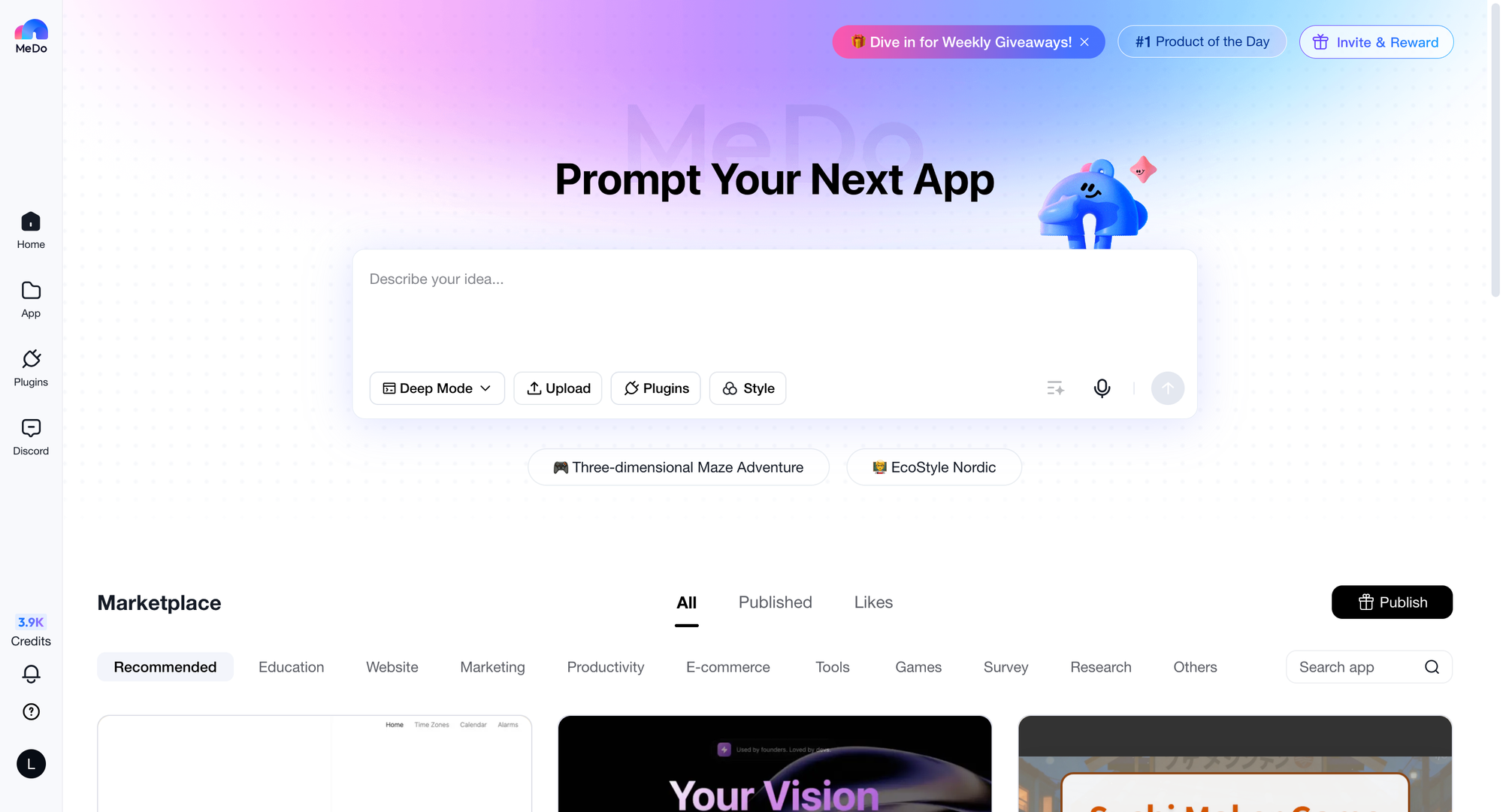
MeDo is an all-in-one tool that does more than partial app building. With most tools, you'll need to piece together frontend, backend, and database separately. However, MeDo's AI-powered platform builds complete full-stack applications from a single prompt.The platform works through natural language. Whether you want to create your app's first version or add new features, prompting is the way. You don't need to code at all. Once your app is ready, you can also deploy and launch it via MeDo—all in one workflow.What makes MeDo different? It generates the entire stack: frontend UI, backend APIs, database schemas, authentication, and deployment infrastructure. You get a production-ready application, not just components that need assembly.
Pricing:
- Free Tier: For individuals who want to test app ideas (100 free credtits/day)
- Pro Plans: Usage-based pricing for growing projects (Starting from $20)
2. Figma
Figma is one of the best choices to create design-first mockups. It's an intuitive platform with advanced UI and UX design capabilities. So when you're planning the look and feel of your app, Figma could be your go-to tool.While you can't build functional applications, you can create more than simple wireframes. It's possible to create user flows, animations, and other interactions. For a more realistic feel of the product, Figma also supports variables and conditional logic.After design completion, developers translate your designs into working code with backend functionality. Figma excels at the design stage with powerful collaboration features that let designers and developers work together in real-time.
Pricing:
Figma offers four plans:
- Free: For individuals who need basic design tools
- Professional: $20 per user per month (for small teams)
- Organization: $55 per user per month (for unlimited teams)
- Enterprise: $90 per user per month (with advanced security)
3. v0 by Vercel
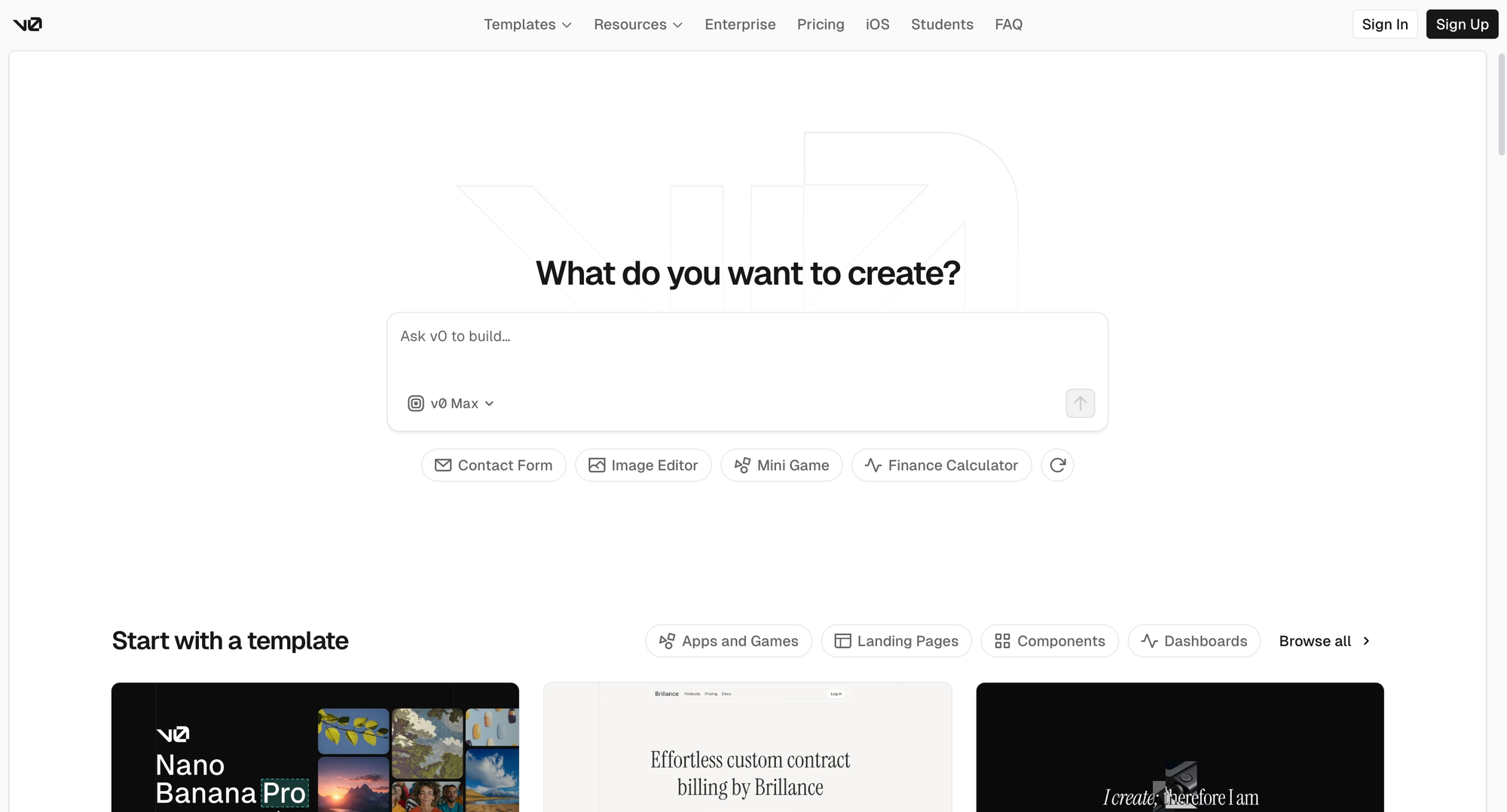
v0 is Vercel's AI UI generator that rapidly generates React and Tailwind CSS components through natural language prompts. It transforms your ideas into usable interface code within seconds.Describe the interface you want, and v0 generates corresponding React code with Tailwind CSS styling. The generated code quality is high, follows best practices, and can be used directly in production. You can also upload Figma design screenshots, and v0 will attempt to recreate that design.v0 is particularly suited for rapid prototyping and iterating on UI ideas. It supports various common UI patterns, from forms to data tables, from navigation bars to dashboard layouts.
Pricing:
- Free: Limited monthly credits for testing
- Premium: $20/month with more credits and features
- Teams: Custom pricing with team collaboration
4. Postman
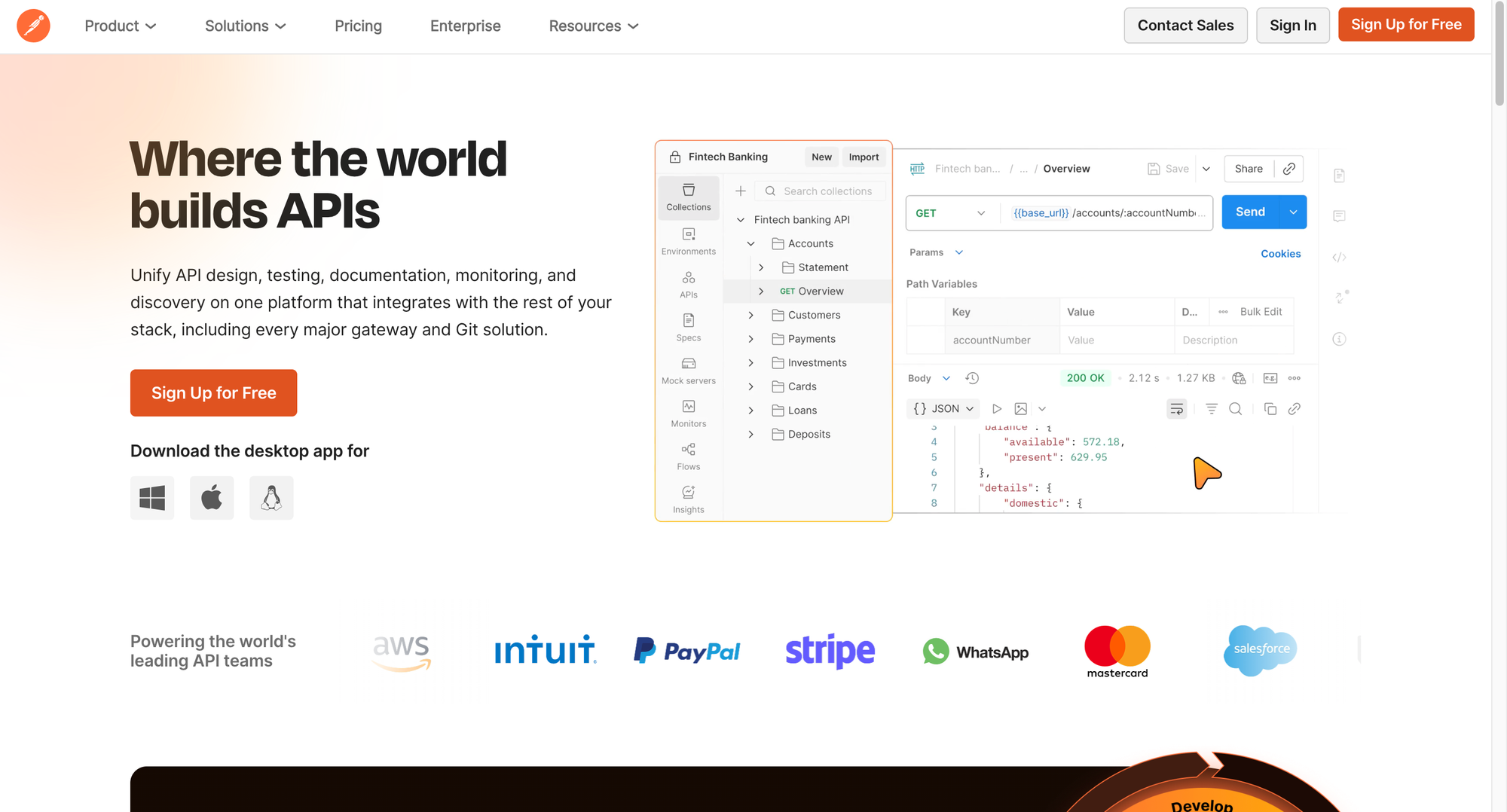
Postman is the industry standard tool for API development and testing. Whether you're building new APIs or integrating third-party services, Postman makes the entire process efficient.You can create and organize API request collections, write automated test scripts, and mock server responses. Its visual interface makes testing REST, GraphQL, and SOAP APIs intuitive. Postman also auto-generates API documentation, allowing team members and external developers to understand how to use your API.Advanced features include environment variable management, test workflow orchestration, and CI/CD integration. You can easily switch between development, testing, and production environments, ensuring APIs work properly at every stage.
Pricing:
- Free: For individuals and small projects
- Basic: $14/user/month
- Professional: $29/user/month
- Enterprise: Custom pricing with advanced features
5. Neon
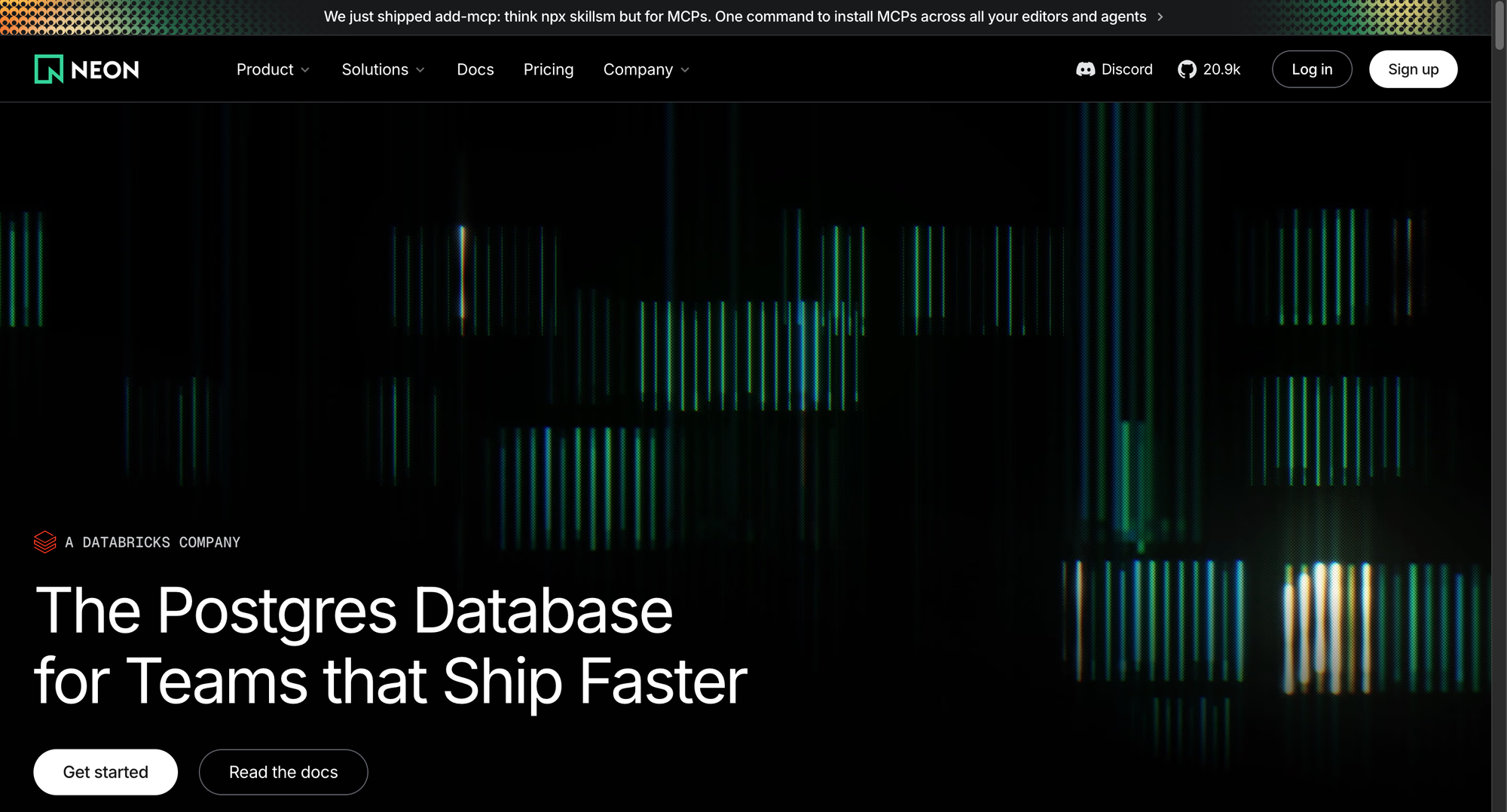
Neon is a next-generation serverless Postgres database. It provides fully-managed PostgreSQL for modern applications with innovative features like instant branching, auto-scaling, and pay-per-use billing.What makes Neon unique is its database branching capability—just like Git, you can create database copies for each feature branch or preview deployment. This makes testing safe and simple. It also offers a generous free tier, auto-scales to zero (no charges when not in use), and provides excellent developer experience.Neon's fast startup times and intuitive console make it easy to get started. The platform handles backups, updates, and scaling automatically, letting you focus on building your application.
Pricing:
- Free: For small projects and prototypes (0.5 GB storage)
- Pro: Starting at $19/month with higher limits
- Business: Custom pricing for production workloads
6. Railway
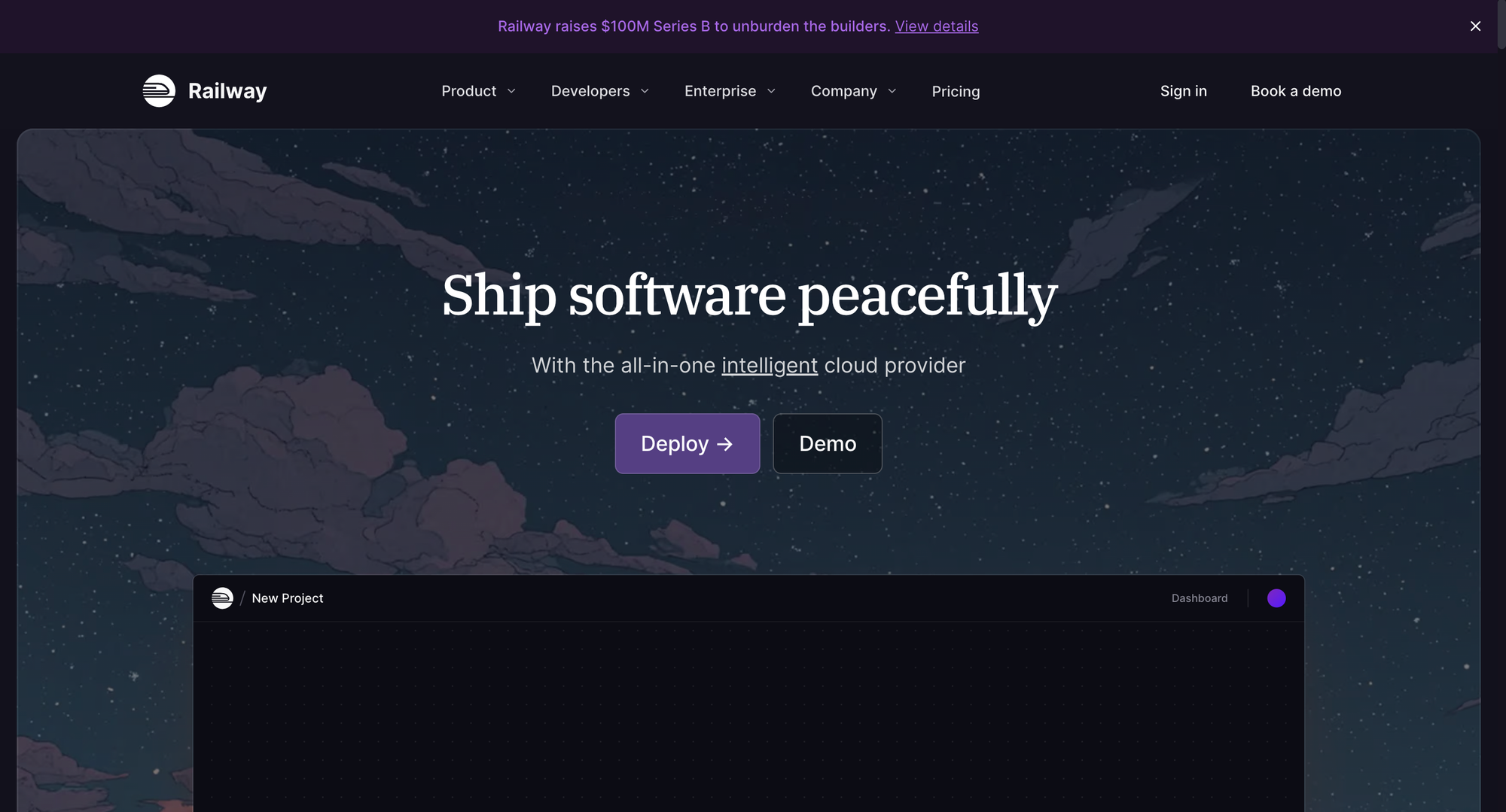
Railway makes deployment as simple as pushing code. It's a modern cloud platform that lets you easily deploy full-stack applications, databases, and services without complex DevOps configuration.Connect your GitHub repository, and Railway automatically detects your tech stack and deploys. It supports databases like PostgreSQL, MySQL, and Redis with one-click deployment. No complex configuration files, no Kubernetes learning curve—just push code and go.Railway also provides automated SSL certificates, environment variable management, real-time logs, and monitoring. When you push new code, it automatically builds and deploys with support for zero-downtime updates.
Pricing:
- Free: $5 monthly free credit
- Pay-as-you-go: Only pay for resources used ($0.000231/GB-hour)
- Teams: Team collaboration features and priority support
What Should You Look For in an App Builder Tool?
The best app builder depends on what you're trying to accomplish. You can clarify with a few questions:
- Do you need a complete application or just specific components?
- Are you prototyping ideas or building for production?
- How much technical expertise does your team have?
- What's your timeline—days or months?
- Do you want to manage multiple tools or one platform?
Once you've understood your goals, you can choose the tool that best suits them. As you evaluate options, consider these essential factors:
- Completeness: Does it build the entire stack or just pieces?
- Integration effort: How much manual wiring between components?
- Deployment: Can you ship to production easily or need DevOps expertise?
- Iteration speed: How fast can you make changes and test?
- Code ownership: Can you export and modify the generated code?
- Cost structure: Total cost including tools, hosting, and maintenance?
Bottom Line
Building an application may sound straightforward, but it's not. With most tools, you're assembling pieces from multiple platforms—design from one tool, frontend code from another, backend from a third. This fragmentation creates integration headaches, slows iteration, and multiplies costs.
The smarter approach? Choose a tool that handles the complete journey from concept to deployed application.MeDo's AI-powered platform lets you build production-ready full-stack apps from natural language prompts. While other tools make you an expert in Figma, then v0, then Neon, then Railway—MeDo lets you focus on your product vision. Frontend, backend, database, and deployment all work together from day one.
It takes just days to ship an app with MeDo, not months. Start building yours today.