AI Code Generator with Multi-Platform & Language Support Template

Generate Code in Any Language, Instantly
Write code, understand it, and deploy it — all from a single AI-powered interface with syntax highlighting and platform export.
Multi-language Support
Generate code in Python, JavaScript, TypeScript, Java, C++, Rust, Go, and more. Switch languages mid-conversation without losing context.
Code Completion
Describe what you want to build and the AI completes functions, classes, and logic blocks. Iterate with follow-up messages until it's exactly right.
Syntax Highlighting
Generated code is rendered with full syntax highlighting for readability. Review logic at a glance before copying or exporting to your project.
Platform Export
Export code directly to your preferred platform or copy it with one click. Works with web, mobile, CLI, and backend environments.
Code Explanation
Ask the AI to explain any code block line by line. Ideal for learners and developers reviewing unfamiliar codebases or debugging complex logic.
Snippet Library
Save your most-used code snippets for quick reuse across projects. Build a personal library of patterns, utilities, and boilerplate that grows with you.
Built for Every Coder
Whether you're a seasoned developer or writing your first function.
Developers
Speed up repetitive coding tasks, generate boilerplate, and get unstuck fast. Focus on architecture while the AI handles the implementation details.
Students
Generate working examples for assignments, understand concepts with code explanations, and learn by seeing real implementations of what you're studying.
Bootcamp Learners
Accelerate your learning curve with instant code examples for every topic you cover. Use the explanation feature to deeply understand what each line does.
Freelancers
Deliver client projects faster by generating starter code, utilities, and integrations on demand. Spend more time on high-value work, less on repetitive scaffolding.
Startup CTOs
Prototype new features quickly, validate ideas with working code, and onboard new engineers with generated code examples that follow your stack's conventions.
Hobbyist Coders
Turn your project ideas into real code without getting stuck on syntax. Build games, scripts, and tools by describing what you want in plain language.
Start in 3 Steps
From idea to running code in minutes.
Open MeDo and Start Building
Click the button below. MeDo's AI loads this template's prompt and sets up your code generator in minutes. No environment setup or sign-up required to start.
Describe What You Want to Build
Type your coding request in plain language. The AI generates clean, annotated code in your chosen language with syntax highlighting and optional line-by-line explanations.
Export, Save, and Deploy
Copy the code, export to your platform, or save snippets to your personal library. MeDo handles hosting — share your tool with anyone via a public link.
Ready to Build Your AI Code Generator?
No coding environment needed. Describe what you want, and MeDo's AI builds it for you.
Create this with MeDo — It's FreeRelated Templates



Built with MeDo
Real tools created by MeDo users — see what's possible.
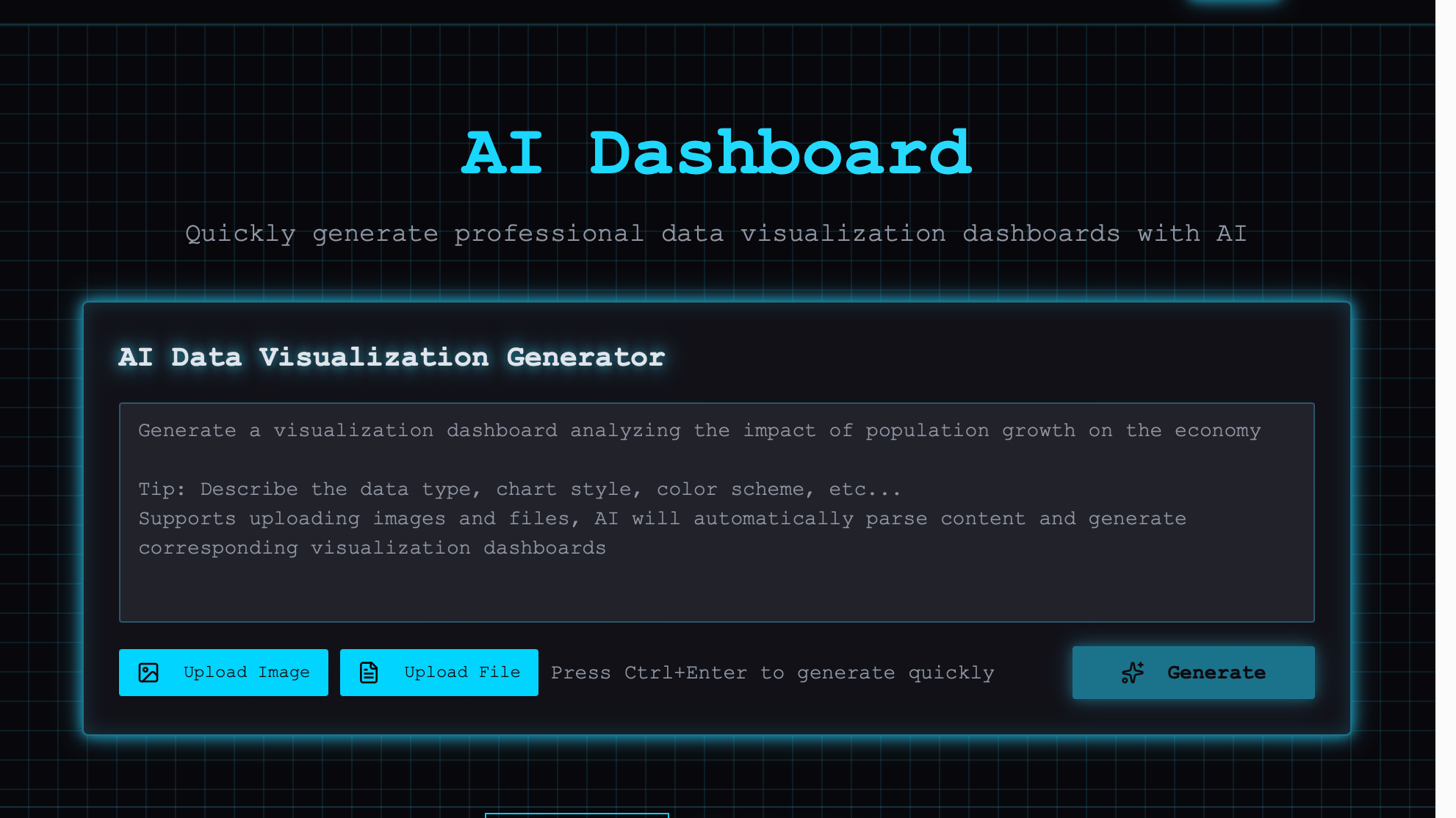
AI Visual Dashboard
Interactive data visualization dashboard powered by AI insights and real-time analytics

Historical Costume Photo
Transform your photos into historical portraits with period-accurate costume styling and AI rendering

Meme Generator
Create hilarious memes with AI-generated captions, custom templates, and instant sharing