AI Personal Life Assistant with Daily Task Management Template
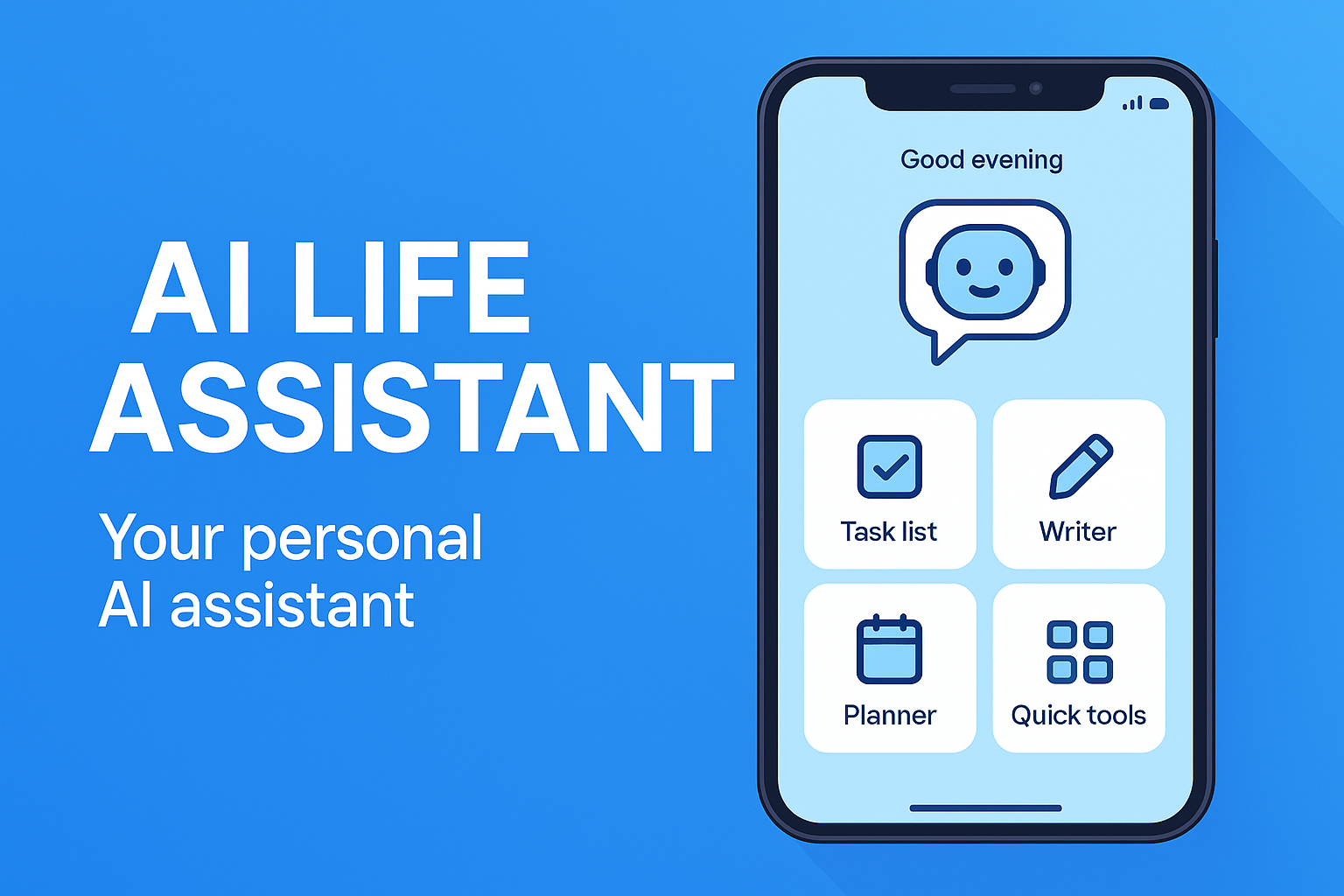
Your Personal AI Assistant for Every Day
AI task suggestions, smart reminders, and a daily planner — stay organized and in control without the mental overhead.
AI Task Suggestions
Get intelligent task recommendations based on your goals, habits, and schedule. The AI learns what matters most to you and surfaces the right tasks at the right time.
Daily Planner
Visualize your day at a glance with a clean, structured planner. Schedule tasks, block focus time, and balance work with personal commitments effortlessly.
Smart Reminders
Never miss a deadline or appointment. Context-aware reminders adapt to your routine — nudging you at the ideal moment rather than interrupting at the wrong time.
Priority Sorting
Automatically rank tasks by urgency, importance, and deadline. Focus on what moves the needle today and defer what can wait — with zero manual sorting effort.
Voice Commands
Add tasks, set reminders, and check your schedule hands-free. Simply speak and your assistant handles the rest — perfect for on-the-go moments.
Weekly Summary
Review your productivity each week with a clear summary of completed tasks, streaks, and patterns. Understand where your time goes and improve over time.
Built for Every Lifestyle
Whether you juggle work, family, or just need a little more order in your day.
Busy Professionals
Manage packed schedules, deadlines, and meetings without losing track. AI prioritization keeps you focused on high-impact work throughout the day.
Parents
Keep track of school pickups, appointments, grocery runs, and family activities all in one place. Smart reminders mean nothing slips through the cracks.
Students
Balance assignments, study sessions, and social life with a smart daily planner. Set deadline reminders and break big projects into manageable daily tasks.
Entrepreneurs
Move fast without dropping balls. Organize startup tasks, investor follow-ups, and product milestones in a single AI-powered assistant that keeps pace with you.
Seniors
A simple, clear interface with voice commands makes managing daily routines, medications, and appointments easy — no tech experience required.
Anyone Overwhelmed
Feeling buried under too many tasks? The AI cuts through the noise, surfaces what matters today, and gives you a clear, calm plan to tackle your day.
Start in 3 Steps
From overwhelmed to organized in minutes.
Open MeDo and Start Building
Click the button below. MeDo's AI loads this template's prompt and generates your personal life assistant in minutes. No sign-up needed to start.
Tell the AI Your Routine
Describe your daily schedule, recurring responsibilities, and goals. The AI configures your planner, reminder logic, and task categories to match your lifestyle.
Stay Organized Every Day
Open your assistant each morning for a prioritized plan. Add tasks by voice or text, check things off, and review your weekly progress — all from one clean interface.
Ready to Take Control of Your Day?
No coding required. Describe your ideal assistant, and MeDo's AI builds it for you.
Create this with MeDo — It's FreeRelated Templates



Built with MeDo
Real productivity apps created by MeDo users — see what's possible.
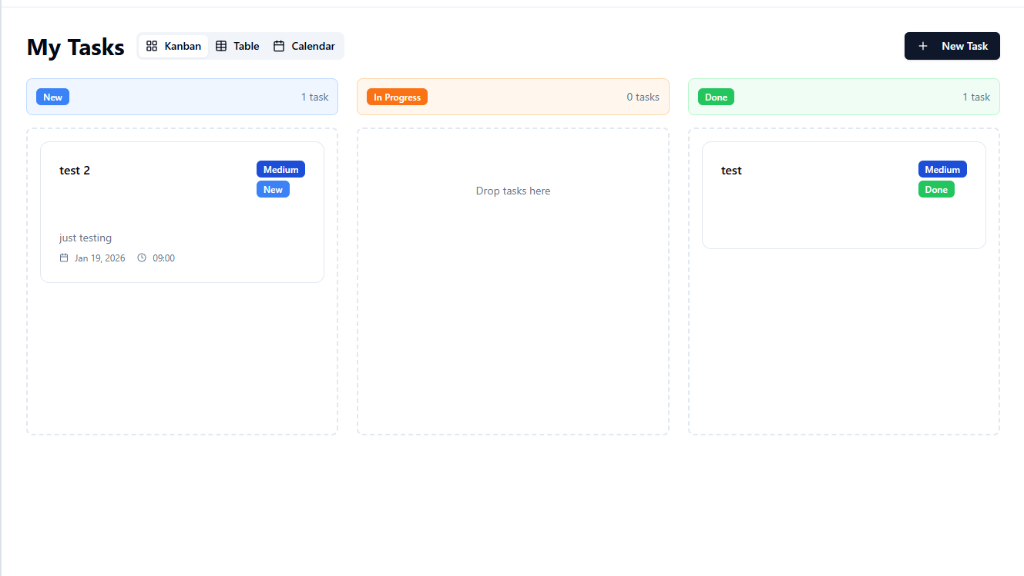
Todo List Management System
Clean, powerful task manager with lists, tags, and progress tracking for daily productivity
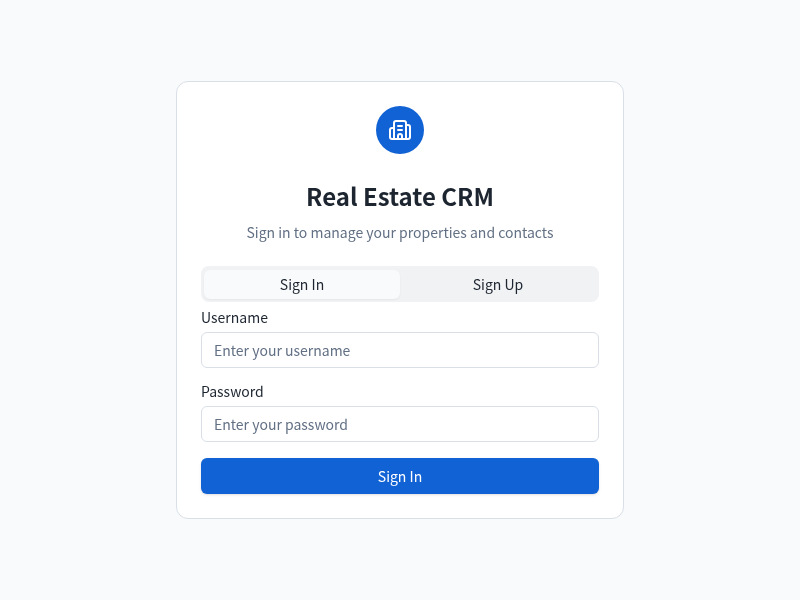
Real Estate CRM
Manage leads, properties, and follow-ups from one intelligent CRM built for real estate professionals
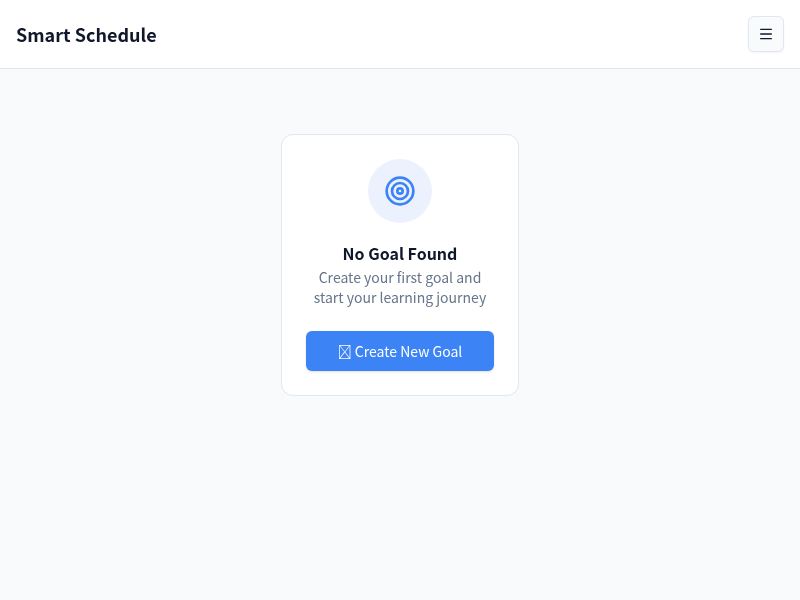
Smart AI Schedule
AI-powered scheduling assistant that optimizes your calendar and keeps your week on track