AI Schedule & Task Manager with Auto Timetable & Progress Template
AI Schedule & Task Manager with Auto Timetable & Progress
Tell the AI your goal and deadline — it automatically builds your timetable, breaks it into daily tasks, and tracks your progress every step of the way.
Try Smart AI Schedule Free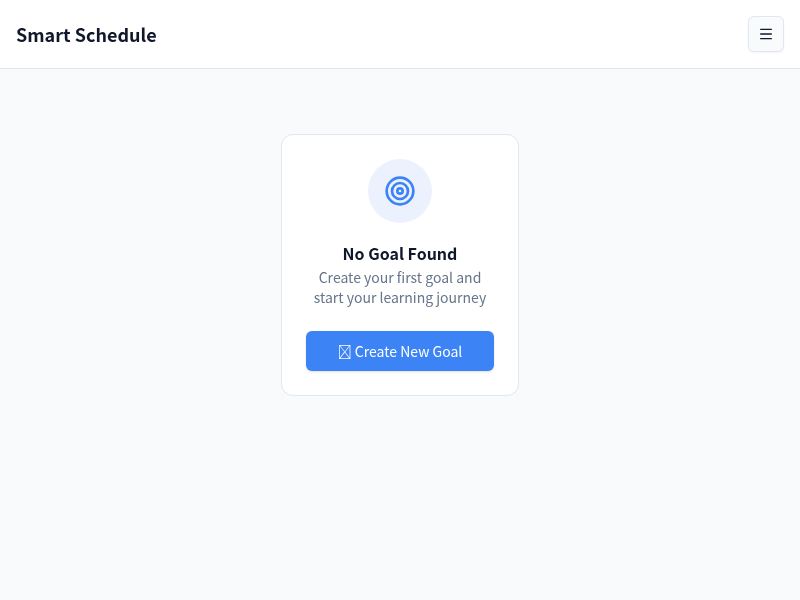
Let AI Plan Your Day So You Can Focus on Doing
Enter your goal and let the AI handle the planning — auto-generated timetables, daily task breakdowns, and motivation to keep you on track every day.
AI Timetable Generation
Input your goal and deadline. The AI creates a realistic, day-by-day timetable that fits your working hours and adapts to your pace — no manual planning needed.
Daily Task Lists
Each day arrives with a clear, prioritized task list derived from your overarching timetable. Check off tasks as you go and stay focused on what matters most today.
Progress Tracking
Visual dashboards show percentage completion, daily streaks, and milestone achievements. See exactly how close you are to your goal at any moment.
Goal Setting
Define your objectives with deadlines, break them into sub-goals, and let the AI map the most efficient path to completion. Big ambitions become manageable plans.
Motivation System
Streak counters, milestone badges, and daily motivational nudges keep you engaged. The app celebrates your wins and gently redirects you when momentum slips.
Smart Reminders
Context-aware notifications remind you of upcoming tasks and deadlines at the right moment — without overwhelming you with constant alerts throughout the day.
Built for Anyone with Goals to Achieve
Whether you are studying, building, or leading — this app keeps you on track.
Students
Enter your exam date and subjects, and the AI builds a study timetable that covers every topic before the deadline. No more last-minute cramming or missed revision sessions.
Freelancers
Manage multiple client projects without dropping the ball. The AI schedules tasks across projects, balances your workload, and keeps every deadline in view.
Remote Workers
Structure your home office day with AI-generated schedules that separate deep work from meetings and breaks. Stay productive without a manager looking over your shoulder.
Project Managers
Break down complex projects into actionable daily tasks for your team. Track overall progress and surface bottlenecks before they derail your timeline.
Entrepreneurs
Turn your business goals — from MVP launch to fundraising — into a structured weekly plan. The AI prioritizes high-impact tasks and keeps you from spinning your wheels.
Professionals
Balance career development, continuing education, and daily responsibilities. The AI scheduler helps you make consistent progress on long-term goals without burning out.
Get Your AI Planner Running in 3 Steps
From goal to structured daily plan in minutes.
Open MeDo and Load the Template
Click the button below. MeDo's AI loads the Smart AI Schedule prompt and generates your full planning app — timetable generator, daily tasks, progress tracking, and reminders all included.
Enter Your Goal and Deadline
Type in what you want to achieve and when. The AI instantly generates a realistic timetable with daily milestones. Customize working hours, task categories, and priorities as needed.
Follow the Plan and Track Progress
Check off tasks each day, watch your progress dashboard update in real time, and receive smart reminders. MeDo handles hosting — your planner works on any device, anytime.
Ready to Build Your AI Schedule Manager?
No coding required. Describe what you want, and MeDo's AI builds it for you.
Create this with MeDo — It's FreeRelated Templates



Built with MeDo
Real productivity apps created by MeDo users — see what's possible.
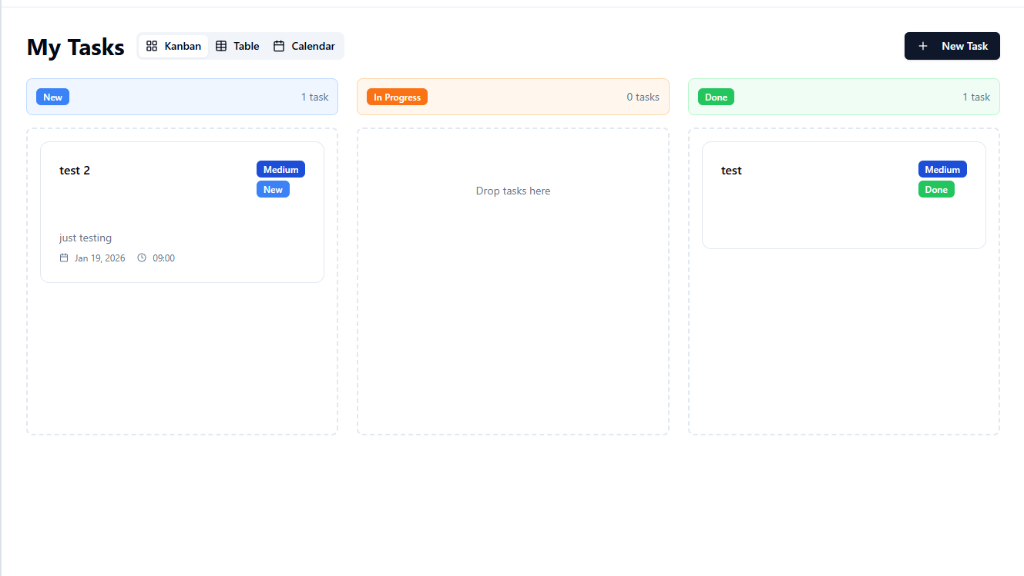
Todo List Management
Clean, fast task management with prioritization, due dates, and project organization for teams and individuals
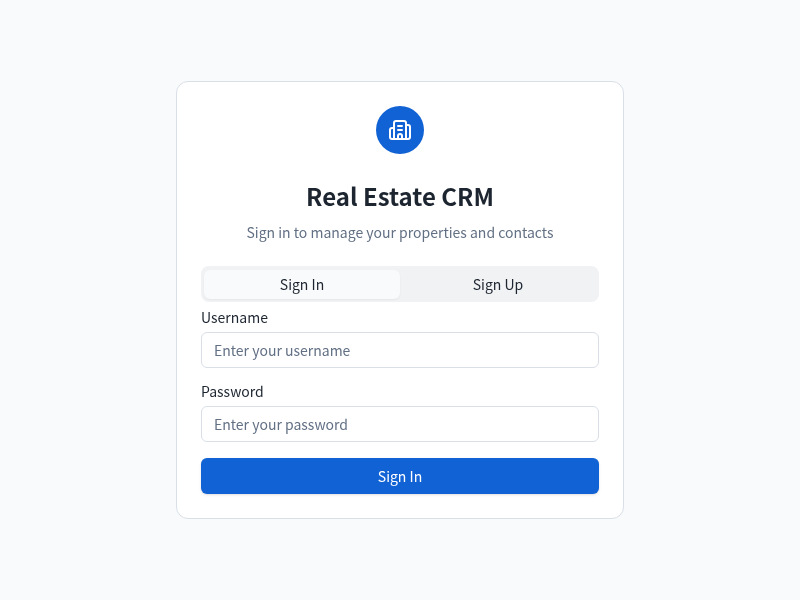
Real Estate CRM
Customer relationship management tool for real estate agents to track leads, properties, and client interactions

TaskRender
Habit tracker with daily checkboxes, streak counter, and a calendar heatmap for building lasting daily routines