AI Video Generation Platform with Multi-Language Support Template
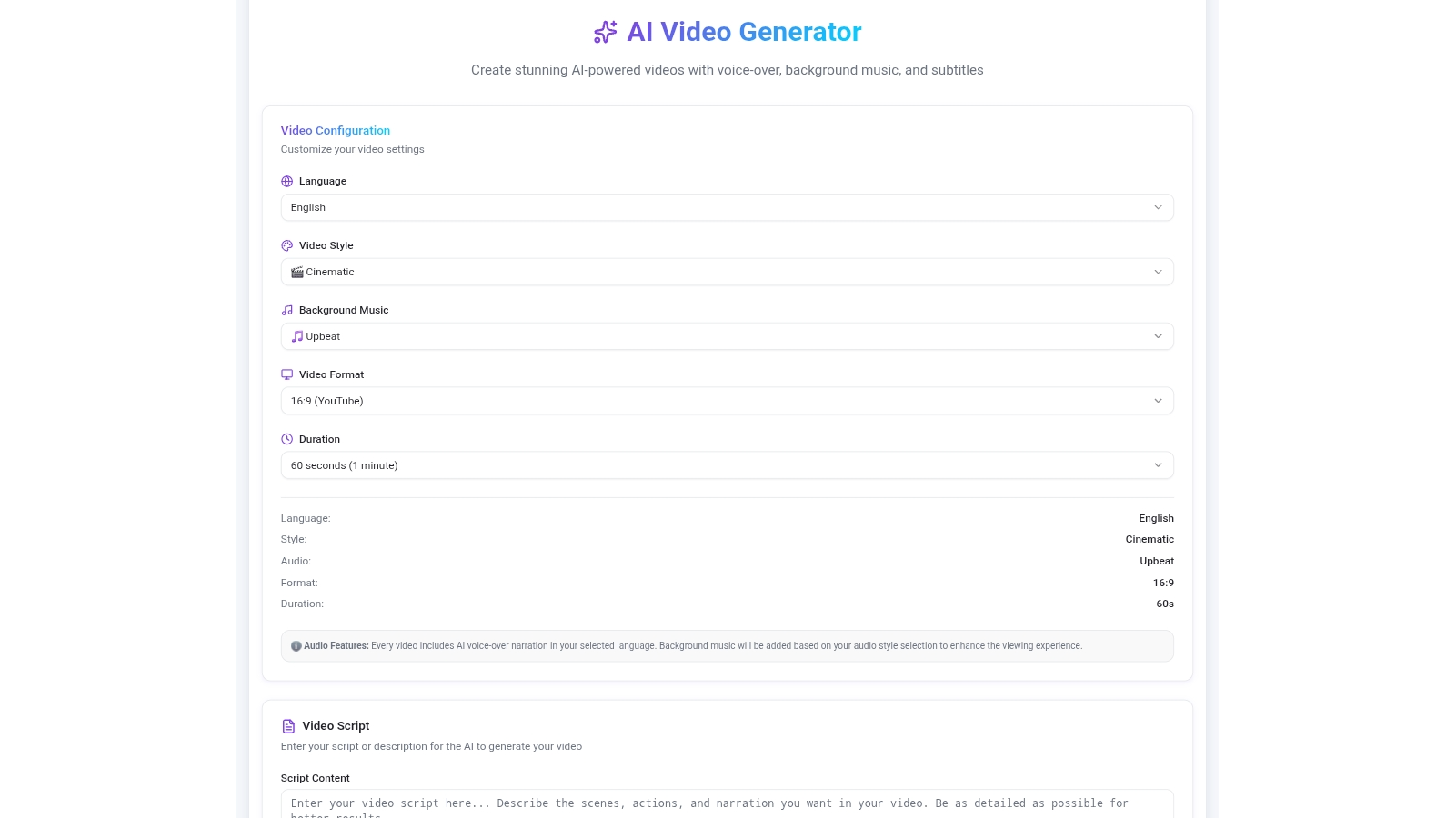
Create Professional Videos with AI — No Editing Skills Needed
Generate engaging videos from a script, choose a voice in any language, add subtitles automatically, and export for every platform in seconds.
AI Video Creation
Describe your video idea and the AI generates a complete production — visuals, pacing, and transitions — without any manual editing.
Multi-Language Voice
Choose from dozens of natural-sounding AI voices across multiple languages. Reach global audiences without hiring voice actors or translators.
Script Generator
No script? No problem. Enter your topic and the AI writes a compelling video script optimized for engagement, length, and your target audience.
Template Library
Start from a curated template for ads, explainers, social reels, or product demos. Customize text, colors, and style to fit your brand instantly.
Auto Subtitles
Subtitles are generated and synced automatically in any language. Improve accessibility, boost watch time, and make every video silent-scroll-ready.
Social Export
Export videos pre-sized for TikTok, Instagram Reels, YouTube Shorts, and widescreen — all from one project, no re-editing required.
Built for Every Video Creator
Whether you post daily or produce campaigns for clients, WordFlix AI fits your workflow.
Content Creators
Produce more videos in less time. Go from idea to finished video without expensive gear or editing software — just your script and the AI.
Marketing Teams
Scale video production across campaigns without scaling headcount. Generate localized versions for every market with multi-language voice in one click.
Educators
Turn lessons into engaging video content for students worldwide. Auto subtitles and multi-language voice make your courses accessible to every learner.
Social Media Managers
Keep channels active with a steady stream of branded video content. Schedule, export, and post across platforms without bottlenecking on production.
Agencies
Deliver client video projects faster and more profitably. White-label outputs, multilingual voiceovers, and template consistency across every account.
YouTubers
Script, voice, subtitle, and export — all in one place. Maintain upload frequency and grow your channel without burning out on post-production.
Go from Script to Published Video in 3 Steps
No timeline. No rendering queue. No editing experience required.
Open WordFlix AI and Describe Your Video
Click the button below. The AI loads your prompt and generates a full video concept — including script, visuals, and voice selection — in minutes.
Choose Voice, Language, and Style
Pick from dozens of AI voices and languages. Select a template style or describe your brand aesthetic. Auto subtitles are generated and synced automatically.
Export and Publish to Every Platform
Download your video in formats optimized for TikTok, Instagram, YouTube, and more. MeDo handles rendering — your video is ready to post in seconds.
Ready to Create Your First AI Video?
No editing skills required. Describe your video, pick a voice, and publish — all with MeDo AI.
Create this with MeDo — It's FreeRelated Templates
Built with MeDo
Real marketing apps created by MeDo users — see what's possible.

Dubai Holiday Sale
Promotional marketing campaign with video-driven product showcases and multi-channel social export
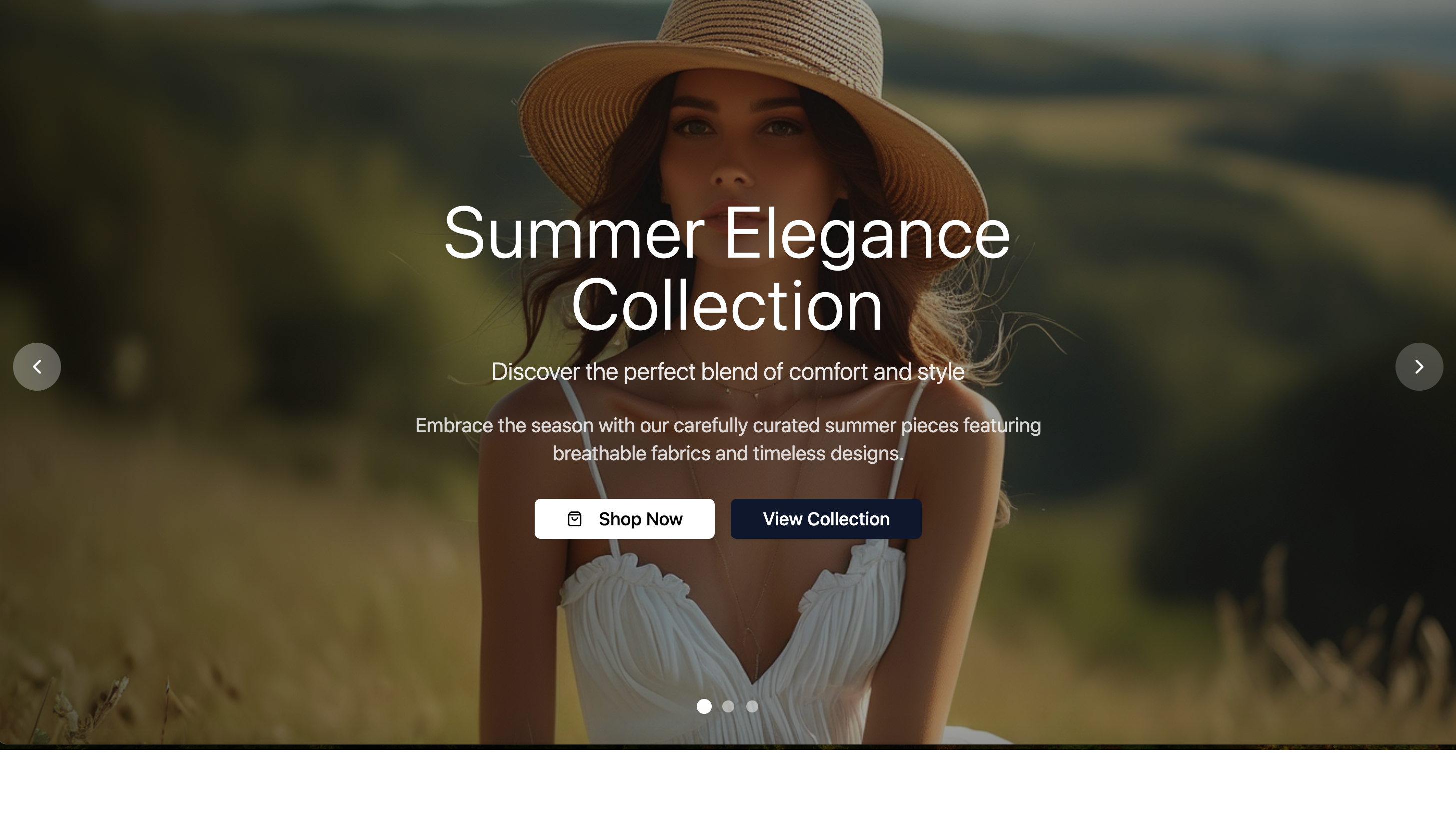
Fashion Brand Collection
Stylish fashion brand showcase with video lookbook and social-ready content exports
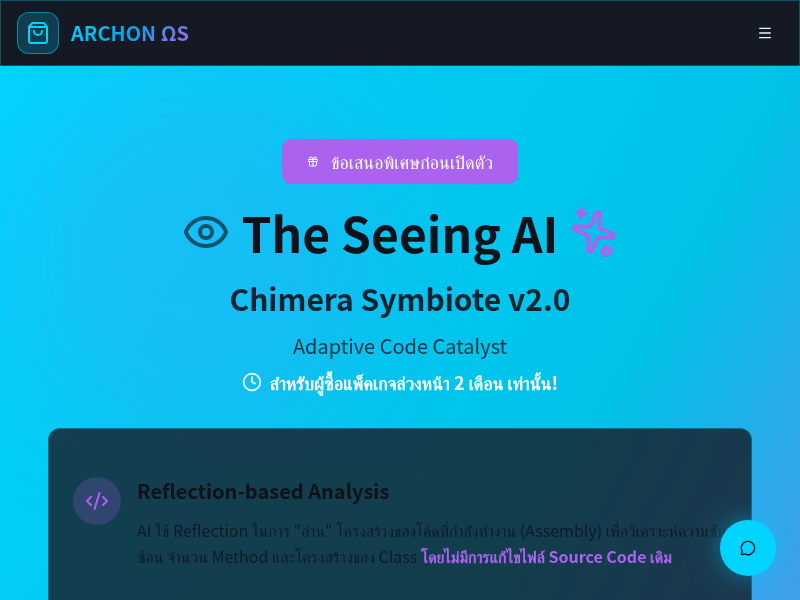
SoftHub
Software product marketing hub with video demos, feature highlights, and conversion-focused CTAs