Budget & Income Tracker with Multi-Currency Dashboard Template

Everything You Need to Track Your Finances
Multi-currency income tracking, expense categories, monthly reports, and visual dashboards — take control of your money in minutes.
Multi-Currency Support
Track income and expenses in multiple currencies with automatic conversion. See your total finances consolidated in your preferred base currency.
Dashboard Analytics
Visual charts and graphs show spending patterns at a glance. Track income vs. expenses over time with interactive trend lines and pie charts.
Expense Categories
Organize transactions by customizable categories like food, transport, rent, and entertainment. Add custom icons and colors for quick visual identification.
Monthly Reports
Auto-generated monthly summaries break down income vs. expenses by category. Spot trends and compare month-over-month performance effortlessly.
Budget Goals
Set monthly or weekly spending limits by category. Progress bars show how close you are to each goal so you can adjust spending before going over budget.
Transaction History
Complete searchable log of all income and expenses with date, amount, category, and notes. Filter by date range, category, or amount to find any transaction.
Built for Everyone Who Manages Money
Whether you're tracking personal spending or managing business finances.
Freelancers
Track irregular income from multiple clients and projects. See which contracts pay on time, monitor monthly cash flow, and keep tax-ready records without spreadsheets.
Small Business Owners
Monitor cash flow, categorize business expenses, and generate monthly financial summaries. Keep revenue and costs organized without hiring an accountant.
Students
Manage limited budgets and track daily spending on food, transport, and supplies. Set weekly limits and see exactly where your money goes each month.
Digital Nomads
Handle multi-currency finances while traveling across countries. Convert between currencies automatically and track spending in each location you visit.
Families
Track household expenses across groceries, utilities, childcare, and more. Set family budget goals and see a clear picture of where the household income goes.
Side Hustlers
Separate and monitor multiple income streams from freelance gigs, online sales, or part-time work. Know exactly how much each side project contributes to your total income.
Start in 3 Steps
From idea to working tracker in minutes.
Open MeDo and Start Building
Click the button below. MeDo's AI loads this template's prompt and generates your budget tracker in minutes. No sign-up needed to start.
Set Up Your Categories
Define your income sources and expense categories. The AI helps you organize them with icons, colors, and budget limits tailored to your spending habits.
Track and Analyze
Start logging transactions and watch your dashboard come alive. MeDo handles hosting — your tracker is live and accessible from any device.
Ready to Build Your Budget Tracker?
No coding required. Describe what you want, and MeDo's AI builds it for you.
Create this with MeDo — It's FreeRelated Templates
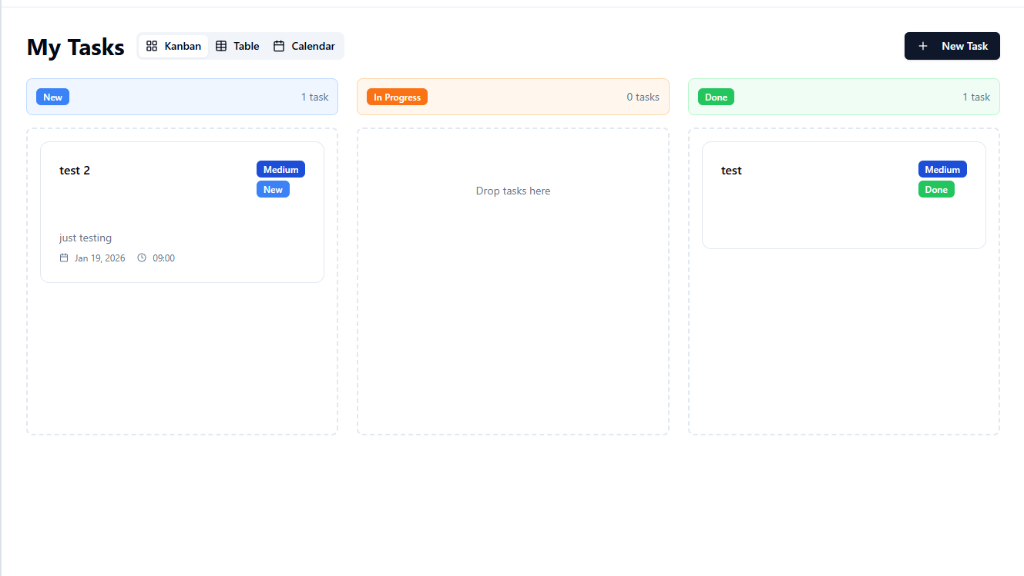


Built with MeDo
Real tools created by MeDo users — see what's possible.
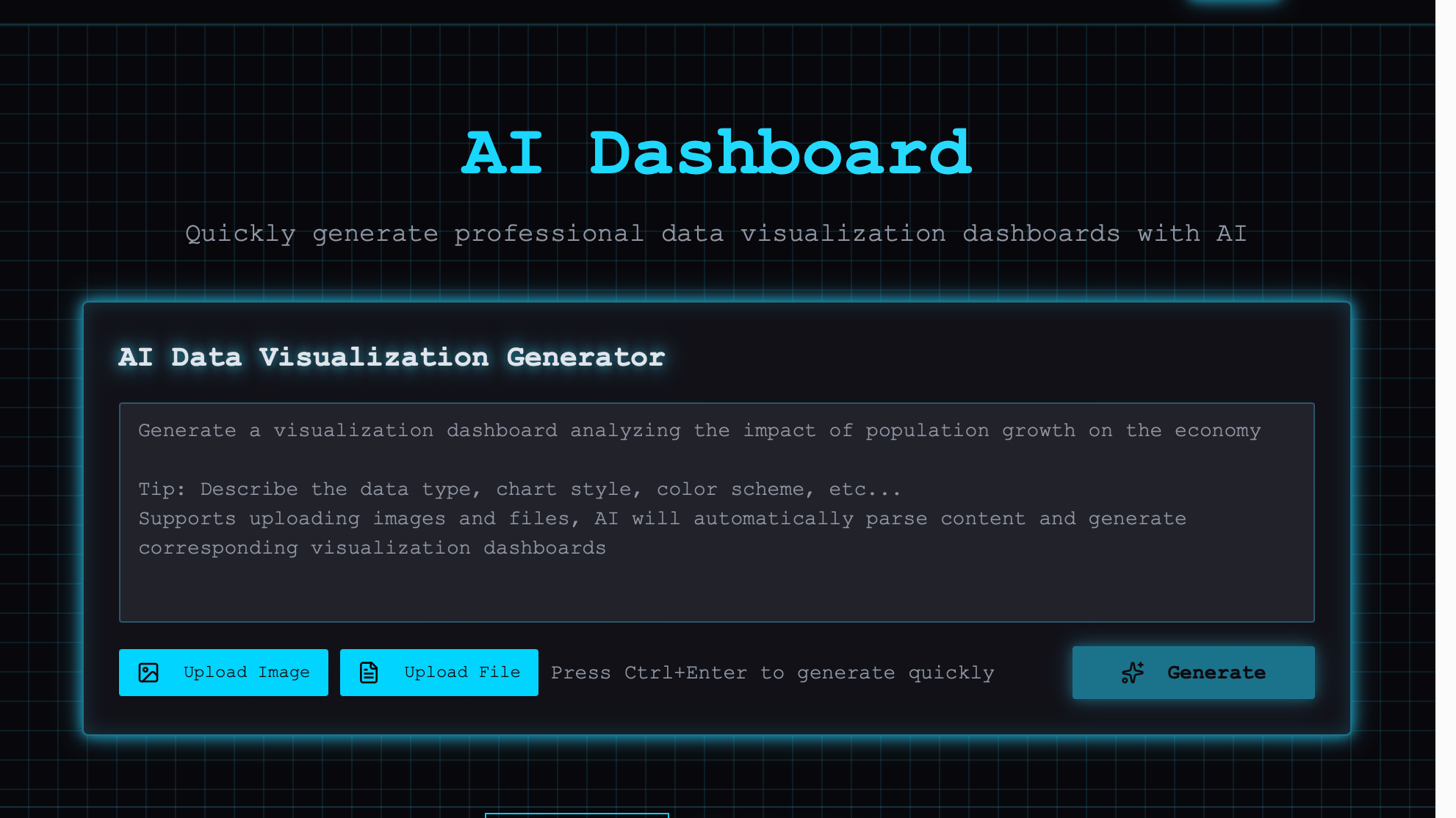
AI-powered Visual Dashboard
AI generates visual charts and dashboards with a single click for intuitive data analysis

Historical Costume Photo Generator
Upload a portrait and choose an era to transform into a refined historical look with matching costume

Meme Generator
Upload photos and use AI-powered image generation to create custom memes and emojis