Cafe Billing & Point of Sale App with Menu Management Template
Cafe Billing & Point of Sale App with Menu Management
Run your tea shop, coffee house, or snack counter with a mobile billing app that handles orders, menus, and daily reports — all in one place.
Try HOTSPOT Free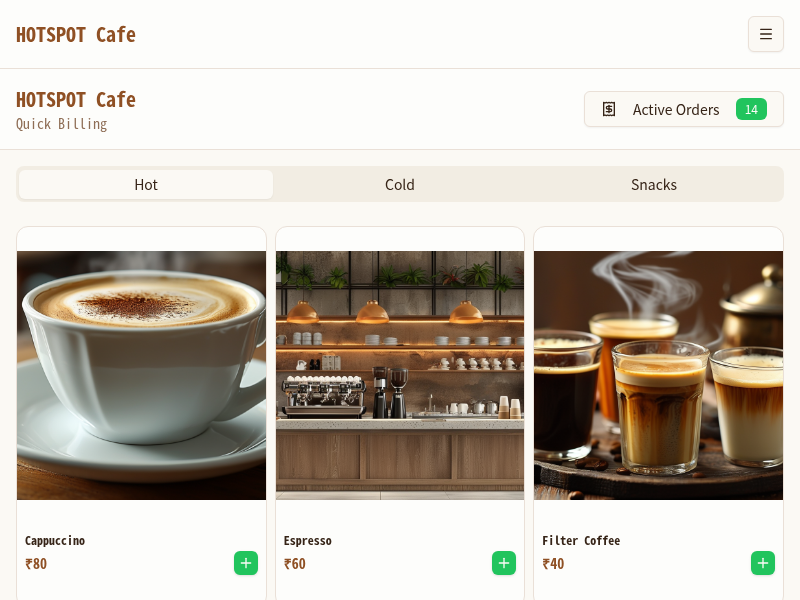
Fast Billing for Every Cafe and Tea Shop
Quick billing, menu management, order queues, and daily reports — built for cafe owners who want less admin and more time with customers.
Quick Billing
Process orders in seconds with a tap-to-add interface. Handle tables, takeaways, and delivery orders without slowing down during rush hour.
Menu Management
Add, edit, or remove items in seconds. Organize by category — hot drinks, cold drinks, snacks, combos — and update prices any time from any device.
Order Queue
Keep the kitchen and counter in sync. A live order queue shows pending items by ticket number so nothing gets missed during busy periods.
Daily Reports
See total revenue, top-selling items, and busiest hours at a glance. End-of-day summaries help you make smarter menu and staffing decisions.
Tax Calculation
Automatically apply GST, VAT, or custom tax rates to every order. Totals display correctly on screen and on receipts, keeping you compliant.
Receipt Printing
Generate digital or print-ready receipts in one tap. Include your cafe name, order details, taxes, and totals. Compatible with standard thermal printers.
Built for Every Food and Beverage Seller
Whether you run a single kiosk or a small chain, HOTSPOT keeps billing simple.
Cafe Owners
Manage your full menu, run the counter faster, and check daily revenue from your phone — without juggling spreadsheets or clunky POS machines.
Tea Shops
Handle chai, bubble tea, and specialty drink orders with variant options for size, sweetness, and add-ons — billed correctly every time.
Food Trucks
Bill customers quickly in high-traffic outdoor settings. The mobile-first design works on any smartphone, no Wi-Fi dependency for core features.
Bakeries
Track pastry, bread, and cake orders by the piece or by weight. Update daily specials as soon as they come out of the oven with a quick menu edit.
Small Restaurants
Run table billing alongside takeaway orders from a single app. Assign orders to tables and track status without a separate kitchen display system.
Pop-up Stores
Set up a fully functional billing system for weekend markets and events in minutes. No hardware contracts, no long-term commitments — just launch and sell.
Up and Running in 3 Steps
From zero to taking your first order in under 10 minutes.
Open MeDo and Load the Template
Click the button below. MeDo's AI loads the HOTSPOT Cafe Billing prompt and generates your billing app in minutes. No account needed to get started.
Add Your Menu and Configure Taxes
Enter your drinks, snacks, and combos with prices. Set your tax rate and receipt details. The AI helps you structure categories and item variants.
Start Taking Orders
Share the app link with your counter staff or use it yourself. MeDo handles hosting — your billing app works from any smartphone or tablet, instantly.
Ready to Modernize Your Cafe Billing?
No coding required. Describe your cafe, and MeDo's AI builds your billing app for you.
Create this with MeDo — It's FreeRelated Templates

Built with MeDo
Real e-commerce apps created by MeDo users — see what's possible.
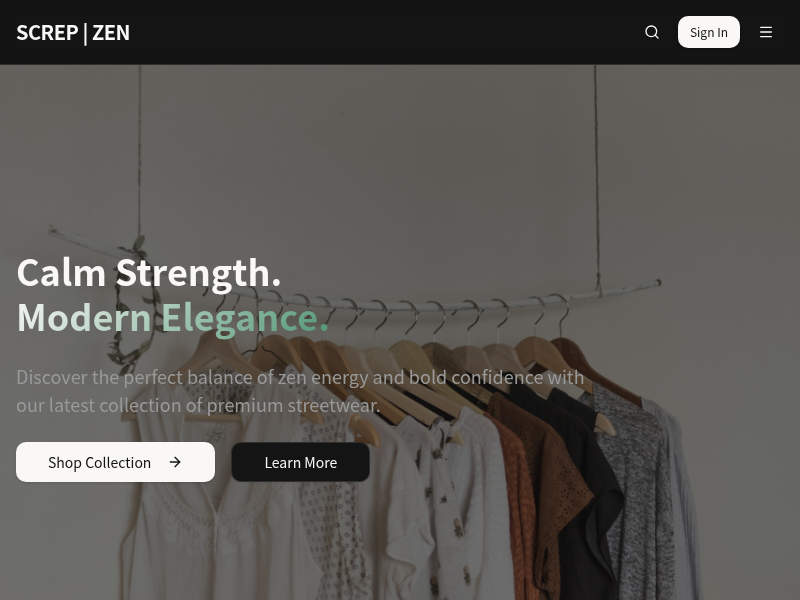
SCREP | ZEN Fashion
Premium fashion e-commerce platform with full shopping functionality for a modern clothing brand
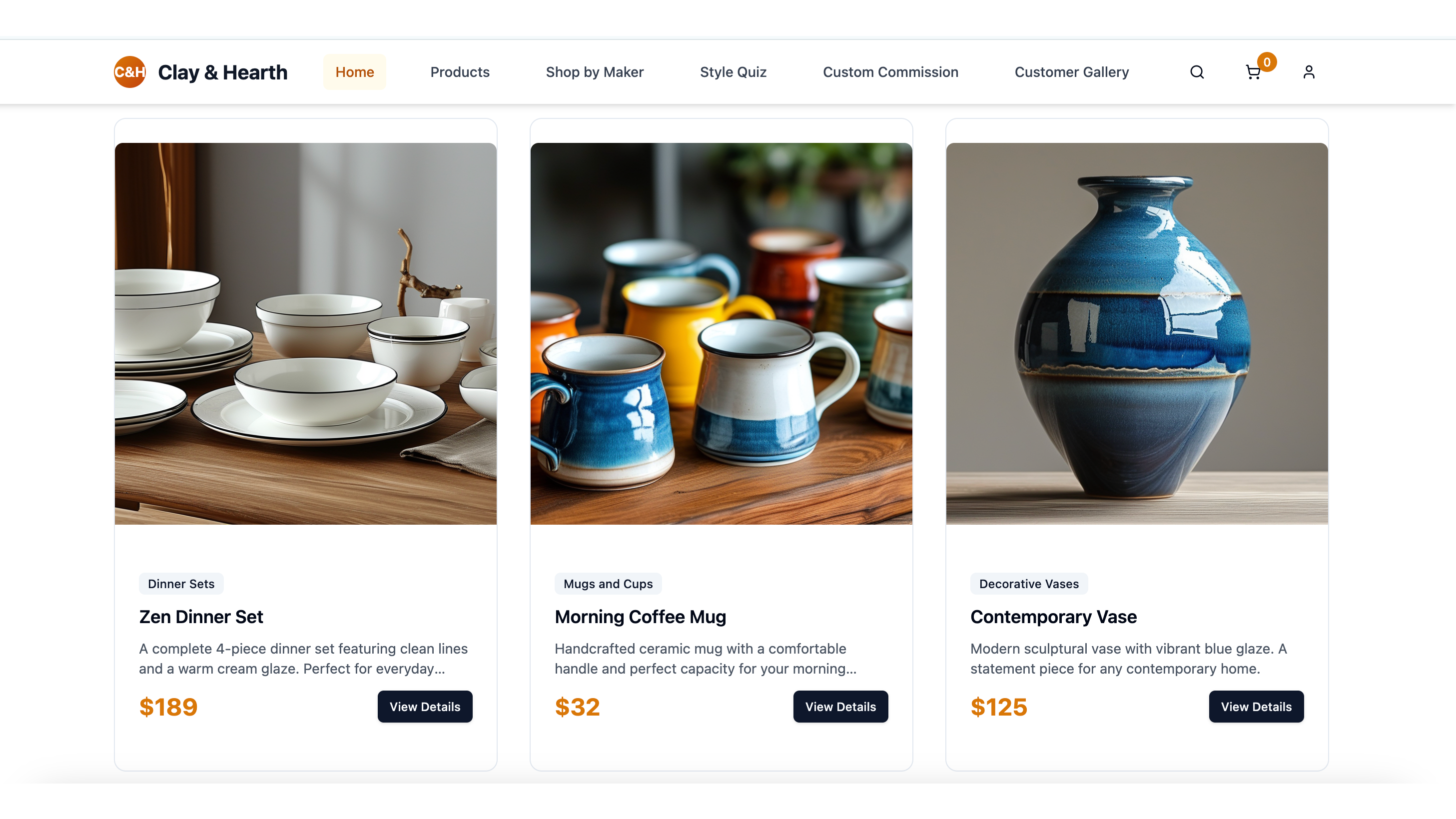
Handcrafted Ceramic Art
Artisan ceramic store showcasing handmade pottery and home decor with a beautiful product gallery
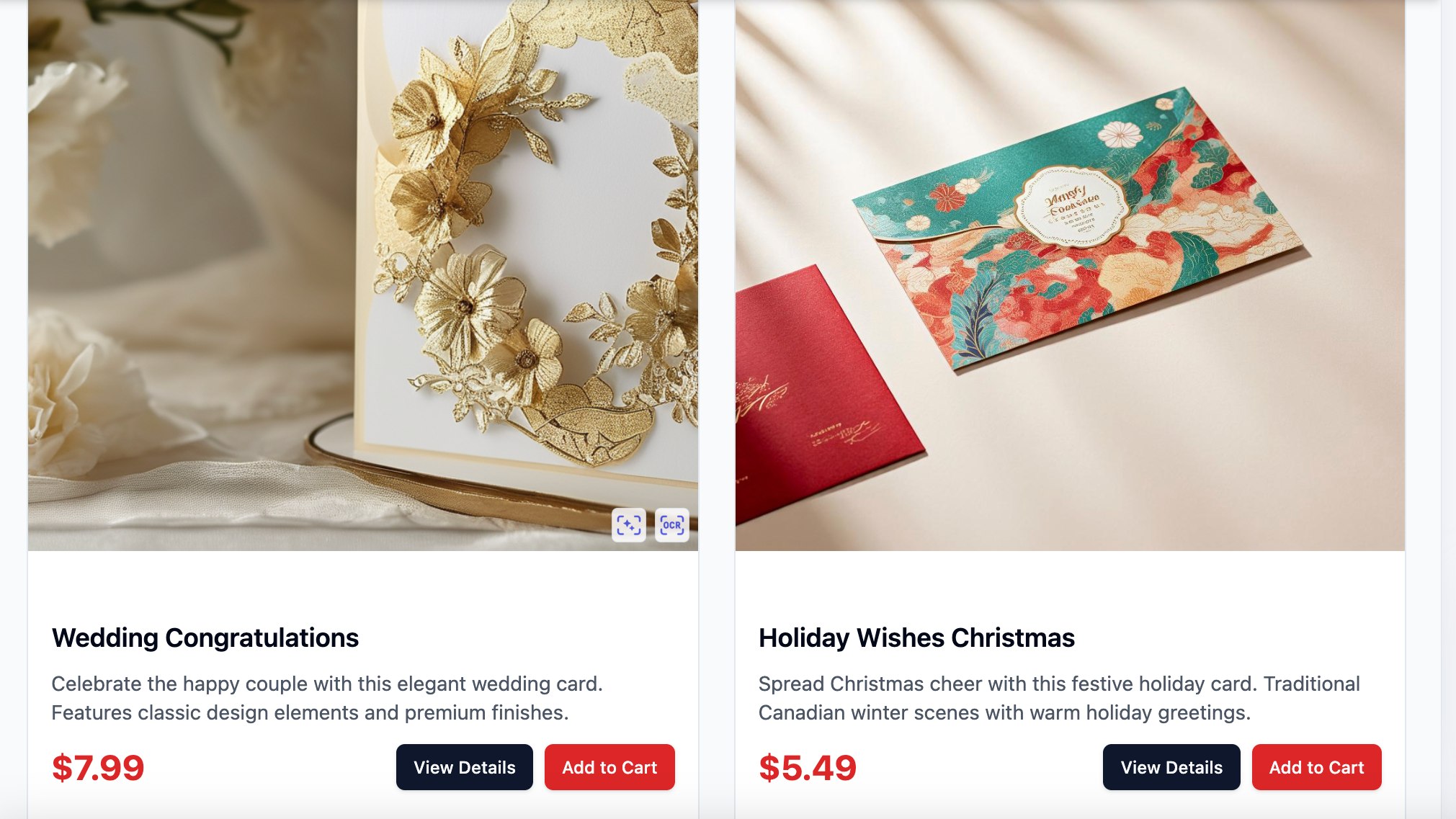
Canadian MapleCard Co.
Premium Canadian greeting cards for all occasions with personalized recommendations and nationwide delivery