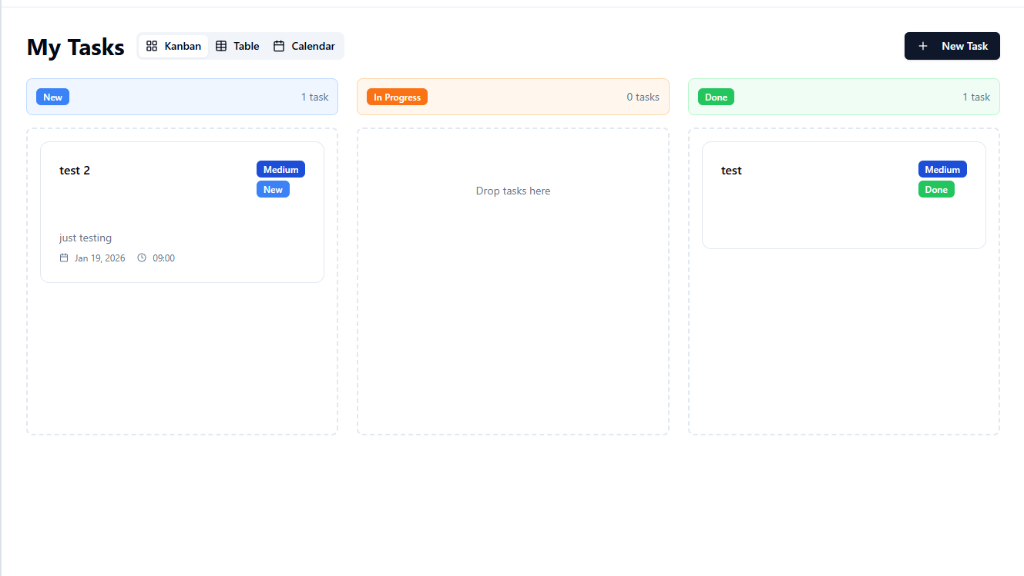
CRM with Contact Management, Lead Tracking & Analytics Template
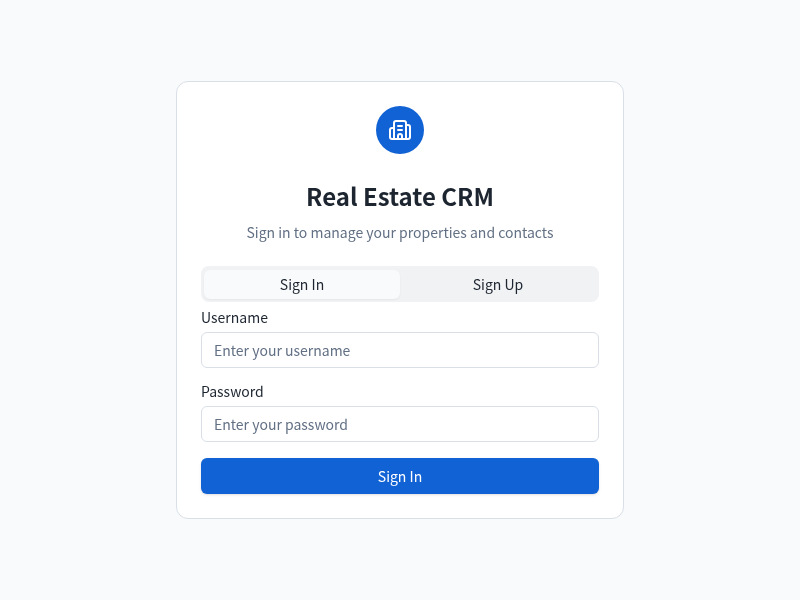
Everything You Need to Manage Customer Relationships
Built-in tools for contact management, lead tracking, deal pipeline, and analytics — ready to use in minutes, not months.
Contact Management
Store and organize all client information in one place. Track communication history, add notes, and segment contacts by tags and categories.
Lead Pipeline
Visualize your sales funnel from first contact to close. Drag leads between stages, set priorities, and never lose track of a prospect.
Deal Tracking
Monitor every deal from opportunity to close. Track expected values, close dates, win probability, and revenue forecasts in real time.
Property Listings
Manage property inventory with photos, details, pricing, and availability. Match listings to client preferences automatically.
Client Communication
Log emails, calls, and meetings in one timeline. Set follow-up reminders and never miss an important client touchpoint.
Analytics Dashboard
Visual charts track sales performance, conversion rates, and revenue trends. See your pipeline health and team metrics at a glance.
Perfect For
Whether you're an agent, a team lead, or building the next sales platform.
Real Estate Agents
Track property listings, manage buyer and seller contacts, schedule showings, and monitor deal progress from first inquiry to closing day.
Property Managers
Organize tenant information, track lease renewals, manage maintenance requests, and keep all property communications in one central system.
Sales Teams
Collaborate on deals, share contact notes, track team quotas, and get visibility into every stage of your collective sales pipeline.
Brokers
Oversee multiple agents, track deal volume across your brokerage, manage commission splits, and analyze performance by agent or market segment.
Small Businesses
Replace spreadsheets with a real CRM. Track customers, manage follow-ups, and grow your business without the complexity of enterprise software.
Consultants
Manage client engagements, track project pipelines, log meeting notes, and maintain a complete history of every client relationship.
Start in 3 Steps
From idea to working CRM in minutes.
Open MeDo and Start Building
Click the button below. MeDo's AI loads this template's prompt and generates your CRM system in minutes. No sign-up needed to start.
Add Your Business Data
Import contacts, set up pipeline stages, and configure deal categories. The AI structures everything based on your business workflow.
Customize and Deploy
Add custom fields, adjust the dashboard layout, and set up automation rules. Deploy as a web app — MeDo handles hosting, accessible from any device.
Ready to Build Your CRM System?
No coding required. Describe what you want, and MeDo's AI builds it for you.
Create this with MeDo — It's FreeRelated Templates


Built with MeDo
Real apps created by MeDo users — see what's possible.