How to Create a Website to Sell Products: A 2026 No-Code Guide
Meta Description: Learn how to create a website to sell products online without coding. This simple guide for beginners shows you how to choose a no-code builder like MeDo. It also helps you launch your online store.
So, you have a great product idea and you’re ready to share it with the world. The first step? Creating a website to sell products.
In the past, building a website meant spending thousands on web developers or struggling with complex code. But in 2026, that’s no longer the case. Thanks to strong website builders, anyone can make a nice, working professional website in just a few hours. You do not need any technical skills.
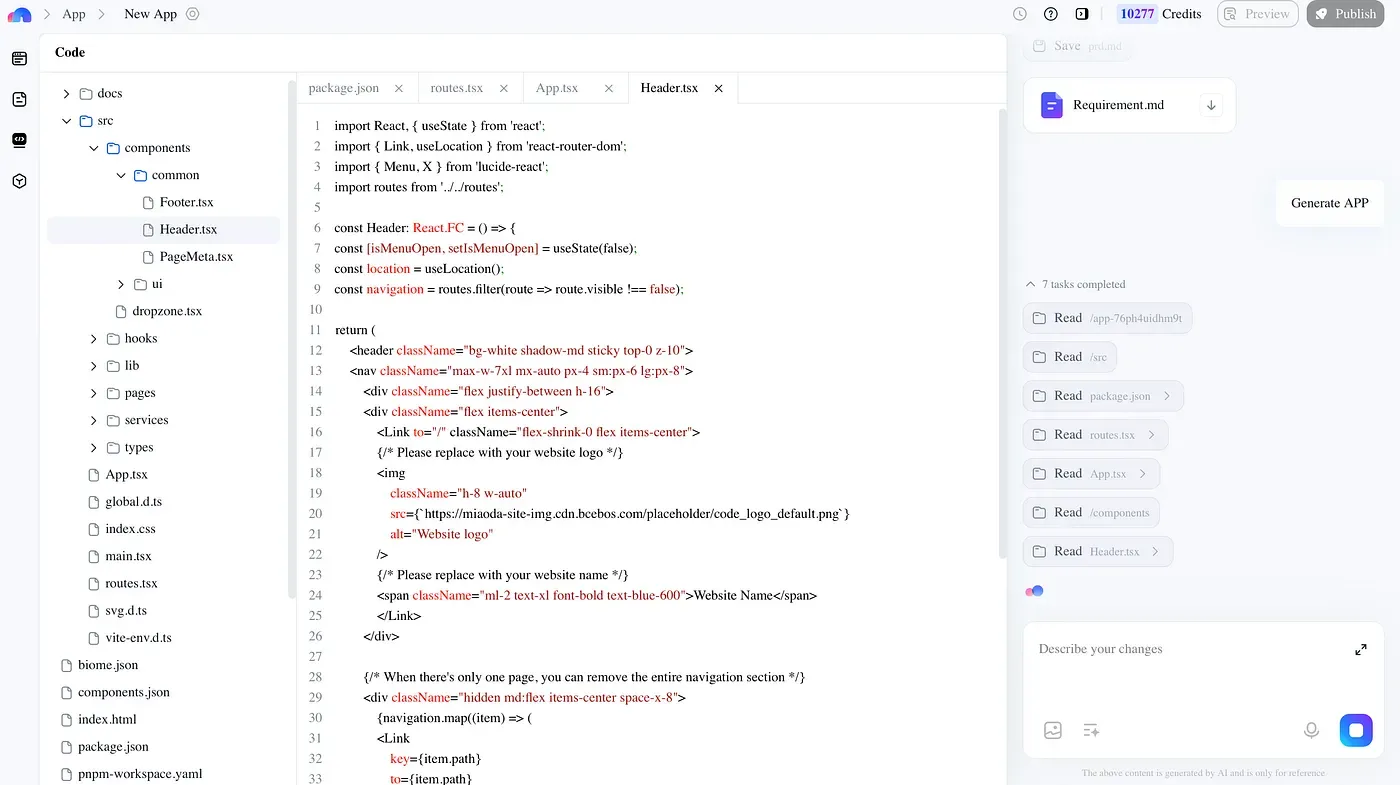
This guide will help you through the whole process. We will use a simple, no-code platform called MeDo as an example. Let’s turn your business idea into a reality.
Step 1: Laying the Groundwork for Your Online Store
Before you start clicking the drag and drop editor, a little planning will set you up for long-term success.
- Define Your Products and Niche: Clearly define what you’re selling and who you’re selling to. This focus will guide your marketing strategy and website design.
- Choose a Memorable Domain Name: Your domain name is your online address. Keep it short, relevant to your brand, and easy to remember. Platforms like MeDo often simplify the process of purchasing a domain.
- Secure Your Business Assets: Apply for a business license if required in your region and set up a business bank account. You’ll also need a payment processor to accept credit cards and other online payments.
Step 2: Selecting the Right No-Code Website Builder
This is the most critical decision you’ll make. The right tool to create your site will make the entire process smooth. When evaluating website builders, look for:
- Easy Drag-and-Drop Interface: This lets you design your site visually by moving elements around on the page.
- E-commerce Capabilities: Ensure it supports product listings, inventory management, and secure checkout.
- SEO-Friendly Features: Your builder should help you optimize for search engine optimization right out of the box.
- Mobile-Responsive Website Templates: With most web traffic coming from phones, your store must look great on all devices.
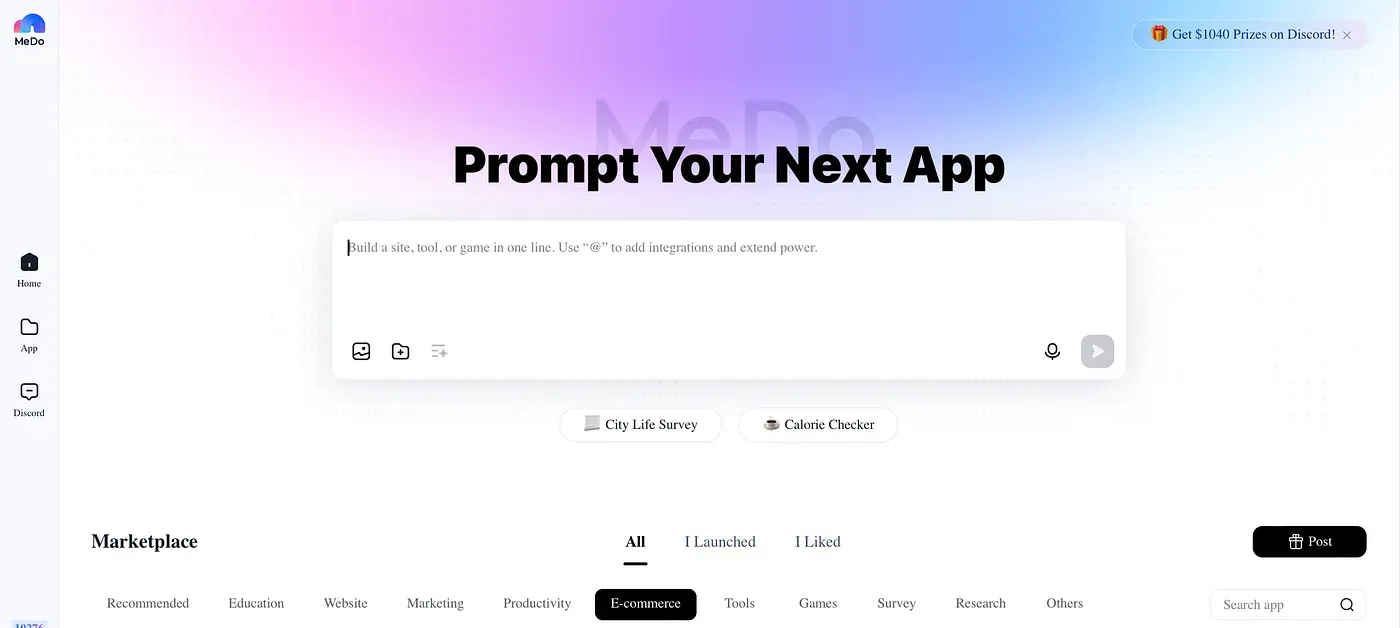
A platform like MeDo serves these needs. It offers a mix of power and simplicity, ideal for new entrepreneurs.
Step 3: Building Your Website Framework
Now for the exciting part — creating your website.
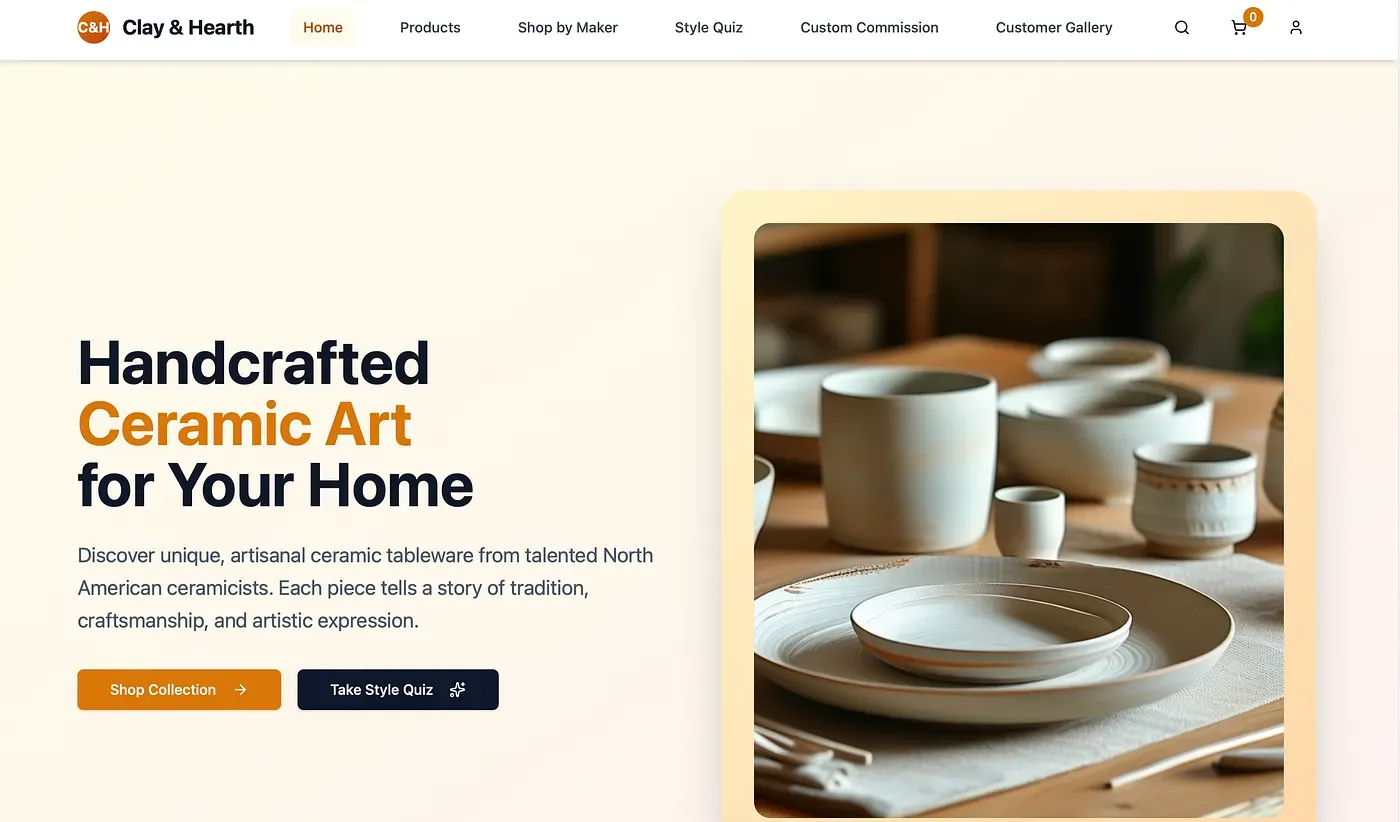
- Pick a Template: Start with one of the pre-designed website templates. MeDo likely offers a variety of high-quality, modern templates tailored for different types of products. Choose one that aligns with your brand’s vibe.
- Customize with Ease: Using the drag and drop editor, you can add your own logo, change colors, and adjust fonts to match your brand. The key is to create a professional website that builds trust. Highlight special offers, and make sure your contact information is easy to find.
- Craft Your Core Pages: Every online store needs a few essential pages:
- Homepage: Your digital storefront. Showcase your best-selling products and key brand message.
- Product Pages: The heart of your store.
- About Page: Tell your story. This builds a connection with your customers.
- Contact Page: Make it easy for customers to reach you.
Step 4: Adding Products and Crafting Compelling Descriptions
This step is where you start making money. When adding your products or services, high-qualityimages and videos are non-negotiable. Show your product from multiple angles and in use.
Your product descriptions are your virtual salesperson. Don’t just list features; describe the benefits.
Pro Tip: To write a description that sells, use sensory words, focus on the customer’s gain, and keep it scannable with bullet points. Incorporate relevant keywords naturally to make your pages SEO friendly.
Step 5: Setting Up Payments, Shipping, and Taxes
A seamless checkout process is crucial for converting shoppers into buyers.
- Payments: Integrate a trusted payment gateway like PayPal or Stripe with your MeDo site. Offering multiple options, including major credit cards, builds customer confidence.
- Shipping: Set clear shipping rates and delivery timelines. MeDo’s platform should allow you to configure different rules and carriers.
- Taxes: Configure tax settings based on your region. Many website builders have automated tools to help with this.
Step 6: Optimizing for SEO and Launching Your Store
You’ve built a great store — now you need customers to find it. Search engine optimization (SEO) is the key.
- On-Page SEO: Make sure each product page has a unique title and meta description. Include keywords like “how to create a website to sell products.” Use header tags (H1, H2) to structure your content.
- Speed and Mobile Experience: Search engines prioritize fast, mobile-friendly sites. No-code platforms like MeDo typically handle this technical optimization for you.
- Content is King: Consider starting a blog related to your products. This attracts organic traffic and establishes your authority.
Before you officially go live, test everything. Place a test order, check all links, and preview the site on your phone. Once you’re confident, hit the “publish” button!
Step 7: Driving Traffic and Marketing Your New Store
Launching your store is just the beginning. Now it’s time to promote it.
- Leverage Social Media: Share your products and story on social media platforms like Instagram, TikTok, or Facebook. Engage with your audience and run targeted ads.
- Email Marketing: Start collecting email addresses early, like through a newsletter signup. This helps you build a relationship with potential customers. You can also inform them about new products and sales.
- Think About Paid Advertising: For a quick boost, use Google Ads or social media ads. They can help bring targeted traffic to your store.
Conclusion: Your Journey to Selling Online Starts Now
Creating a website to sell products online has never been more accessible. By choosing a modern, no-code platform like MeDo, you can focus on what you do best. You can build your business and serve your customers without getting stuck in technical details.
The power to launch your own online store is at your fingertips. Define your idea, choose your tools, and start building today. Your entrepreneurial journey is waiting.