Pomodoro Focus Timer with Distraction Blocking & Tasks Template
Pomodoro Focus Timer with Distraction Blocking & Tasks
Pomodoro timing, distraction blocking, task prioritization, and session analytics — everything you need to protect your focus and get more done every single day.
Try FocusFlow Hub Free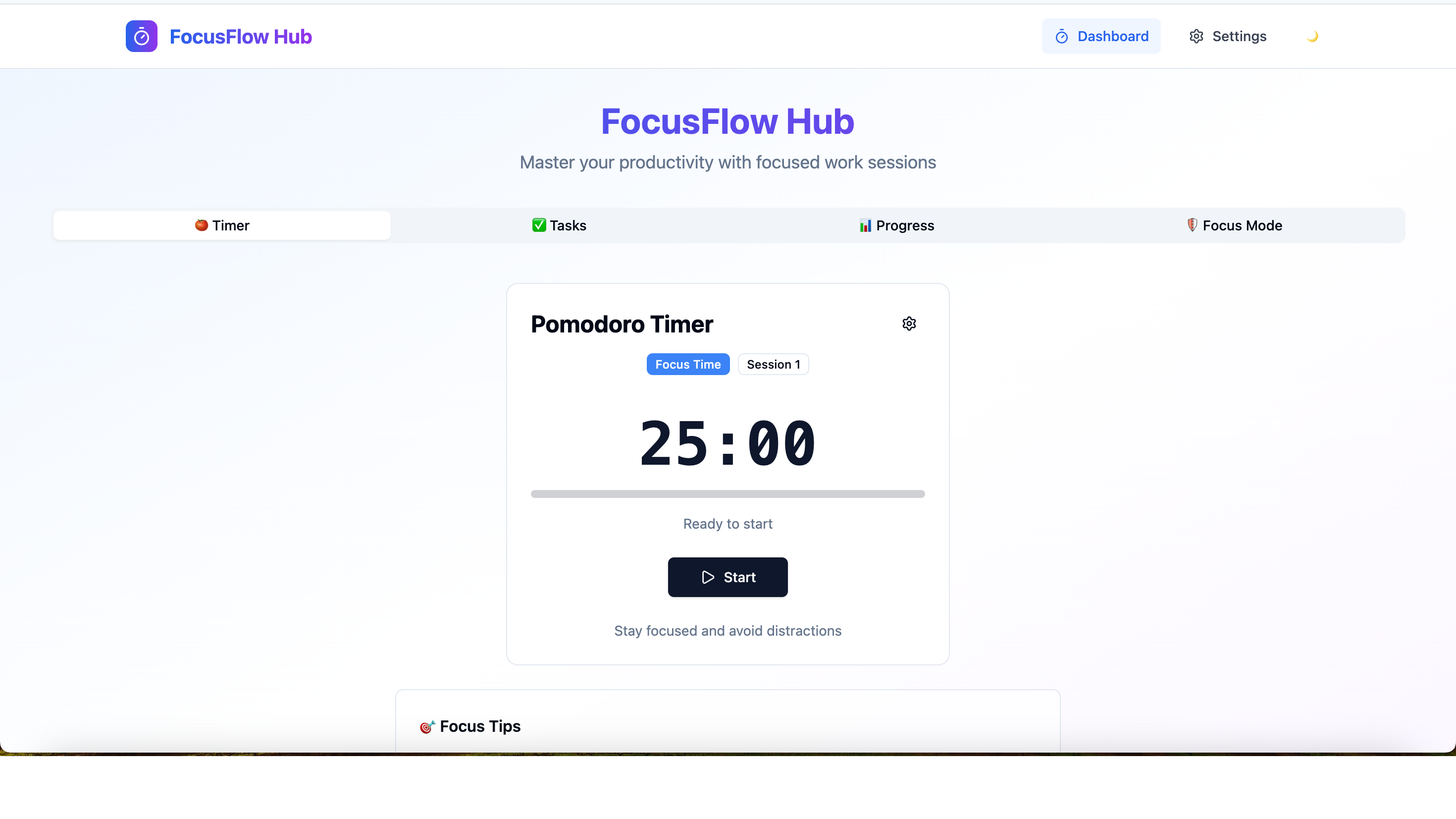
Block Distractions. Protect Your Focus. Get Things Done.
The Pomodoro method, distraction blocking, and smart task management combined in one clean app — for people who need to do real deep work, not just look busy.
Pomodoro Timer
Classic 25-minute focus sessions with 5-minute breaks, fully customizable. A clean countdown display and audible alerts signal when to work and when to rest — no guessing needed.
Distraction Blocker
Activates a minimal focus environment during sessions to reduce visual noise and resist the urge to context-switch. Stay locked in for the full Pomodoro without losing momentum.
Task Prioritization
Add tasks before each session and mark which one to tackle in each Pomodoro. Priority sorting ensures you work on the highest-impact items first, not just the most comfortable ones.
Session Analytics
A daily and weekly dashboard shows completed Pomodoros, total focus hours, tasks finished, and your most productive time of day — helping you optimize your schedule over time.
Break Reminders
When a session ends, the app actively reminds you to take your break. Stepping away between Pomodoros is as important as the focused work — the reminder makes sure you actually do it.
Focus Music
Built-in ambient soundscapes and focus playlists play during work sessions. Choose from lo-fi beats, white noise, nature sounds, or silence — whatever helps you reach flow state fastest.
Built for Anyone Who Needs Deep Focus
Whether you are writing code, drafting content, or studying — protect your attention and get more done.
Remote Workers
Replace office structure with the Pomodoro method. Work in focused sprints, take intentional breaks, and end the day having actually accomplished what you planned — from anywhere.
Writers
Combat writer's block and distraction with timed writing sprints. The Pomodoro structure gives your brain permission to focus for 25 minutes — no social media, no email, just writing.
Developers
Deep programming work demands uninterrupted focus. The distraction blocker and focus music help you enter flow state faster and maintain it longer through complex coding sessions.
Students
Break study sessions into manageable Pomodoros instead of forcing hours of unfocused reading. Active sessions followed by real breaks dramatically improve retention and reduce burnout.
Freelancers
Track billable focus time accurately while managing multiple clients. Session analytics give you an honest record of productive hours without relying on manual time tracking spreadsheets.
ADHD Individuals
Short, structured Pomodoro intervals match the natural attention rhythms of ADHD. Distraction blocking removes environmental triggers, and break reminders prevent hyperfocusing too long.
Start Your First Focus Session in 3 Steps
From zero to deep work in minutes, not hours.
Open MeDo and Load the Template
Click the button below. MeDo's AI loads the FocusFlow Hub prompt and generates your full Pomodoro timer app — distraction blocker, task list, session analytics, and focus music all included.
Add Your Tasks and Customize Settings
Enter what you need to accomplish, set your preferred Pomodoro length, choose a focus soundscape, and enable distraction blocking. The AI can adjust any setting through natural conversation.
Start the Timer and Get to Work
MeDo handles hosting automatically. Bookmark your focus timer and open it every time you need to do deep work. Session analytics track your progress over time, helping you improve your focus habits.
Ready to Build Your Pomodoro Focus Timer?
No coding required. Describe what you want, and MeDo's AI builds it for you.
Create this with MeDo — It's FreeRelated Templates


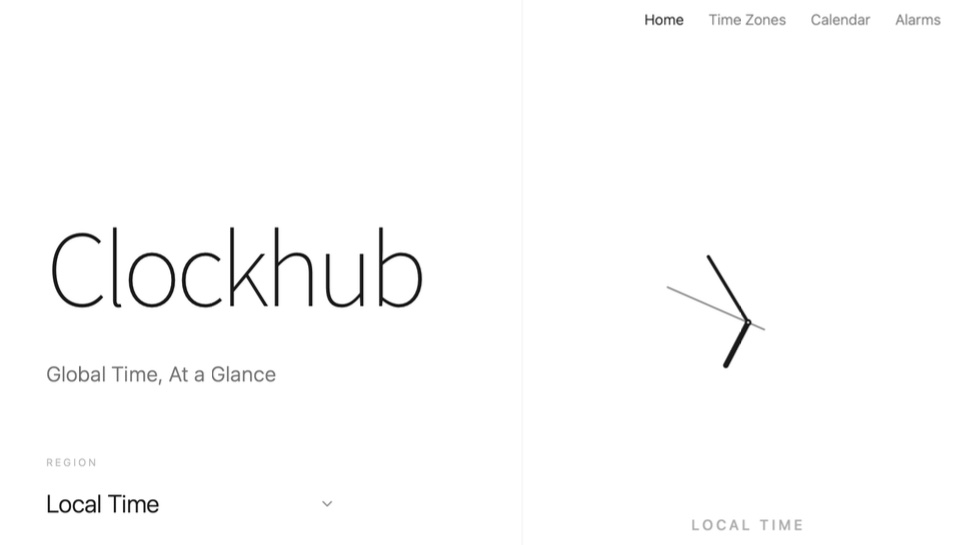
Built with MeDo
Real productivity apps created by MeDo users — see what's possible.
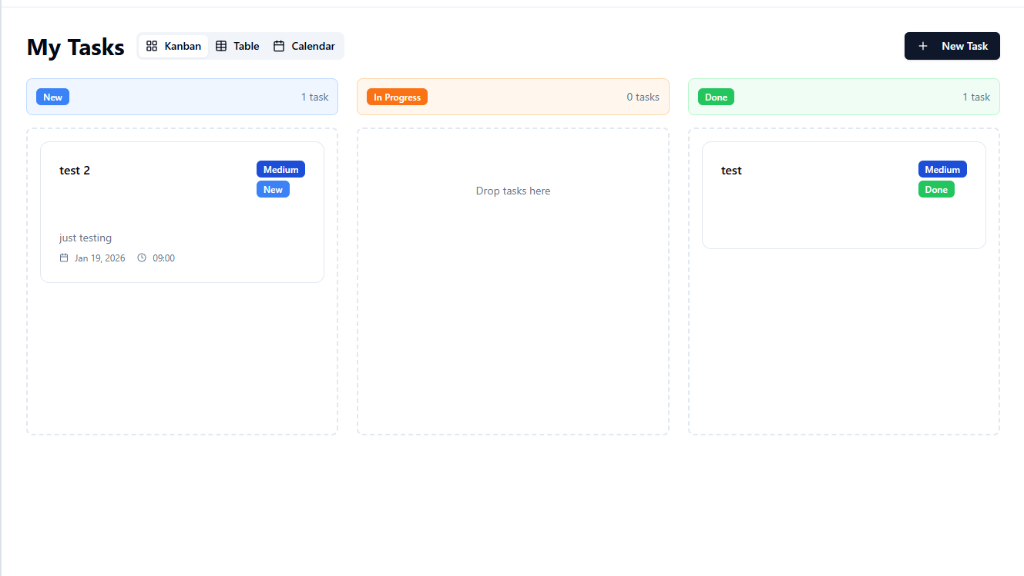
Todo List Management
Clean, fast task management with prioritization, due dates, and project organization for teams and individuals
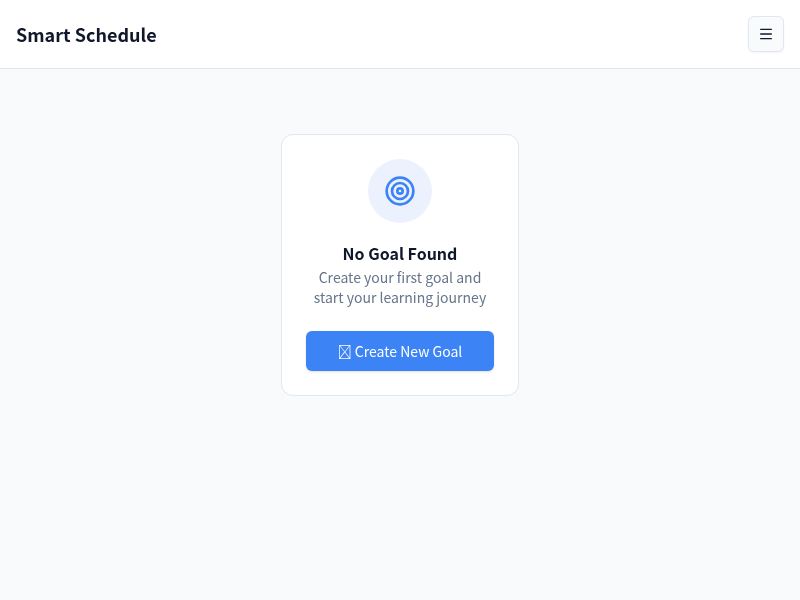
Smart AI Schedule
AI-powered timetable generator that takes your goal and deadline and auto-creates a structured daily plan
TaskRender
Habit tracker with daily checkboxes, streak counter, and a calendar heatmap for building lasting daily routines