Portfolio Website with Project Showcase & Skills Display Template
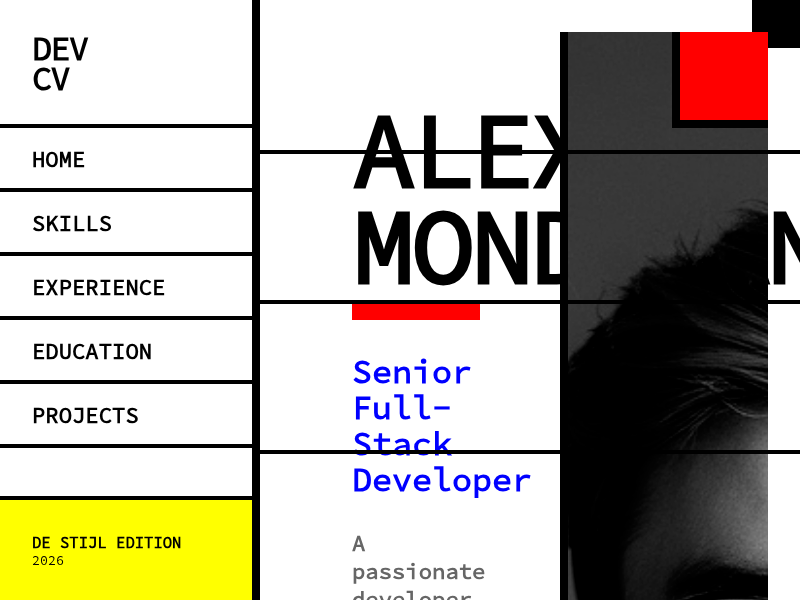
Everything You Need to Showcase Your Work
Project showcase, skills display, experience timeline, and responsive design — build a professional portfolio that gets you noticed.
Project Showcase
Display your best work with image galleries, live demo links, and detailed descriptions. Organize projects by category, technology, or date.
Skills Display
Visualize your technical skills with progress bars, charts, or tag clouds. Group by category — languages, frameworks, tools, and soft skills.
Experience Timeline
Present your career journey with an interactive timeline. Highlight roles, achievements, and key milestones in a visually engaging format.
Contact Form
Built-in contact form so recruiters and clients can reach you directly. Clean design with validation and a professional submission flow.
Resume Download
Let visitors download your resume as a PDF with a single click. Keep your latest CV accessible alongside your portfolio projects.
Responsive Design
Your portfolio looks stunning on every device. Optimized layouts for desktop, tablet, and mobile ensure a seamless viewing experience.
Perfect For
Whether you're job hunting, freelancing, or building your personal brand.
Developers
Showcase your GitHub projects, open-source contributions, and technical skills. Add live demo links and code snippets to impress technical recruiters.
Designers
Present your design work with high-quality image galleries and case studies. Show your process from wireframes to polished UI with visual storytelling.
Freelancers
Win more clients with a professional portfolio that highlights your services, past work, and testimonials. Add a contact form to capture leads directly.
Job Seekers
Stand out in the job market with a personal portfolio that goes beyond a traditional resume. Show employers what you can do, not just what you've listed.
Students
Build your first portfolio to showcase class projects, hackathon entries, and internship work. Start establishing your professional presence early.
Creative Professionals
Photographers, writers, musicians, and artists — display your creative work in a beautiful, modern format that lets your talent speak for itself.
Start in 3 Steps
From idea to live portfolio in minutes.
Open MeDo and Start Building
Click the button below. MeDo's AI loads this template's prompt and generates your portfolio website in minutes. No sign-up needed to start.
Add Your Projects and Skills
Upload project screenshots, add descriptions, and list your skills. The AI organizes everything into a polished portfolio layout automatically.
Customize and Share
Adjust the design, reorder sections, and add your personal touch. Deploy as a web app or share a link — MeDo handles hosting, accessible from any device.
Ready to Build Your Portfolio Website?
No coding required. Describe what you want, and MeDo's AI builds it for you.
Create this with MeDo — It's FreeRelated Templates

Built with MeDo
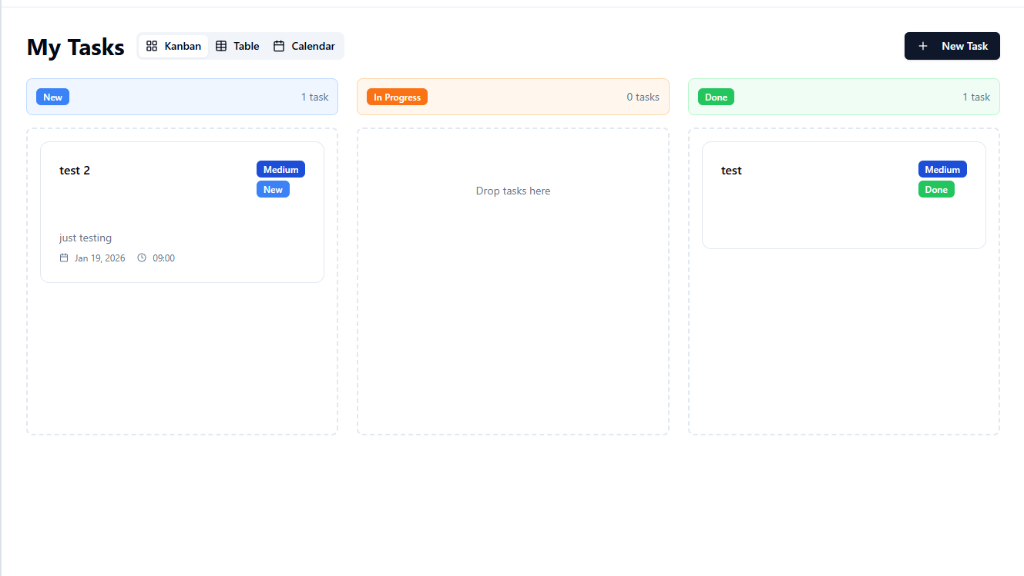
Real apps created by MeDo users — see what's possible.