Project Management Tool with Kanban Board & Task Tracking Template
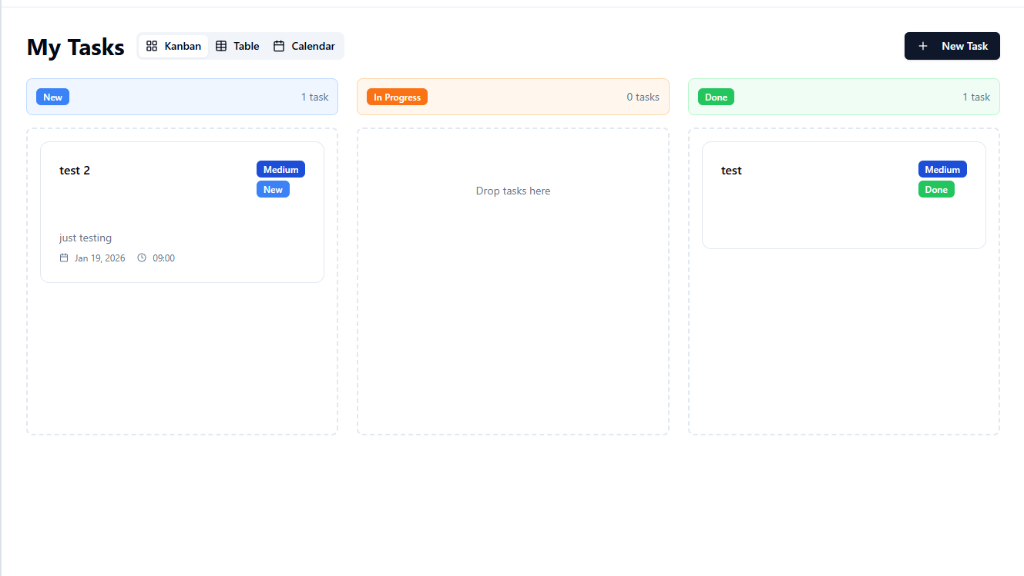
Everything You Need to Manage Projects Smarter
Kanban boards, task assignment, time tracking, and progress dashboards — build your ideal project management tool in minutes, not months.
Kanban Board
Visualize your workflow with drag-and-drop columns. Move tasks from To Do to In Progress to Done — see your entire project at a glance.
Task Assignment
Assign tasks to team members, set due dates, and add priority labels. Everyone sees exactly what they need to work on next.
Time Tracking
Built-in timers for every task. Track how long work actually takes, identify bottlenecks, and improve your team's estimation accuracy.
Progress Dashboard
Visual charts showing task completion rates, team velocity, and project health. Spot delays before they become blockers.
Team Collaboration
Comments, file attachments, and @mentions on every task. Keep all project communication in one place, not scattered across chat apps.
Smart Reminders
Automated notifications for approaching deadlines, overdue tasks, and status changes. Never miss a due date again.
Perfect for Every Team
Whether you're a solo freelancer or managing a growing team.
Freelancers
Juggling multiple clients? Track projects, deadlines, and deliverables in one place. Show clients real-time progress without spreadsheet chaos.
Startup Teams
Move fast without losing track. Kanban boards and sprint planning keep your small team aligned on what matters most this week.
Product Managers
Prioritize features, manage backlogs, and track releases. Connect user feedback to roadmap items and keep stakeholders in the loop.
Agencies
Manage client projects with separate boards, shared timelines, and resource allocation. Keep deliverables on track across multiple accounts.
Students
Organize group projects, assign research tasks, and track everyone's progress. Never scramble the night before a deadline again.
Remote Teams
Stay aligned across time zones. Async updates, task comments, and status dashboards keep distributed teams in sync without constant meetings.
Start in 3 Steps
From idea to working app in minutes.
Open MeDo and Start Building
Click the button below. MeDo's AI loads this template's prompt and generates your project management tool in minutes. No sign-up needed to start.
Define Your Workflow
Tell the AI how your team works — Kanban, Scrum, or your own method. Add custom task fields, board columns, and team roles.
Invite Your Team and Ship
Deploy as a web app, share a link with your team, and start tracking. MeDo handles hosting — accessible from any device, anywhere.
Ready to Build Your Project Management Tool?
No coding required. Describe what you want, and MeDo's AI builds it for you.
Create this with MeDo — It's FreeRelated Templates
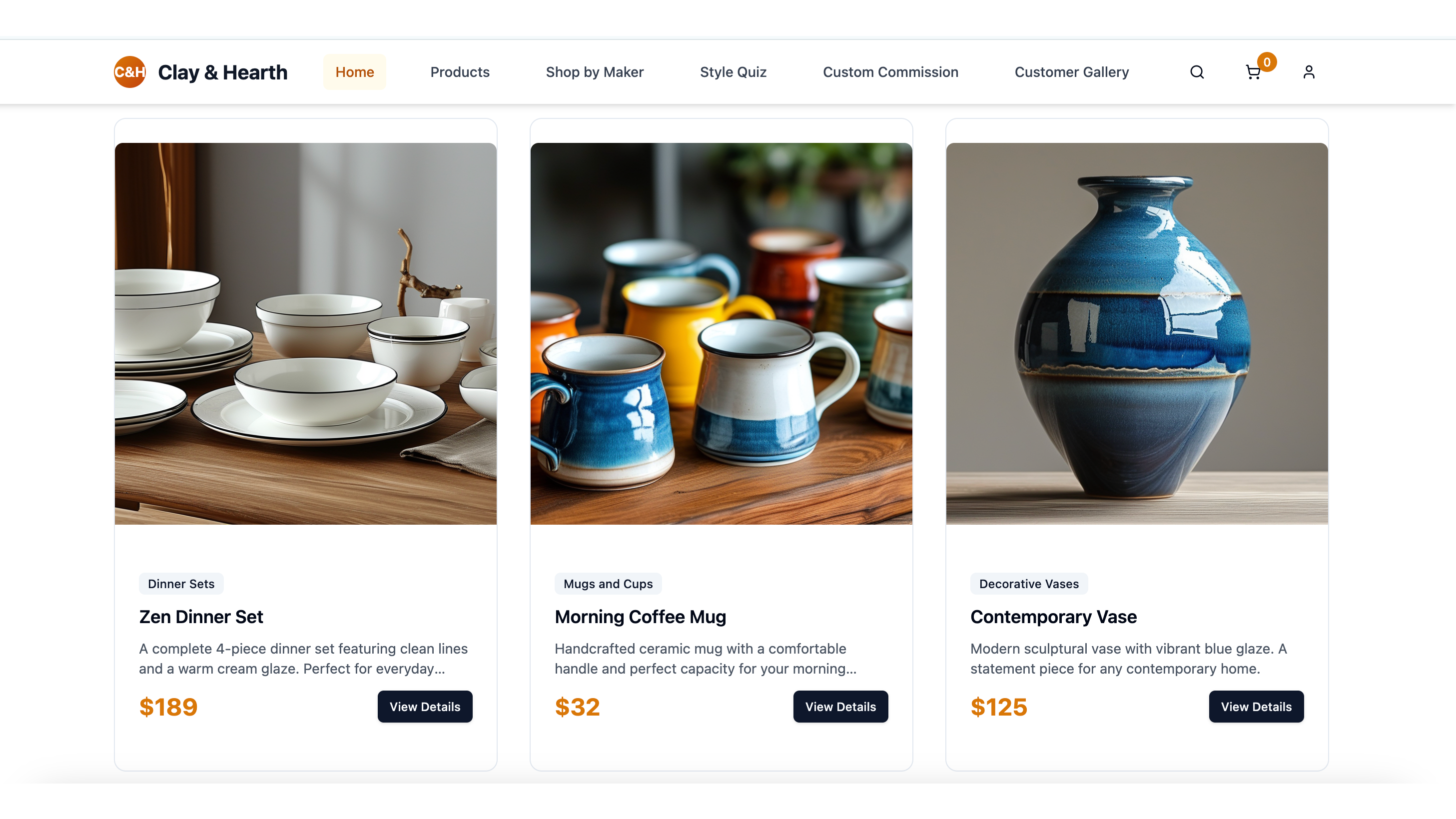


Built with MeDo
Real productivity apps created by MeDo users — see what's possible.
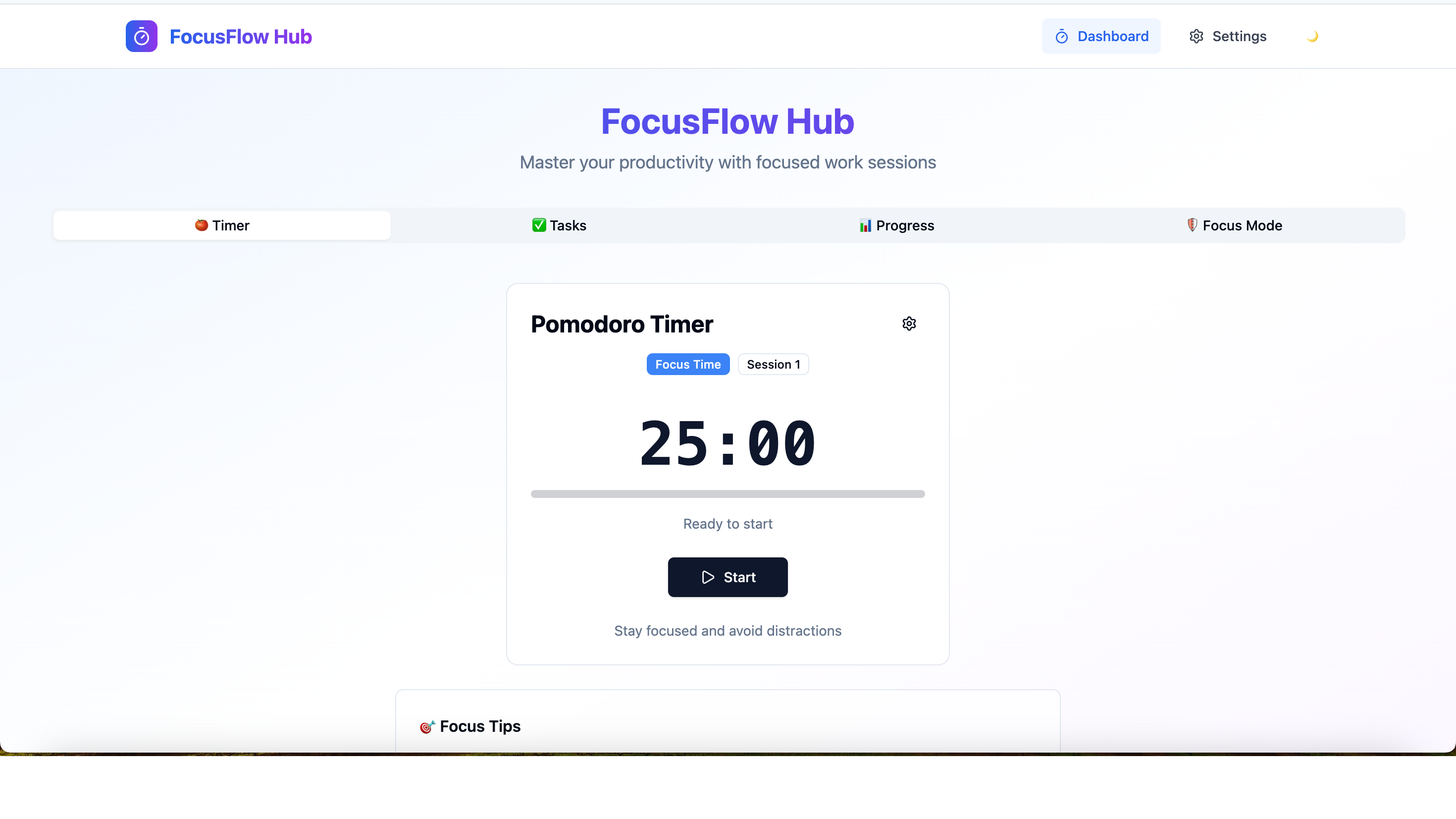
FocusFlow Hub
Pomodoro timing, distraction blocking, task prioritization, and progress tracking for deep work sessions
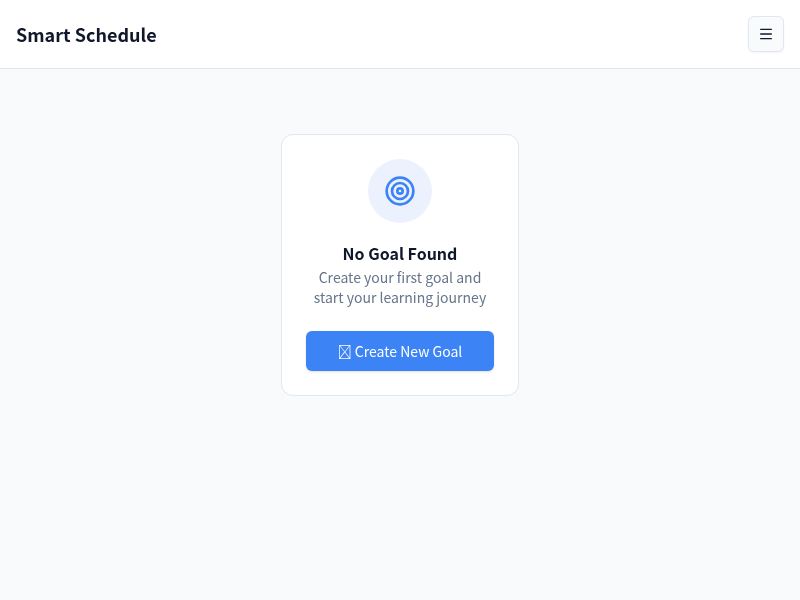
Smart AI Schedule & Task Manager
Auto-generates timetables from your goals, gives daily tasks, and tracks progress to keep you motivated
TaskRender
Habit tracker with daily checkboxes, streak tracking, calendar view, and clean Notion-style UI