QR Code Generator & Scanner Tool with Custom Design Template

Beautiful, Branded QR Codes — Generated in Seconds
Encode any URL, text, or contact info into a scannable QR code. Customize colors, embed your logo, and download in print-ready formats instantly.
Text to QR
Convert any text, message, phone number, email address, or Wi-Fi credentials into a scannable QR code in one click. Correct encoding is applied automatically.
URL Encoding
Paste any URL and generate a QR code that takes scanners directly to your website, product page, landing page, or social profile — no shortened link needed.
Custom Colors
Replace the default black-and-white with your brand colors. Choose foreground and background colors independently while keeping the code fully scannable.
Logo Embedding
Place your brand logo in the center of the QR code. Error correction is automatically boosted to keep the code scannable even with a logo overlay applied.
Batch Generation
Upload a CSV or list of URLs and generate hundreds of QR codes at once. Each code is named after its source entry and packaged for download as a ZIP file.
Download Formats
Export your QR code as PNG, SVG, PDF, or EPS. Vector formats are infinitely scalable — perfect for printing on packaging, banners, business cards, and merchandise.
Who Uses QR Code Generators?
Anyone who needs to bridge the physical and digital world with a scannable link.
Small Businesses
Add QR codes to business cards, receipts, and storefronts to direct customers to your website, booking page, or Google review link — instantly and cost-free.
Event Organizers
Generate QR codes for check-in, ticketing, schedules, and venue maps. Print them on banners, programs, and signage so attendees can access information instantly.
Restaurants
Replace printed menus with a QR code on each table. Update your menu any time — the code stays the same while the linked content changes instantly.
Marketers
Add trackable QR codes to print ads, packaging, and out-of-home campaigns. Measure scan rates per placement and optimize your physical marketing spend.
Developers
Build a QR code generator into your own product or internal tooling. The API-friendly structure makes it easy to generate codes programmatically for any data source.
Retailers
Attach QR codes to product tags, shelf labels, and packaging. Link to product details, size guides, customer reviews, or loyalty program sign-up pages.
Generate Your QR Code in 3 Steps
From input to download-ready code in under a minute.
Enter Your URL, Text, or Data
Click the button below. Paste your URL, type your message, or enter contact details. The correct QR encoding format is applied automatically based on your input type.
Customize Colors and Add Your Logo
Choose your brand colors for foreground and background. Upload your logo to embed it in the center. Preview the final design and verify it scans correctly before downloading.
Download in Your Required Format
Export as PNG for digital use or SVG, PDF, and EPS for print. For batch generation, upload a list and download all codes as a ZIP — ready to send to your printer.
Ready to Build Your QR Code Generator?
No coding required. Describe your tool and MeDo AI builds a fully functional QR code generator in minutes.
Create this with MeDo — It's FreeRelated Templates

Built with MeDo
Real tools created by MeDo users — see what's possible.
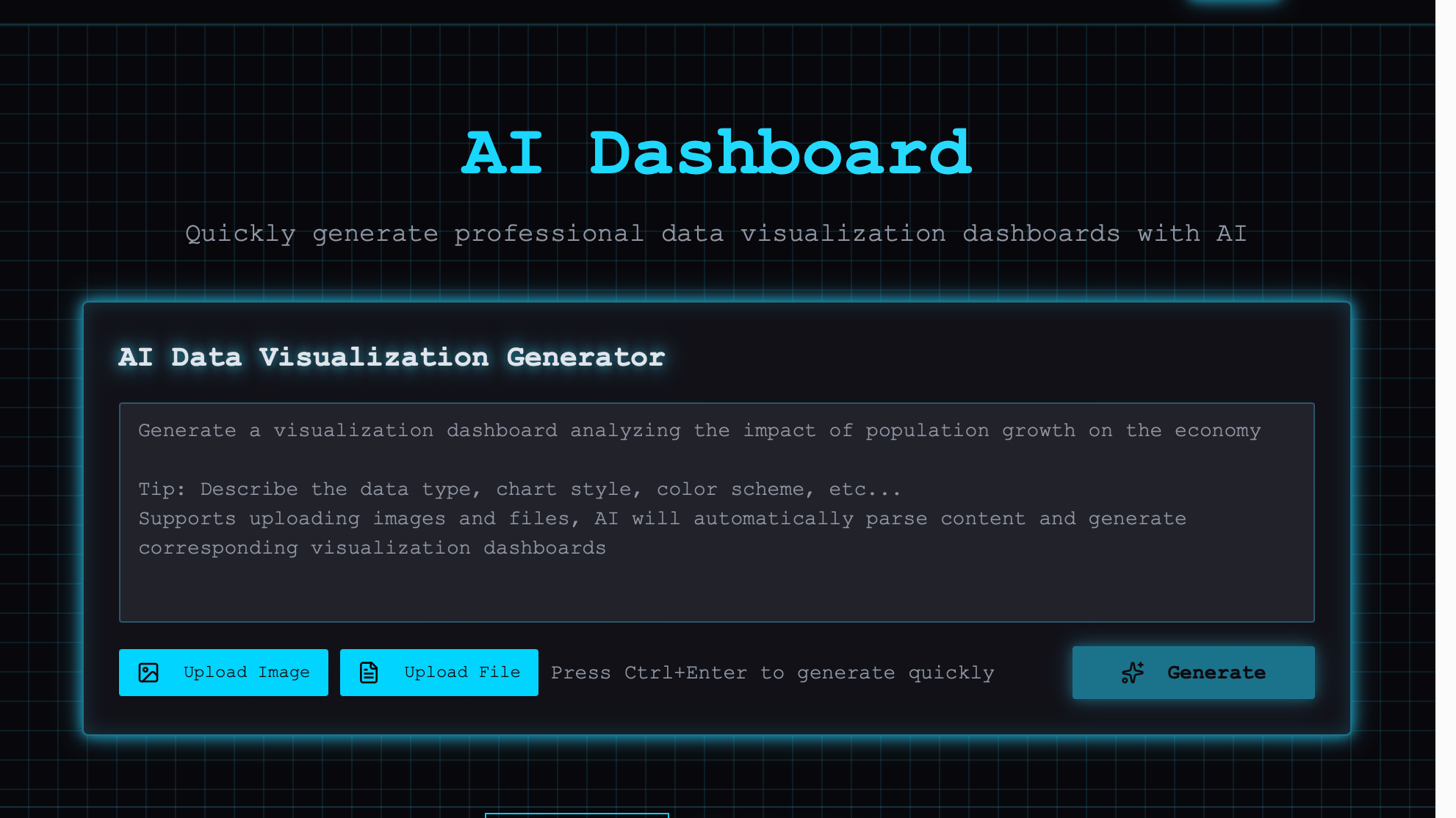
AI Visual Dashboard
Powerful AI-driven visual analytics dashboard with real-time data visualization and insights

Meme Generator
AI-powered meme creation tool with template gallery, text overlays, and one-click sharing

AI Code Generator
AI-powered code generation tool that writes, explains, and debugs code across all major languages