Quiz App with AI-Generated Questions & Progress Tracking Template
Everything You Need to Create Interactive Quizzes
AI-powered quiz generation, live study sessions, doubt clearing, and performance analytics — ready to use in minutes, not months.
AI Quiz Generation
Paste any study material and AI instantly creates multiple-choice, true/false, and open-ended questions with detailed explanations for every answer.
Live Study Sessions
Host real-time study sessions where students can take quizzes together, compete on leaderboards, and collaborate on difficult questions.
Doubt Clearing
Students can ask questions about any quiz answer. AI provides detailed explanations, related concepts, and additional practice problems to reinforce understanding.
Progress Tracking
Visual dashboards track quiz scores, accuracy rates, time per question, and improvement trends. Identify strengths and weaknesses at a glance.
Multi-Subject Support
Create separate quiz banks for math, science, history, languages, and any other subject — all organized within a single app with easy navigation.
Performance Analytics
Detailed reports break down performance by subject, topic, and question type. AI recommends focus areas and generates targeted practice quizzes.
Built for Every Educator and Learner
Whether you're studying for exams or building the next edtech product.
Students
Preparing for exams? Generate practice quizzes from your notes, textbooks, or any study material. Track your scores and focus on weak areas with AI-guided practice.
Teachers
Create quizzes for your class in minutes. Paste curriculum content and AI generates questions with answer keys, explanations, and difficulty levels matched to your students.
Tutoring Centers
Create a branded quiz platform for your students with built-in progress tracking, performance reports, and AI-powered question generation across all subjects.
Test Prep Services
Build practice tests for SAT, GRE, GMAT, or any standardized exam. Generate question banks by topic and difficulty, with detailed score analytics.
Corporate Trainers
Assess employee knowledge with AI-generated quizzes on company policies, product training, compliance, and professional development topics.
Self-Learners
Study any topic at your own pace. Generate quizzes from articles, textbooks, or online courses and track your mastery with spaced repetition and progress charts.
Start in 3 Steps
From idea to working app in minutes.
Open MeDo and Start Building
Click the button below. MeDo's AI loads this template's prompt and generates your quiz app in minutes. No sign-up needed to start.
Add Your Study Material
Paste notes, textbook content, or topic descriptions. AI generates quizzes with multiple question types, answer keys, and detailed explanations.
Customize and Share
Adjust question formats, add subjects, set difficulty levels. Deploy as a web app or share a link — MeDo handles hosting, accessible from any device.
Ready to Build Your Quiz App?
No coding required. Describe what you want, and MeDo's AI builds it for you.
Create this with MeDo — It's FreeRelated Templates
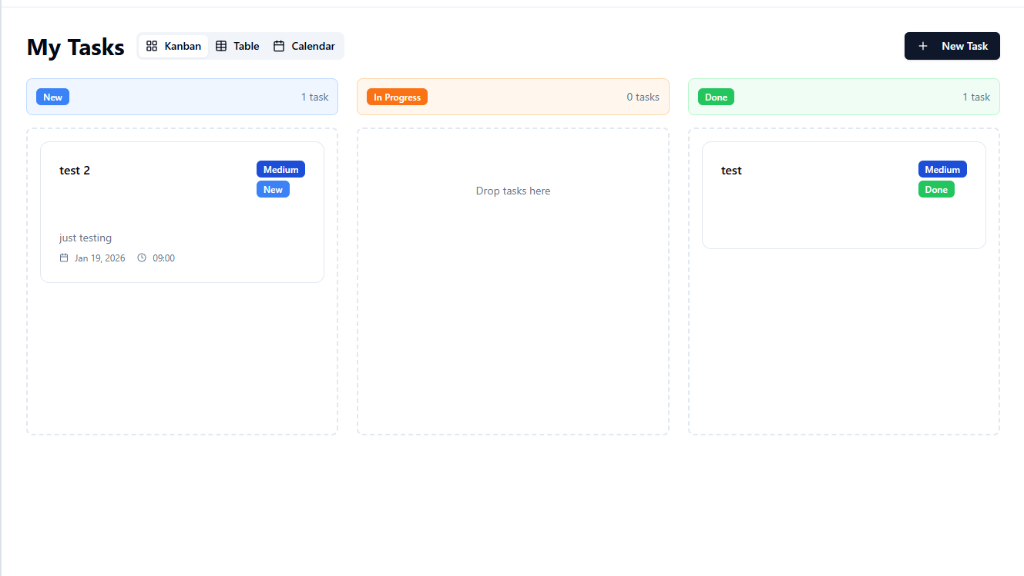
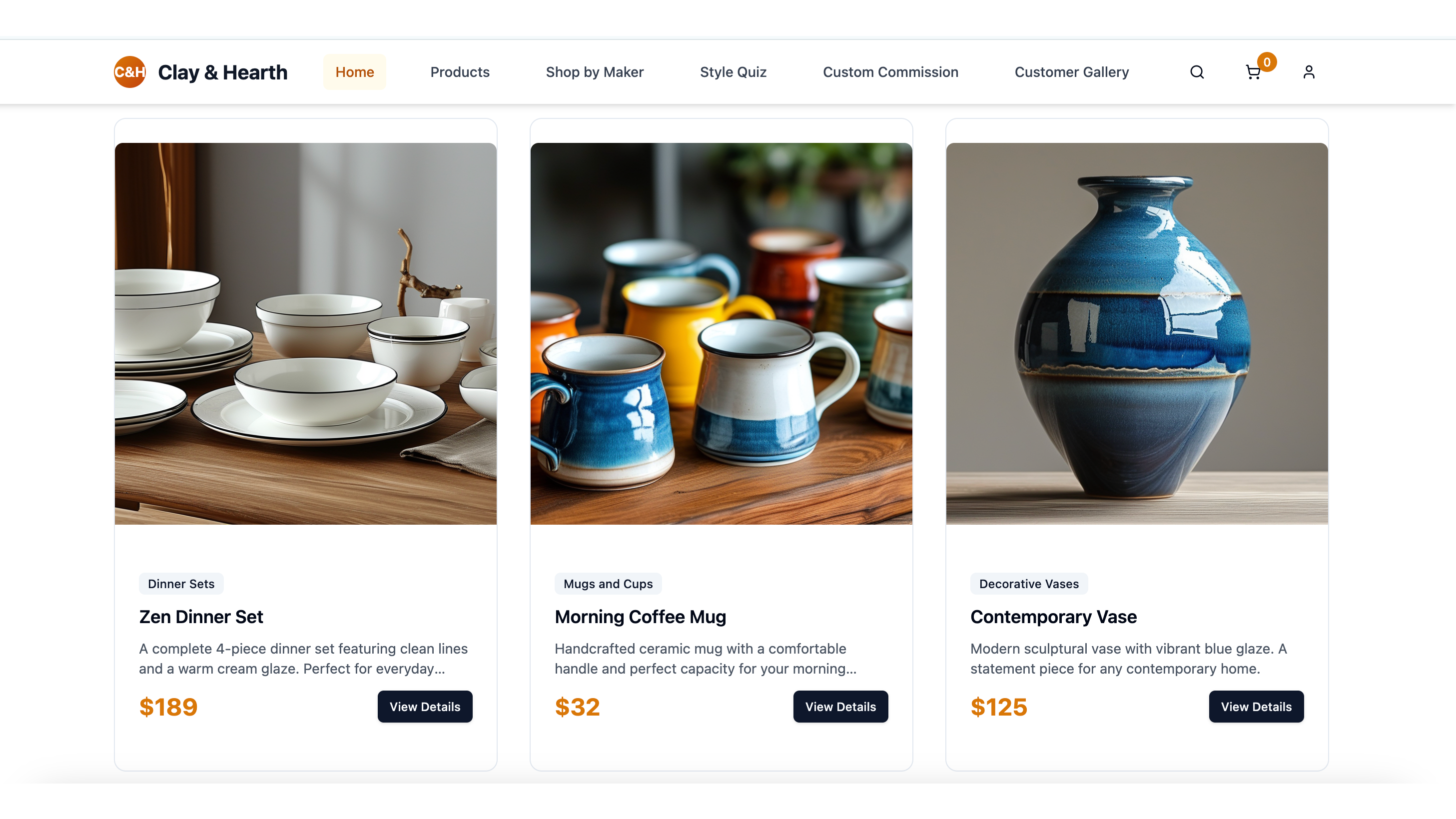

Built with MeDo
Real apps created by MeDo users — see what's possible.