UI/UX Design Course with Figma Resources & AI Tutor Template
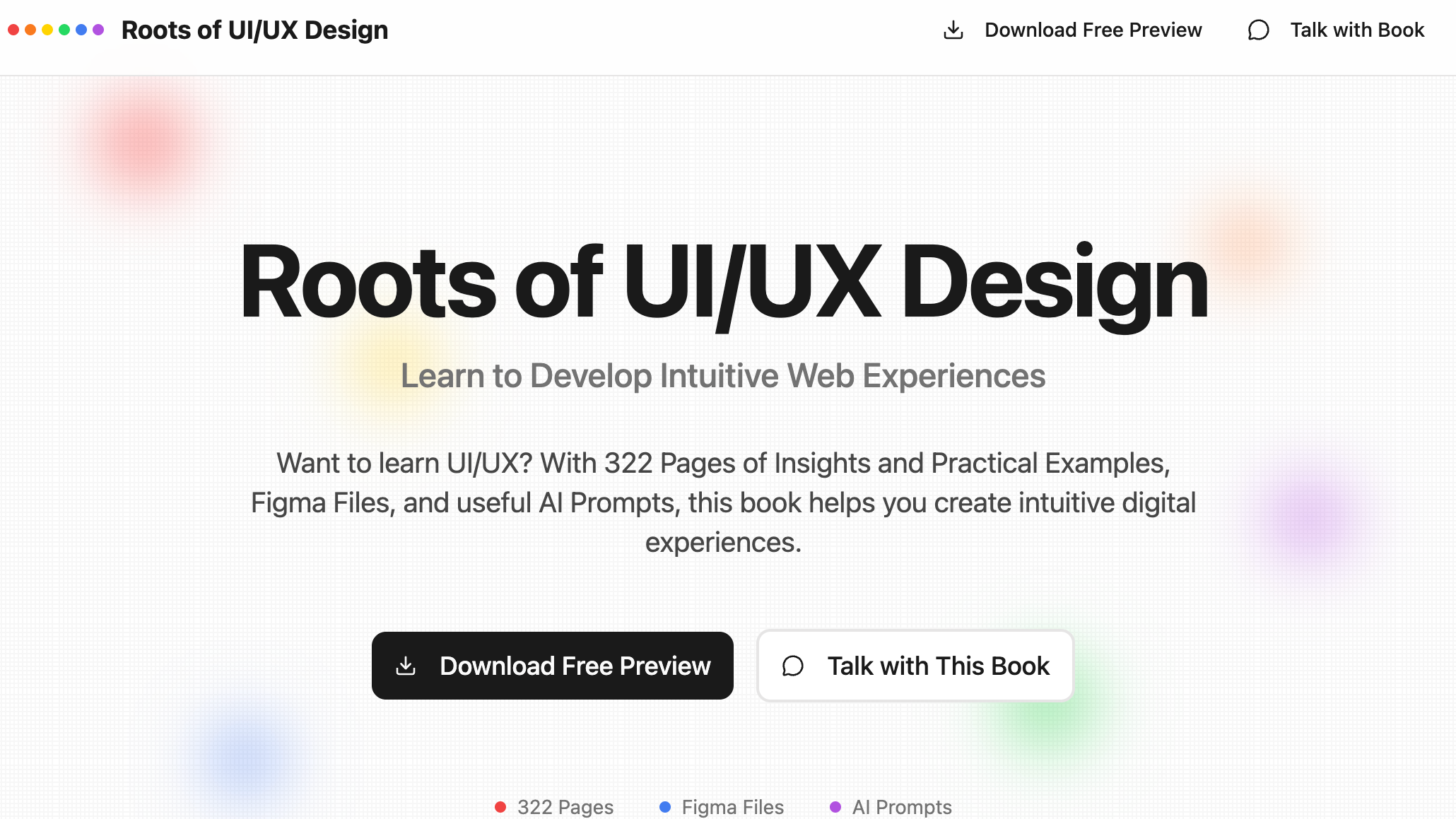
Master UI/UX Design from the Ground Up
Structured lessons, downloadable Figma files, and an AI design assistant — build your first real-world portfolio project without prior experience.
Design Lessons
Bite-sized lessons covering color theory, typography, layout grids, component design, and usability principles — structured from beginner through advanced.
Figma File Access
Download ready-to-use Figma source files for every lesson project. Follow along with real design files — no need to build assets from scratch.
AI Design Assistant
Ask the AI tutor about design decisions, accessibility checks, or tool shortcuts. Get instant, context-aware feedback at any point in your learning journey.
Project Templates
Start every module with a pre-structured project brief and wireframe template. Focus on design thinking instead of figuring out where to begin.
Portfolio Builder
Automatically compile completed projects into a shareable case-study portfolio. Export PDF or share a live link — ready for job applications on day one.
Community Feedback
Submit designs for peer review and receive structured feedback on usability, visual hierarchy, and accessibility from fellow learners and mentors.
Built for Designers at Every Level
From pixel-curious beginners to senior PMs looking to sharpen their design eye.
UI Designers
Strengthen core visual design skills — color, type, spacing, and component architecture. Build polished UI kits and case studies to elevate your portfolio.
UX Researchers
Bridge research and design by learning how insights translate to interfaces. Practice presenting user findings as wireframes and annotated prototypes.
Product Managers
Develop enough design fluency to write clearer specs, give better feedback to designers, and make faster decisions in product reviews without slowing sprints.
Developers
Understand design intent and build more accurate implementations. Learn to read Figma files, work with design tokens, and communicate confidently with your design team.
Design Students
Supplement your degree with industry-standard tools and real-world briefs. Graduate with a portfolio full of polished case studies and Figma proficiency.
Freelancers
Add UI/UX services to your offering. Structured lessons and portfolio projects give you the credentials and work samples needed to pitch design clients confidently.
Start Designing in 3 Steps
From zero design experience to a shareable portfolio project.
Open MeDo and Load the Template
Click the button below. MeDo's AI loads this template's prompt and generates your UI/UX design course platform in minutes. No sign-up needed to start.
Choose a Lesson Track and Download Your Figma File
Select a learning path based on your level. Download the corresponding Figma file, open it alongside the video lesson, and follow each step in real time.
Submit for Feedback and Build Your Portfolio
Complete each project module, request peer feedback, and add your work to your auto-generated portfolio. MeDo handles hosting — share your portfolio link anywhere.
Ready to Build Your UI/UX Design Course?
No coding required. Describe what you want, and MeDo's AI builds it for you.
Create this with MeDo — It's FreeRelated Templates
Built with MeDo
Real education apps created by MeDo users — see what's possible.

SpeakEasy English
Interactive English language learning platform with speaking exercises, vocabulary drills, and progress tracking

EcoStyle Nordic
Sustainable Nordic fashion education platform combining eco-design principles with curated style guidance

Function Graphing Tool
Interactive math function plotter with parameter controls, multiple graph types, zoom and pan, and PNG export