World Clock & Time Zone Dashboard with Analog Display Template
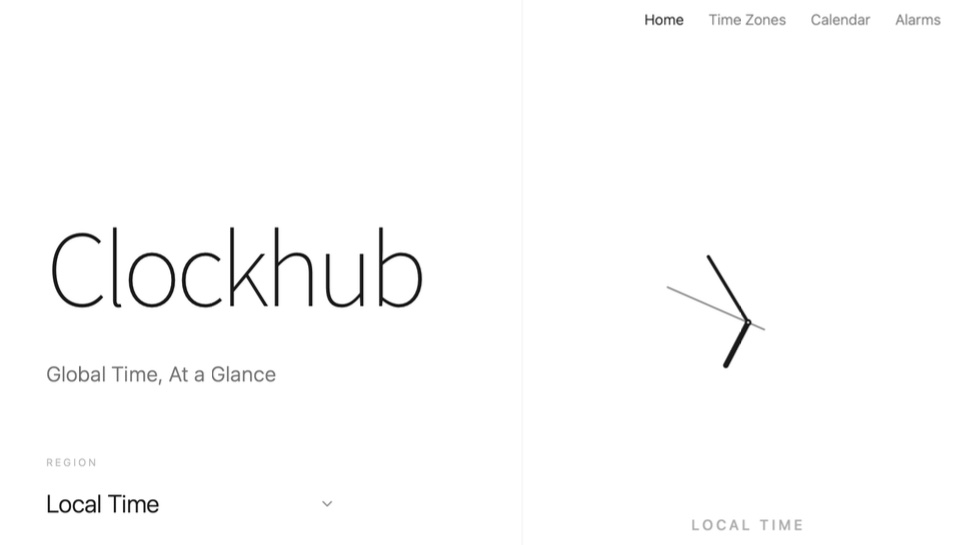
Beautiful Analog Clocks for Every Time Zone You Care About
Elegant analog displays, automatic daylight saving updates, and a meeting planner — your global dashboard built in minutes, not months.
Analog Clock Display
Show each time zone as a classic analog clock with hour, minute, and second hands. The minimal design keeps your dashboard readable at a glance no matter how many zones you track.
Multi-Timezone Support
Add as many time zones as your workflow demands. Each city gets its own clock face pinned to your dashboard, making it easy to compare local times across continents at a glance.
Region Search
Find any city or region instantly with the built-in search. Type a city name and add its local time to your dashboard in seconds — no scrolling through long dropdown menus.
Daylight Saving Auto-Update
Clocks adjust automatically when daylight saving begins or ends in each region. No manual corrections needed — your dashboard always reflects the true current local time.
Meeting Planner
Pick a proposed meeting time and instantly see the equivalent local times across all your tracked zones. Eliminate scheduling confusion and find the overlap that works for everyone.
Minimal Design
A clean, distraction-free interface inspired by classic watchmaking. Every element is intentional — beautiful enough for a public display, functional enough for daily professional use.
Built for Anyone Spanning Time Zones
From distributed teams to world travelers, stay in sync without the confusion.
Remote Teams
Keep every teammate's local time visible during standups, async check-ins, and sprint planning. Never accidentally schedule a call at 2 AM for a colleague again.
Travel Agencies
Display destination times for every package you sell. Help clients visualize time differences at a glance and build itineraries without mental arithmetic.
International Business
Coordinate calls, contract deadlines, and market opens across offices in Tokyo, London, and New York. A shared dashboard eliminates time zone calculation errors.
Digital Nomads
Track your home time zone alongside your current location and your clients' zones. Stay on schedule while moving across continents without ever losing track of business hours.
Developers
Monitor server logs, schedule deployments, and coordinate open-source contributions across a globally distributed contributor base with accurate, real-time zone awareness.
Event Coordinators
Plan virtual conferences, webinars, and hybrid events for a global audience. Use the meeting planner to find time slots that respect working hours in every participant's region.
Launch Your Dashboard in 3 Steps
From zero to a live world clock in minutes.
Open MeDo and Load the Template
Click the button below. MeDo's AI loads the Clockhub template and configures a ready-to-use world clock dashboard. No sign-up required to explore.
Add Your Time Zones
Search for the cities and regions you need. Each one gets its own analog clock on your dashboard. Reorder, rename, and style the display to match your brand or personal taste.
Publish and Share
Publish your dashboard with one click. MeDo handles hosting — share the link with your team, embed it in an internal tool, or display it on a monitor in your office.
Ready to Build Your World Clock Dashboard?
No coding required. Describe your ideal time zone tracker and MeDo builds it.
Create this with MeDo — It's FreeRelated Templates
Built with MeDo
Real websites created by MeDo users — see what's possible.

3D Cartoon Maker
A full 3D cartoon creation suite with character designer, scene builder, voice recording, and animation timeline

Production Landing Page
A polished product landing page with conversion-focused layout and modern design, built entirely with MeDo
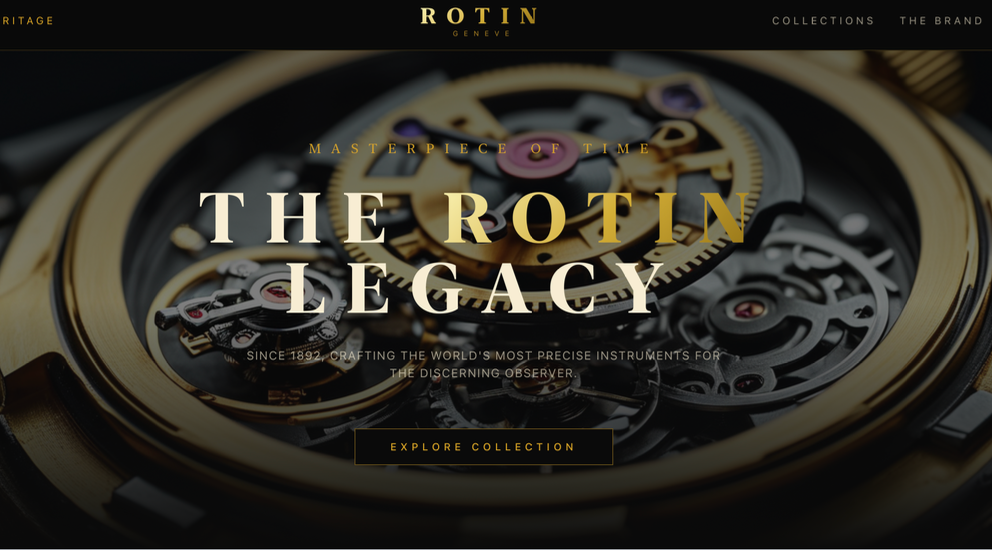
Rotin Official
A luxury watch brand showcase website with product gallery, brand story, and collection display