01
Native-Style Navigation
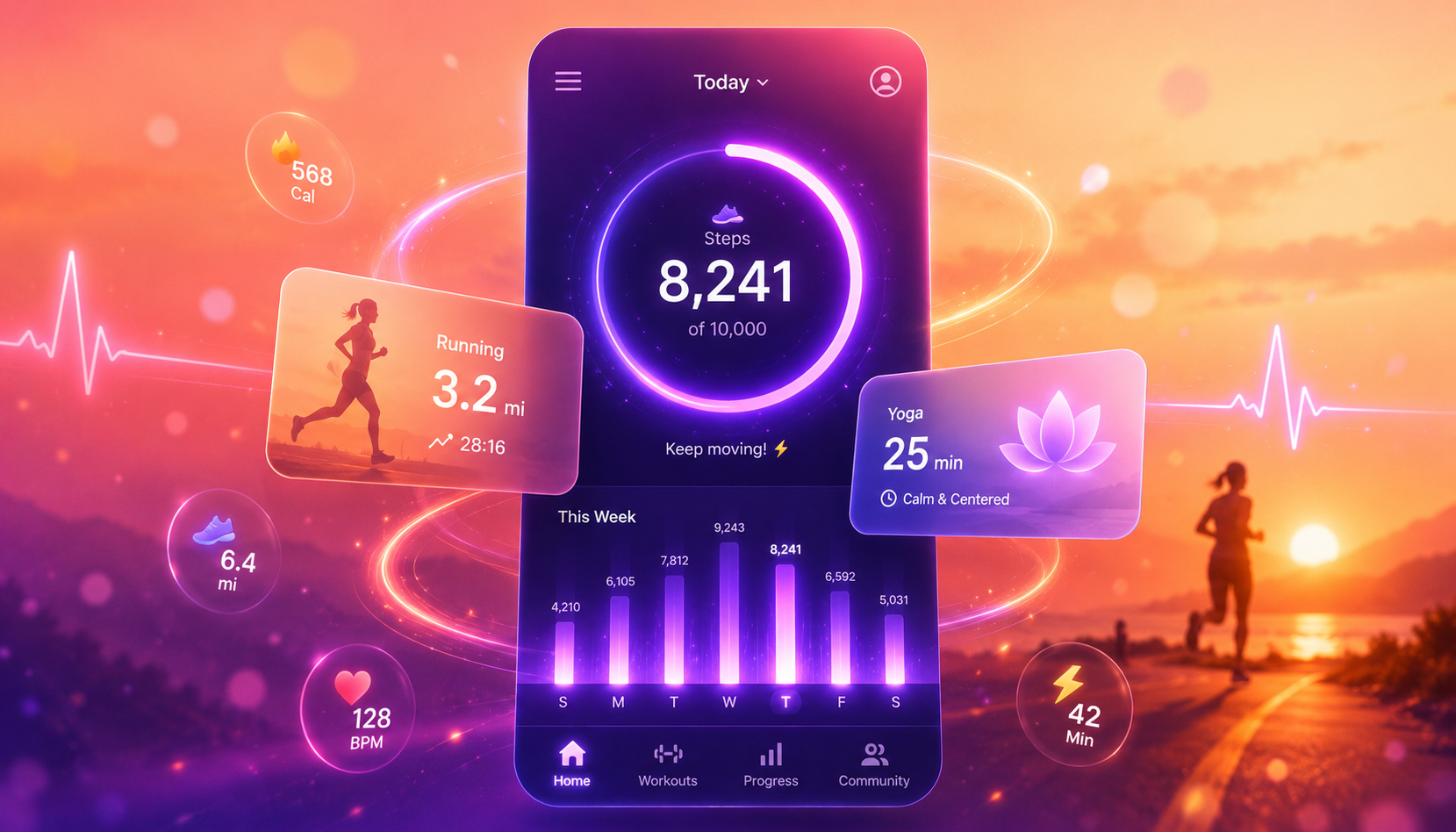
Tab bars, stack navigation, and gesture support that feels native on iOS and Android.
Mobile Development
Build a cross-platform mobile app with native-style navigation, push notifications, offline support, and responsive layouts for iOS and Android.
Step 1
Describe Your App
Step 2
Preview & Iterate
Step 3
Publish & Share
Prompt starter
Features
Use the generated structure as your first draft, then ask MeDo to add details that fit your actual workflow.
Tab bars, stack navigation, and gesture support that feels native on iOS and Android.
Adaptive UI that looks great on any screen size, from phones to tablets.
Cache data locally so your app works without an internet connection.
Engage users with timely alerts, reminders, and updates.
Full-stack mobile app with server logic, data storage, and user accounts built in.
Deploy your mobile app to a shareable URL instantly — no app store review needed.
Built for
Launch a mobile MVP to validate your idea before investing in native development.
Give customers a mobile app for ordering, booking, or loyalty without a dev team.
Build mobile-first learning apps, content platforms, or community tools.
Prototype realistic mobile app experiences to test with users and stakeholders.
Why MeDo
The template gives the app a direction, and natural language keeps customization approachable.
Go from idea to working mobile app faster than any traditional workflow.
Describe your app in natural language. MeDo handles the full-stack build.
One prompt produces an app that works on both platforms out of the box.
Real backend, database, and business logic — not just screens.
Add features, change layouts, and fix flows by chatting with AI.
Build and publish your first mobile app with free credits. No credit card needed.
FAQ
Short answers for deciding whether this template is the right first move.
Yes. MeDo generates full-stack mobile applications with native-style navigation, backend logic, database, and user authentication. The output runs on iOS and Android browsers and can be published to a live URL with one click.
No. MeDo is an AI mobile app builder that works with natural language. You describe what your app should do and MeDo generates the complete application — frontend, backend, and database included.
MeDo publishes your app to a shareable web URL that works on any mobile device. For native app store distribution, you can download the source code and package it with tools like Capacitor or a PWA wrapper.
Fitness trackers, food delivery apps, booking systems, social platforms, learning apps, inventory managers, e-commerce stores, and more. Any mobile app idea you can describe, MeDo can build.
MeDo builds working applications, not static mockups. Your mobile app includes real backend logic, database storage, user accounts, and API integrations — ready to use immediately after publishing.
Related
Explore similar starting points if your idea needs a slightly different shape.
Productivity
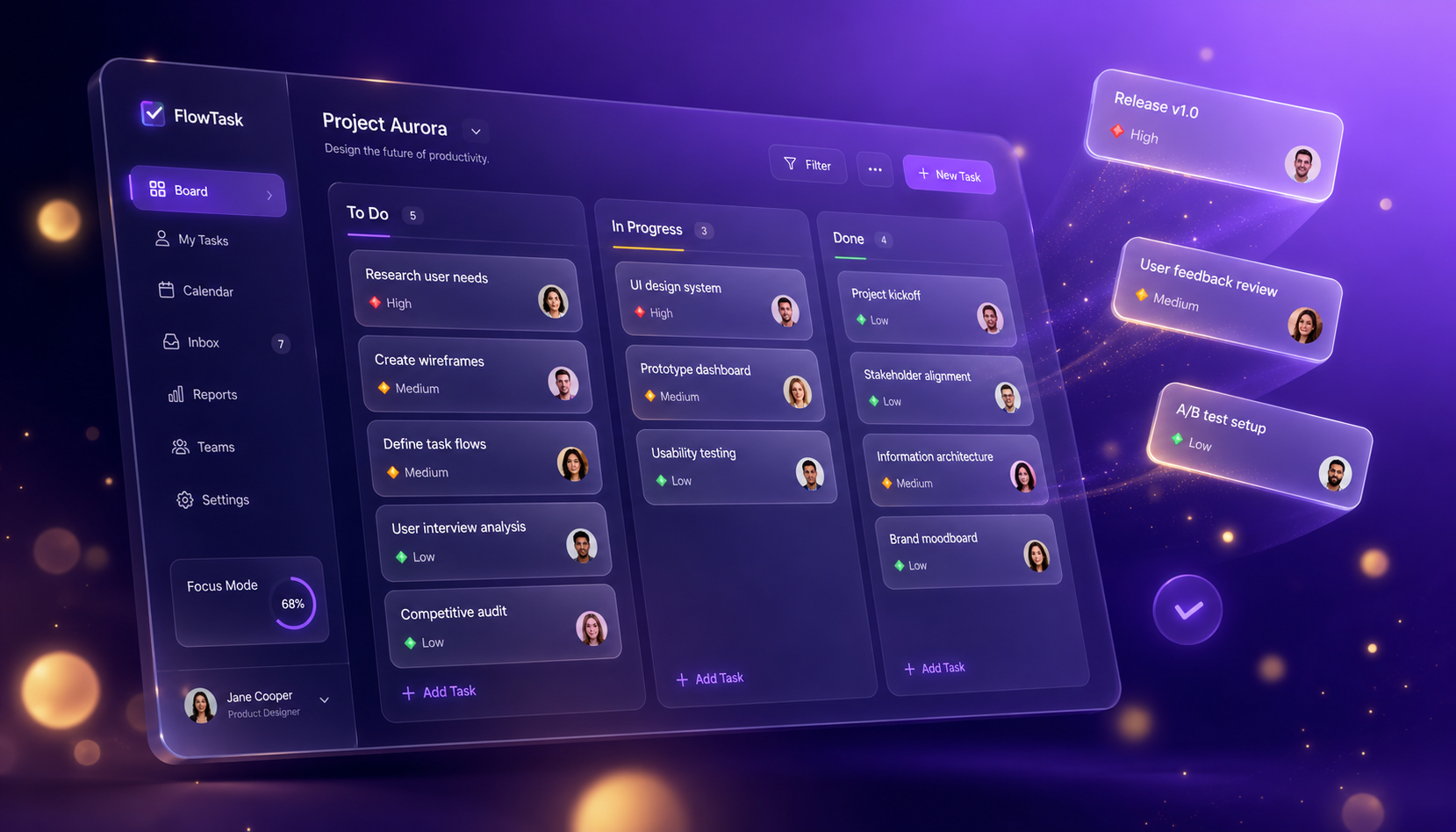
Build a task management app with task lists, priority labels, due dates, team collaboration, and progress tracking.
SaaS
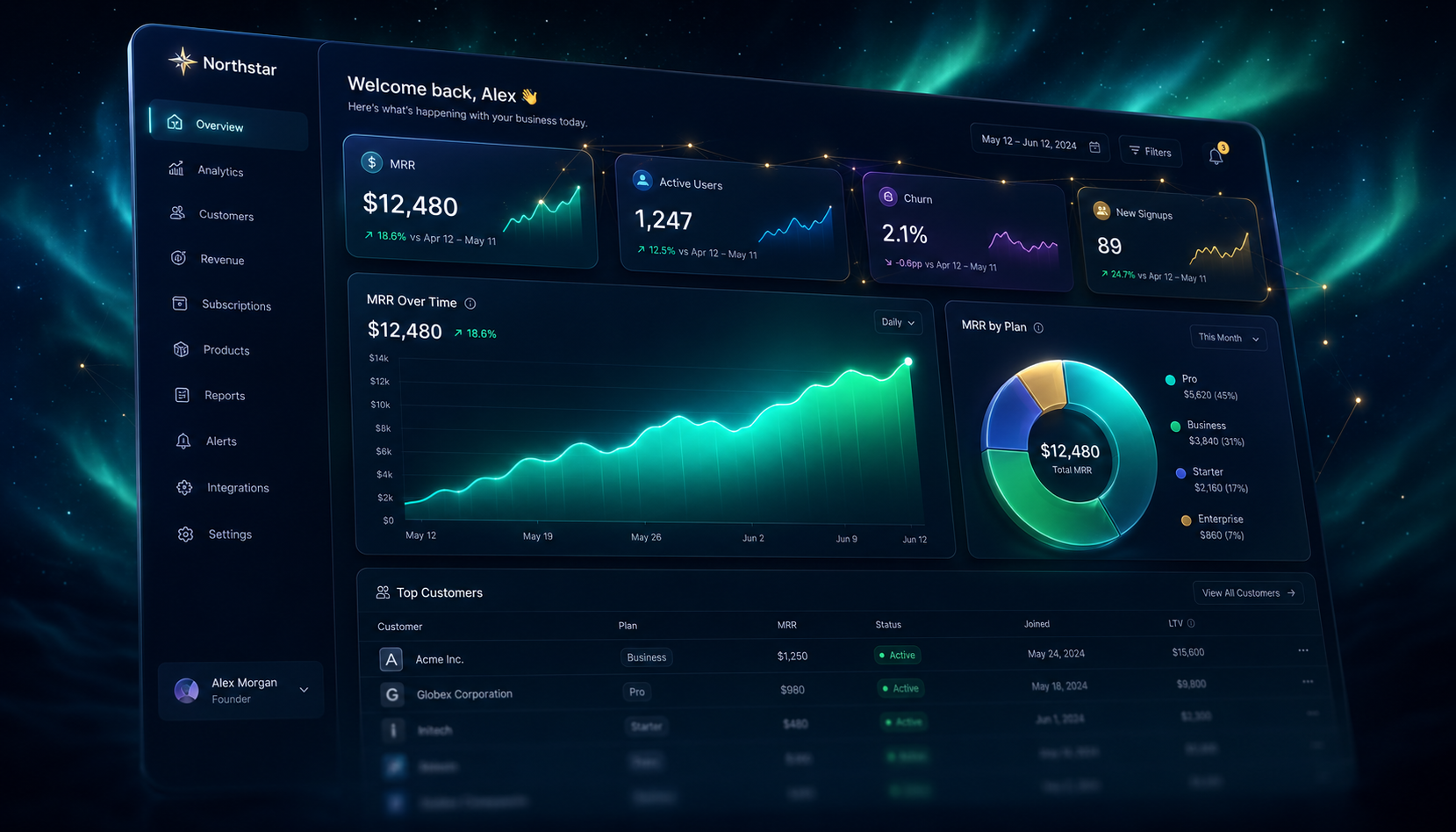
Build a SaaS app with user authentication, subscription billing, admin dashboard, usage analytics, and team management.

Sales & CRM
Build a CRM app with contact management, sales pipeline tracking, deal stages, activity logging, and revenue forecasting.
Use this template as the foundation, then prompt MeDo to make it match your business, audience, and workflow.
Start from this template