
Prism
FeaturesPricingBlog
Template
Glassmorphic Navigation Bar
A transparent glassy top nav with dropdown menus and a rounded CTA — perfect for SaaS landings.
by medo.studio682421
Browse production-ready navbars, heroes, pricing tables, forms, dashboards and footers. Copy a Tailwind + shadcn-oriented prompt, then open MeDo or your preferred AI editor to build it.
Start with a proven prompt
Three static visual references for inspiration. Use the prompt composer above or browse the Components prompt library for a copy-ready brief.
A transparent glassy top nav with dropdown menus and a rounded CTA — perfect for SaaS landings.
A pricing table with highlighted mid-plan and checkmark feature lists — Stripe-ready copy.
A dashboard card with a KPI number, sparkline chart and secondary metric tiles.
A prompt-first component workflow — browse curated patterns, copy a brief, and build in the tool you already use.
Common sections of a modern web app — from marketing landing pieces to admin shells — described as adaptable, themeable component prompts.
Sticky, transparent, glassy or dark — with logo, links, dropdowns and CTA. Ready for desktop and mobile out of the box.
Centered, split-screen, video background or gradient — every hero comes with headline, subtext, badge pill and CTA buttons.
Two, three or four tiers with monthly-yearly toggle, feature lists, highlighted plans and enterprise contact rows.
Contact, waitlist, multi-step and auth forms with validation states, error messages and rounded submit buttons.
Admin shells with sidebars, KPI cards, charts, tables and empty states — ready to wire to real data.
Multi-column link footers, minimal single-row footers and dark newsletter footers with social icons.
Dedicated galleries with real previews and copy-ready prompts for each component type.
MeDo speeds up indie hackers, vibe coders, designers, agencies, non-technical founders and internal component library maintainers alike.
Skip weeks of layout work. Grab a hero, a pricing table and a footer, snap them together in a MeDo project and launch your landing page tonight.
Stop asking your AI editor to redraw the same navbar. Copy a battle-tested prompt from MeDo, paste it into Lovable or Bolt and get consistent output every time.
Start from responsive Tailwind + shadcn-oriented prompts instead of static Figma frames, then let your chosen editor produce the implementation.
Build client sites 3× faster by starting from a curated set of vetted components — the same navbar, hero and pricing block, retextured for every brand.
You don't need to know Tailwind or React. Describe the section you want, copy the prompt into MeDo, and keep editing there.
Seed your own internal library with high-quality baselines, then fork and re-theme each component to match your team's design system.
From a prompt brief to a working component in four steps — keep the real generation step in MeDo.
Type a prompt like 'Build a dark theme footer with 4 link columns, newsletter signup and social icons', then copy it into MeDo.
Review the curated visual preview, edit the prompt, and copy the updated brief into your chosen AI editor.
Use Copy prompt to bring the brief into MeDo, Lovable, Bolt, v0 or Cursor.
Open MeDo from the page CTA, use the copied prompt in the real builder, and continue from the resulting project.
Beyond components, explore MeDo product categories and take prompts into the main app when you are ready to build.

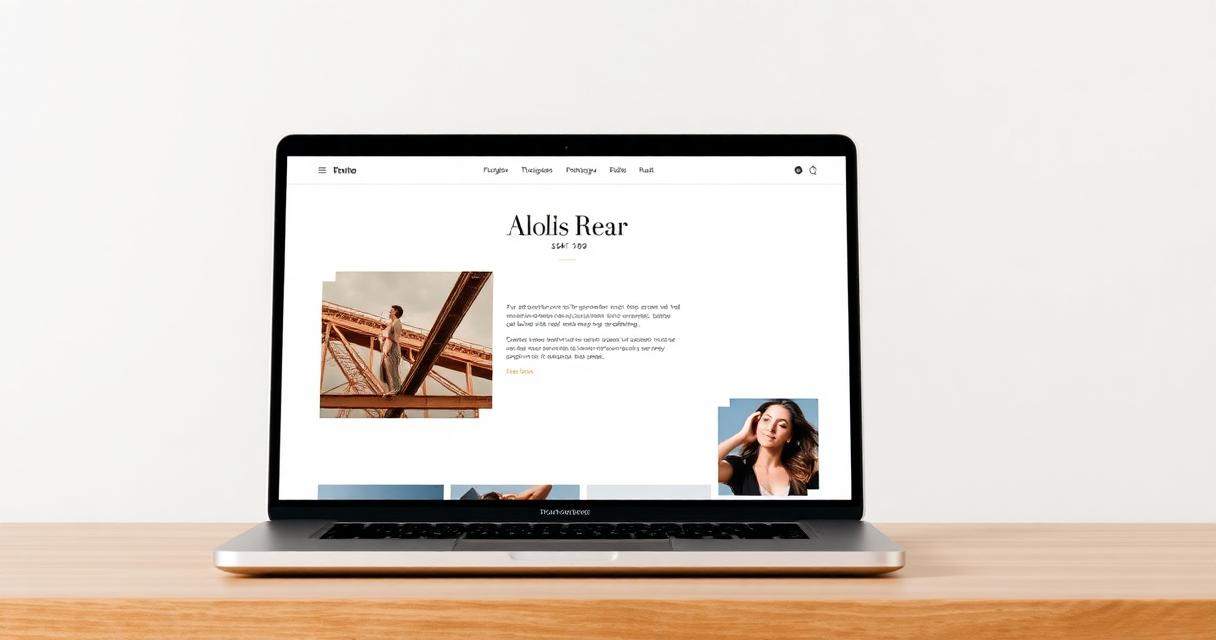
Generate full multi-page websites from a prompt — hero, features, pricing, blog and footer, all wired up.
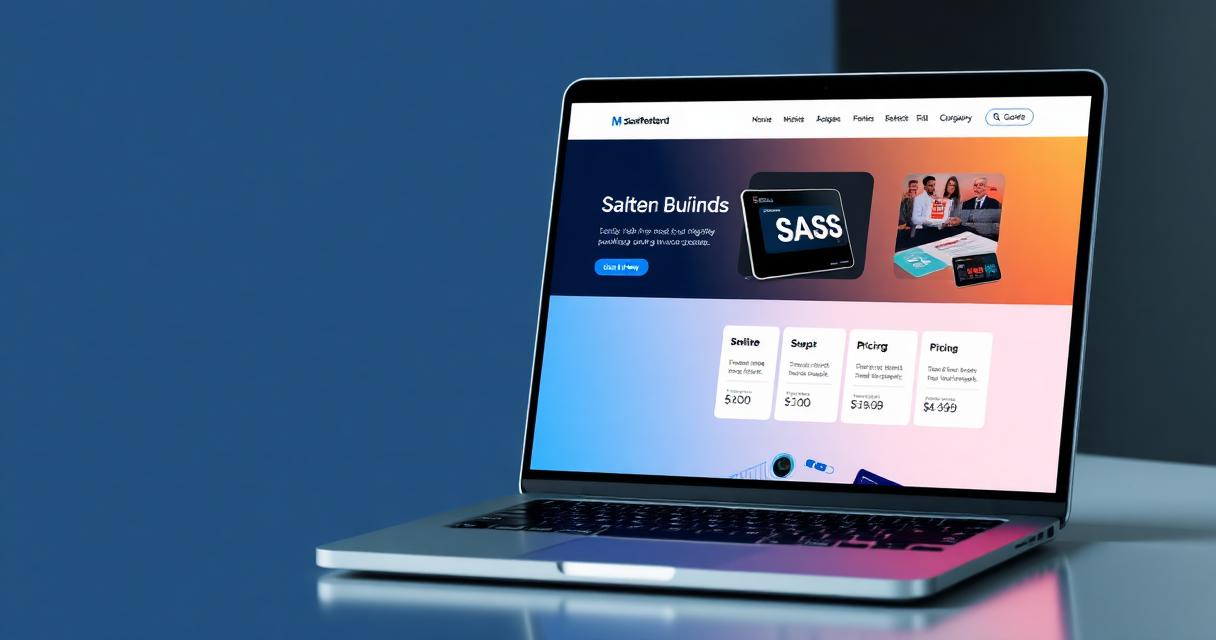
Launch real Stripe & PayPal storefronts with products, cart, inventory and CMS from a single prompt.
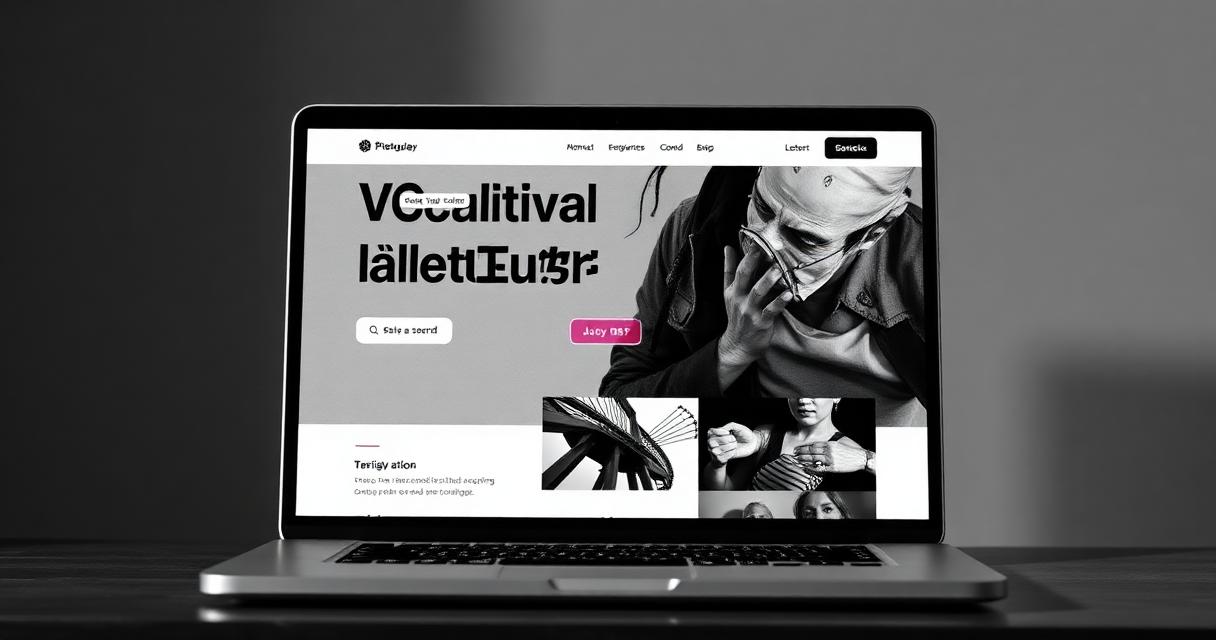
Ship native iOS and Android apps from a prompt — SwiftUI on iOS, Compose on Android, no wrappers.
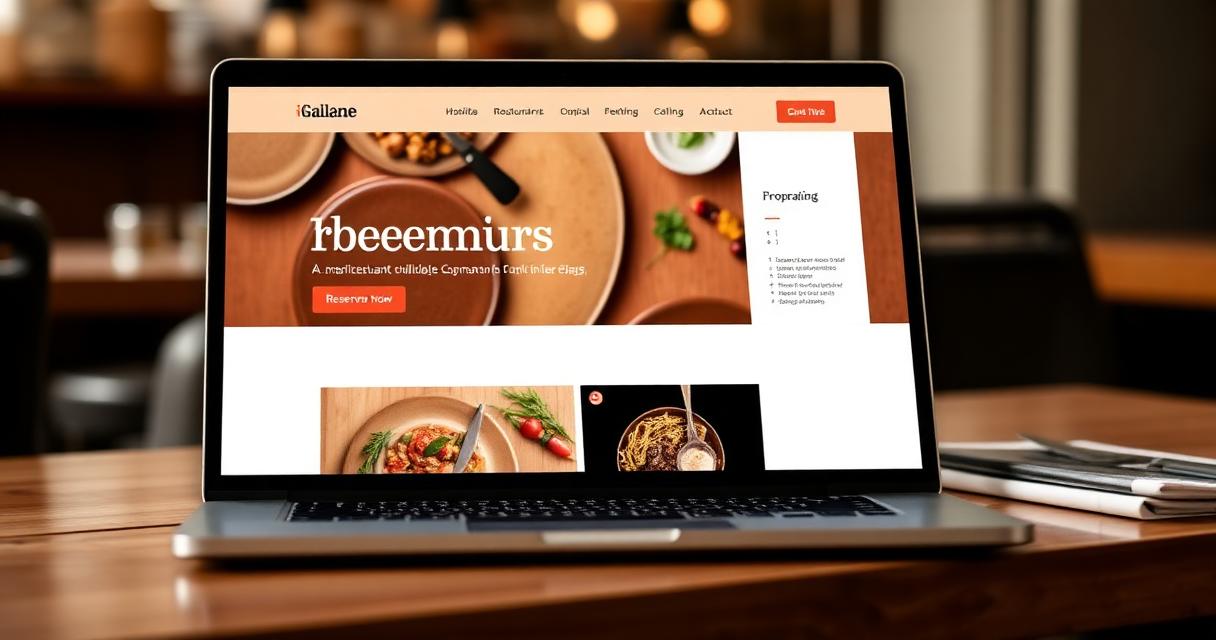
HealthKit and Google Fit ready fitness apps — trackers, workouts, sleep and meditation, from a prompt.
Browse a curated set of prompt-ready components — navbars, heroes, pricing, forms and footers — with visual previews.

Restaurant, portfolio, SaaS, agency, nonprofit and blog builders — more categories coming soon.
Copy a component prompt, then open MeDo to turn it into a working product with the main app's real generation flow.