How to Build a Design System with AI: A Non-Developer's Guide
Build a design system with AI in six steps: name your tokens, generate the initial system, write the contract, and keep every AI-built screen on-brand.
MeDo Blog
Step-by-step guides for building, shipping, and monetizing apps with AI — no coding required.
47 articles
Guide
Build a design system with AI in six steps: name your tokens, generate the initial system, write the contract, and keep every AI-built screen on-brand.
CSS variables are browser runtime; design tokens are a cross-platform contract. Here's how to decide which you need, with four triggers.
DESIGN.md is Google's open file format that describes a visual identity to AI coding agents — machine-readable tokens plus human-readable rules in one file.
Figma design tokens are named variables for colors, spacing, and type. Here's how variables, modes, and exports keep your AI-built UI consistent.
Anthropic's frontend-design skill makes Claude Code plan color, type, layout, and a signature before writing code. Here's how it works and how to use it.
The best AI design skills for Claude Code depend on what you're missing: direction, taste, design systems, reference extraction, or verification.
The best AI component generators compared: v0, Claude, 21st MCP, Make Your UI, and MeDo Components — turn prompts or screenshots into production UI code.
Best 21st.dev alternatives for AI builders: shadcn/ui, Magic UI, Aceternity, ReUI, and MeDo Components — which registry fits your workflow.
MeDo Components is live: type a prompt and get a production-ready React + Tailwind UI block — navbar, pricing table, hero — for any AI builder.
The best React component library in 2026 depends on who owns the code. Compare shadcn/ui, MUI, Radix, Magic UI, 21st.dev, and MeDo Components.
A React component library is a collection of pre-built UI blocks — buttons, forms, navigation — you drop into your app. Here's what they are.
Create reusable Tailwind components two ways in 2026: write them with class-variance-authority, or describe them and let an AI generator produce the code.
Most Tailwind components are free, but 'free' hides different cost models. Compare MIT libraries, paid kits like Tailwind Plus, and AI generators in 2026.

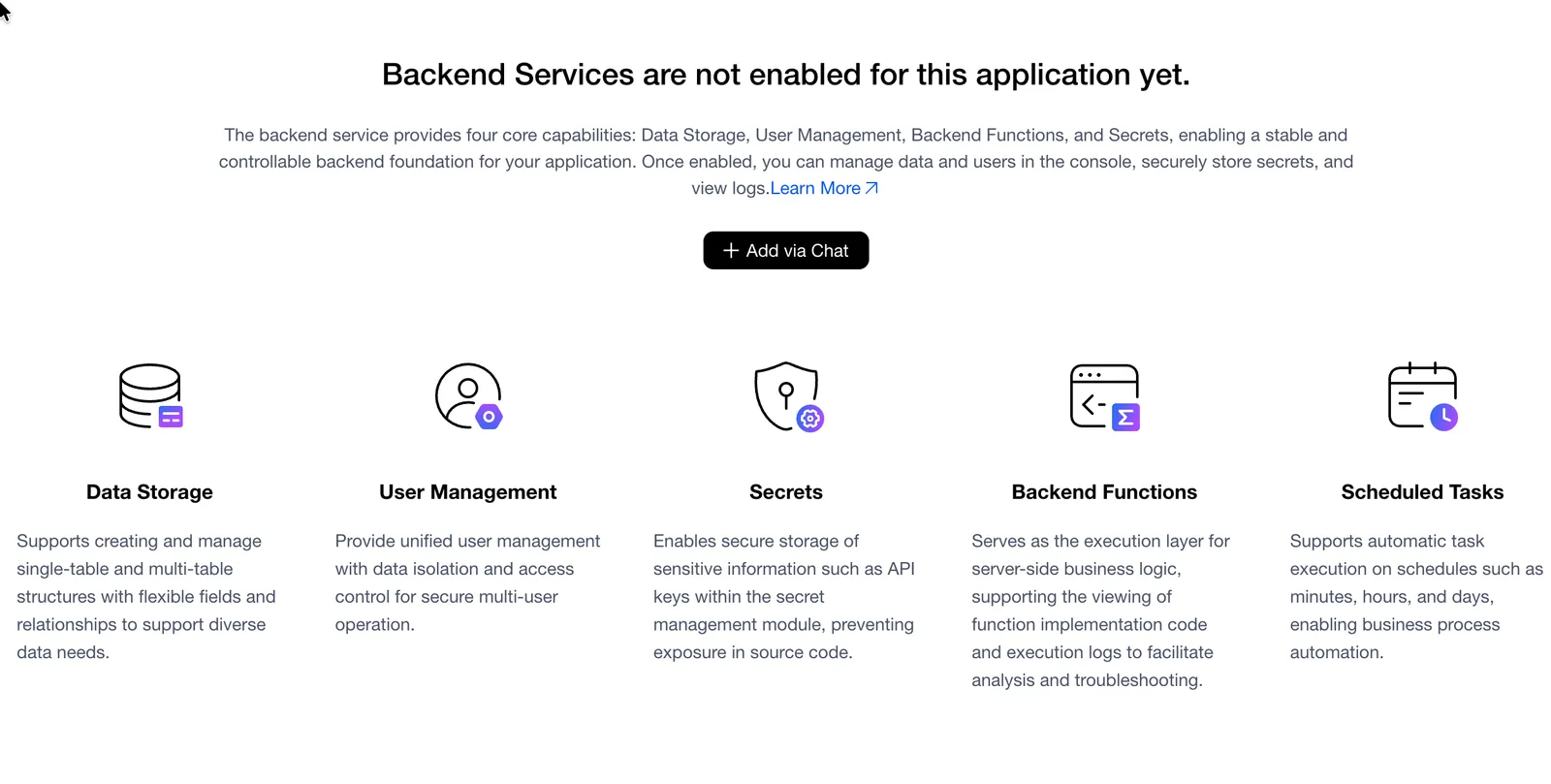
Learn how to give your vibe-coded app a real backend with a database, authentication, secure API connections, and server-side logic—without becoming a backend developer first.
An AI UI generator turns plain English into interface code. Here's how it differs from app builders, component generators, and no-code.

Run a website SEO audit, fix detected issues, and track organic search performance without leaving your project. A walkthrough of MeDo's built-in AI SEO Agent.
A complete guide to publishing your AI-built app on the App Store and Google Play. Learn about developer accounts, app packaging, submission requirements, and how to turn your app into a real product users can download.
How small business owners use AI app builders to create custom CRM, scheduling, inventory, and invoicing apps without hiring developers or learning to code.
Most AI app builders generate pretty screens but no real backend. Learn how to evaluate full-stack AI builders that include databases, APIs, authentication, and deployment — and why it matters for production apps.
Best AI app builders for 2026 compared: MeDo, Lovable, Bolt.new, Replit, v0, Base44, Bubble, and Firebase Studio rated on features, pricing, and output quality.
The best vibe coding tools for 2026 compared. MeDo, Lovable, Bolt.new, Replit, v0, Base44, Firebase Studio, and Cursor rated on capabilities, ease of use, and output quality.
Step-by-step guide to building a custom CRM with AI. Skip Salesforce and HubSpot complexity — build exactly the CRM your team needs using AI app builders, no coding required.
Learn how to convert Google Sheets, Excel, or Airtable into a real app using AI — no coding required. Step-by-step guide with prompt examples for inventory, CRM, project tracking, and invoicing.
Is vibe coding production ready? A honest checklist covering security, testing, monitoring, and scaling for AI-generated apps — plus where gaps remain and how to close them.
Understand security and privacy for AI-built mobile apps. Covers data storage, encryption, auth, Apple and Google requirements, GDPR, CCPA, and trust signals.
An honest comparison of MeDo and Bolt.new for AI app building. MeDo generates native mobile apps; Bolt.new creates web prototypes in-browser. Here is when to pick each one.
Learn how to create professional mobile app designs without hiring a designer. Covers AI design tools, platform conventions, prompt tips, and when to bring in a pro.
Step-by-step guide to adding Stripe, in-app purchases, and push notifications to an AI-generated mobile app. Covers Apple and Google payment rules for non-developers.
Why startups in 2026 use AI app builders to validate ideas faster and cheaper than hiring developers. Real scenarios for solo founders, pre-seed teams, and side projects.
A practical, hour-by-hour timeline for building a functional mobile app MVP in 48 hours using AI tools — including what's achievable, what's not, and where founders get stuck.
Learn which revenue model works best for AI-built mobile apps in 2026. Covers subscriptions, in-app purchases, ads, freemium, and one-time pricing with App Store rules.
Understand what no-code app development really means in 2026 — from drag-and-drop builders to vibe coding to AI-native generation — and pick the right approach for your project.
A practical cost, time, and quality comparison between AI app builders and hiring developers in 2026. Learn when each option makes sense for your project.
MeDo now generates web apps with TanStack Start by default, replacing pure client-side rendering. How CSR-first SSR fixes SEO and AI crawler gaps.
A realistic guide to free tiers in AI app builders — what you can build, where the limits hit, and how to decide when to upgrade for native mobile apps.
Native apps vs PWAs vs web wrappers for AI-built mobile apps — performance, App Store compliance, user experience, and cost compared for non-developers in 2026.
An honest comparison of MeDo and Lovable for building mobile apps with AI — native Swift/Kotlin vs web wrappers, real-device testing, and App Store paths compared.
Best AI mobile app builders compared for 2026: native iOS/Android output, App Store publishing, code export, and pricing for non-developers.
Step-by-step guide to publishing an AI-built app on the App Store and Google Play: developer accounts, TestFlight, metadata, privacy, and common rejections.
Vibe coding explained for non-developers: what it means, how it works in 2026, and how it differs from traditional coding and no-code tools.
Build real iOS and Android apps with AI in 2026: validate your idea, pick a builder, test on your phone, and ship to TestFlight and the App Store.
The question 'how do I build an app without coding?' has a different answer in 2026 than it did two years ago. The tools exist. The process is learnable. The bottleneck is not the technology - it's knowing what to describe. This guide covers the actual step-by-step workflow for
Most articles about building apps without code focus on the tool. This one focuses on the decision - specifically, the sequence of decisions you need to make before you ever open a tool, and the ones that determine whether you ship something real or get stuck in a loop. If
A few years ago, 'build a SaaS' was shorthand for 'hire a developer or learn to code first.' Not anymore. In 2026, you can go from idea to a deployed, working SaaS product in a day - no code required. People are doing it. Some are pulling real revenue from
Introduction: Why build your own game? Building your own game feels different from using apps. It shifts you from consuming to creating. But the hard part is turning an idea into something playable, and that’s where most people get stuck.That’s where this guide comes in. This guide
Building a product from scratch is more than just coding and design. This comprehensive guide explores the entire product-building process—from market research to launch—and shows you how to create a development plan that works. When you're building a product, whether it's a mobile app, SaaS platform, or physical
Mobile apps are a core channel for modern products and services. Compared with websites, a real mobile app offers better performance, deeper system integration, and direct distribution through app stores. For many people, the challenge isn’t the idea—it’s the perceived complexity of development. Learning how to build